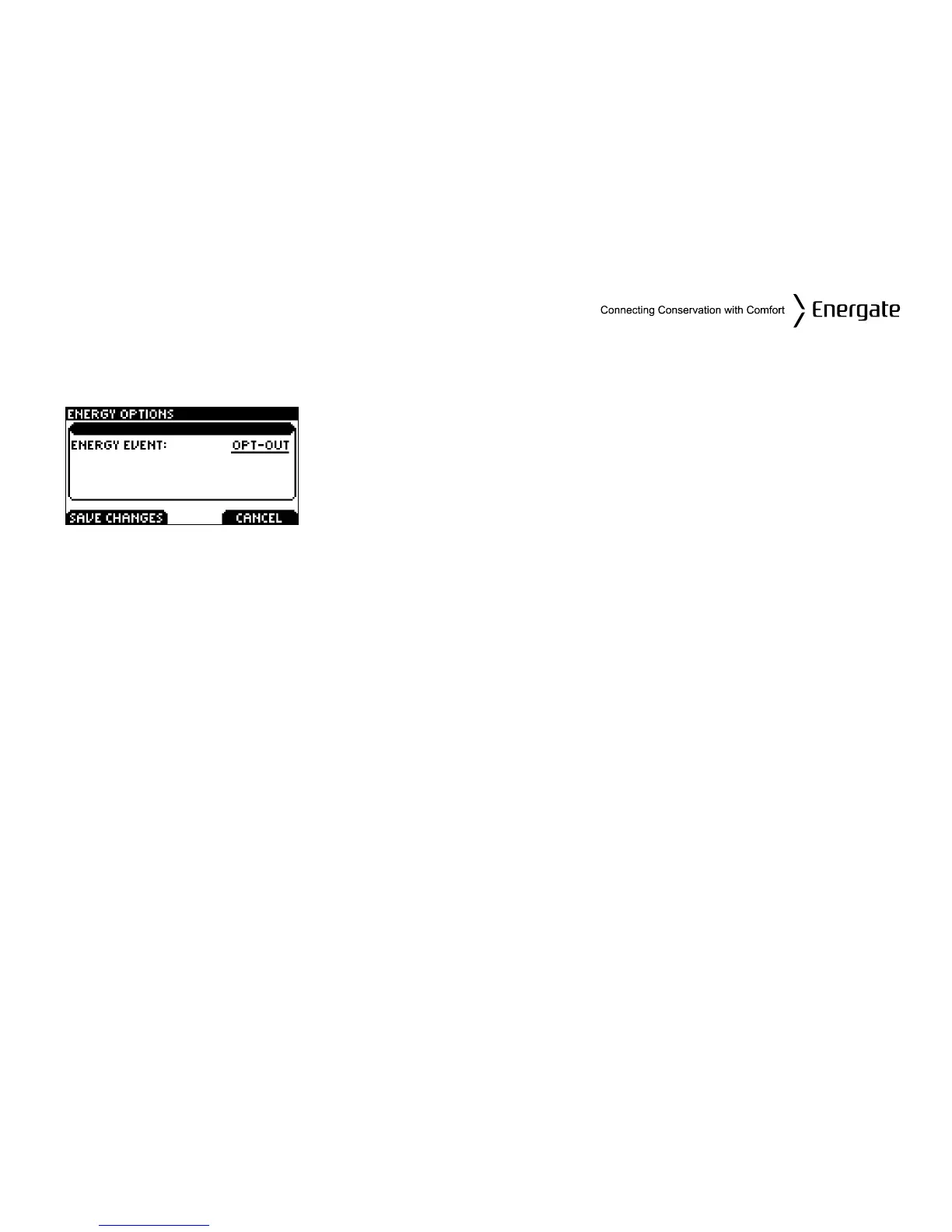
Energy Options Screen
The Energy Options screen allows you to disable Voluntary Energy Events.
Choose ENERGY OPTIONS from the Main Menu to view this
screen.
The options are: OPT-IN and OPT-OUT. To change from OPT-IN
to OPT-OUT, you need to SCROLL to OPT-OUT and press SAVE
CHANGES.
Price Conservation Event
Some utilities have prices, which vary depending on the time of day and in some cases when
demand is approaching its highest levels, a critical peak price. In these situations your utility can
send Price Information Events. The current price of energy can also be used to trigger a Price
Conservation Event.
When a Price Conservation Event is triggered, the thermostat responds based on which of the five
levels you selected from on the Conservation Screen (see Conservation Screen section).
Price Conservation Events are always voluntary. You can always start a Temporary Hold during a
Price Conservation Event. In this case, the Price Conservation Event will be suspended during the
duration of the Temporary Hold. You can also OPT-OUT of Price Conservation Events.
Note that it is possible to have a new Energy Event while there is still another one happening (e.g.
your thermostat can be under a Price Conservation Event when an Energy Event is being sent by
your utility).
Page 31



 To Next Page