Page 11
HELP button
The thermostat’s HELP button provides you with information on how to navigate through the
individual menu screens. It will help you to quickly change settings without having to refer to this
user manual; however, it does not replace this manual, so please keep this manual for future
reference.
Title Bar
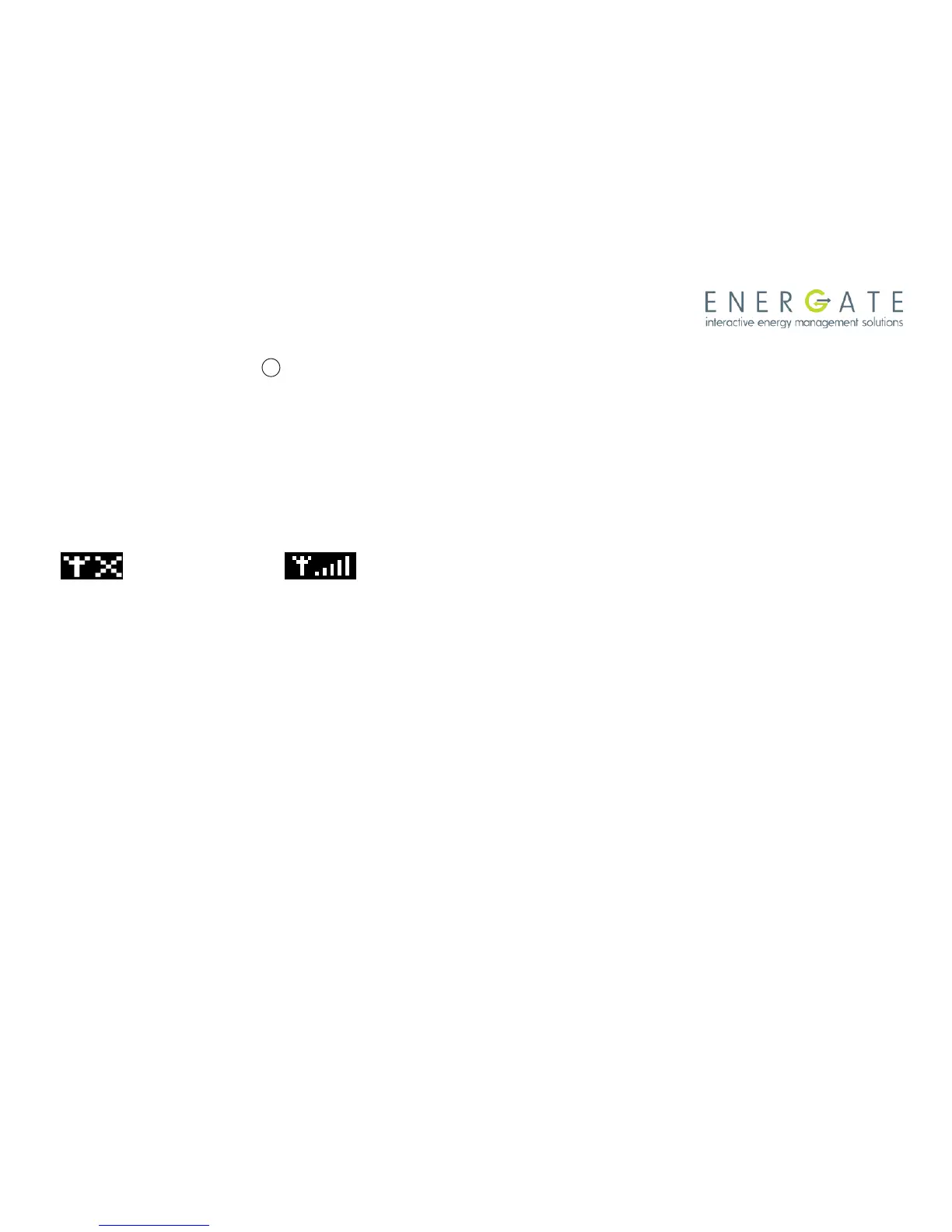
The left hand side of the Title Bar displays an icon showing the state of the communications link
with the utility’s network (signal quality).
means Link OFF, means Link ON, and varies from lowest signal quality (1 bar) to
highest signal quality (5 bars).
When the communications link is on, the network automatically updates the date and time in your
thermostat periodically. If the communications link is off, you need to set the current date and time
as explained in Setting the Date & Time section (page 26)
The Title Bar also displays the current electricity rate if your utility company provides energy price
information over the communication link. The price is displayed either in $ value/KWH (default) or
by the price tier name. This is assigned by your utility to different rates (e.g. normal, low, medium,
high, critical peak). By pressing the MENU / SELECT button and selecting the USER OPTIONS
menu item in the MAIN MENU, and then selecting PRICE DISPLAY, you can choose which of the
two ways the current price is displayed.



 To Next Page