Page 14
Temporary Temperature Hold
A Temporary Temperature Hold allows you to temporarily make the temperature warmer or cooler
without affecting the pre-set programming. The thermostat will remain at the Temporary Hold
temperature until the next scheduled SETPOINT.
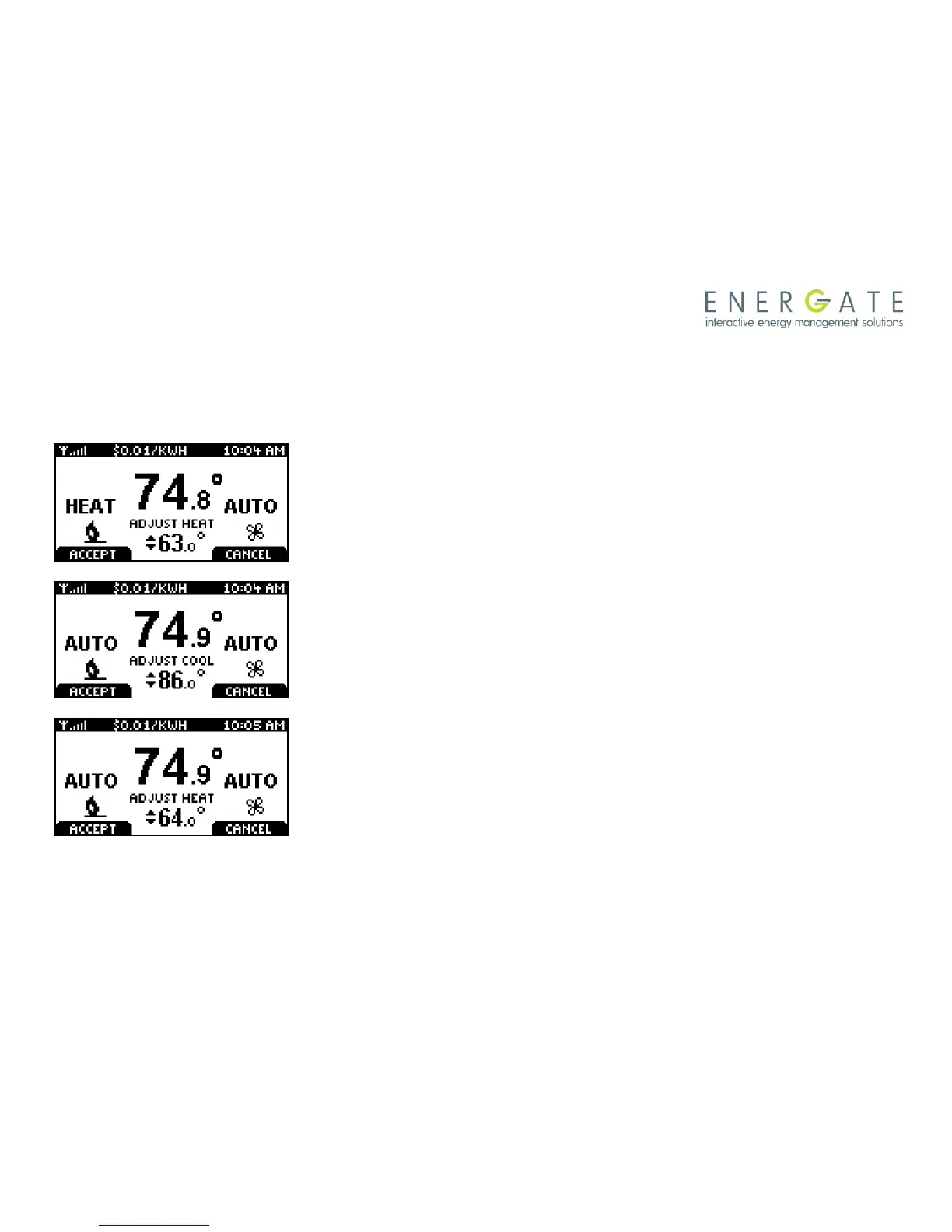
From the Home screen, press either of the SCROLL buttons to
adjust either the HEAT (if the current operating mode is HEAT) or
the COOL (if the current operating mode is COOL) of the active
target SETPOINT, shown below the room temperature, with two
arrows beside it.
To accept the adjusted SETPOINT press the LEFT TAB .To cancel,
press the RIGHT TAB. Note that even if you don’t press the
ACCEPT tab, the Temporary Hold will take effect when the screen
goes on idle (i.e. the screen backlight diminishes to low).
When the thermostat mode setting is AUTO, pressing the MENU /
SELECT button will switch between the HEAT and COOL
SETPOINTS (i.e. the screen will show “ADJUST HEAT” or “ADJUST
COOL” respectively). The LEFT TAB accepts the Temporary Hold
settings and the RIGHT TAB cancels them.



 To Next Page