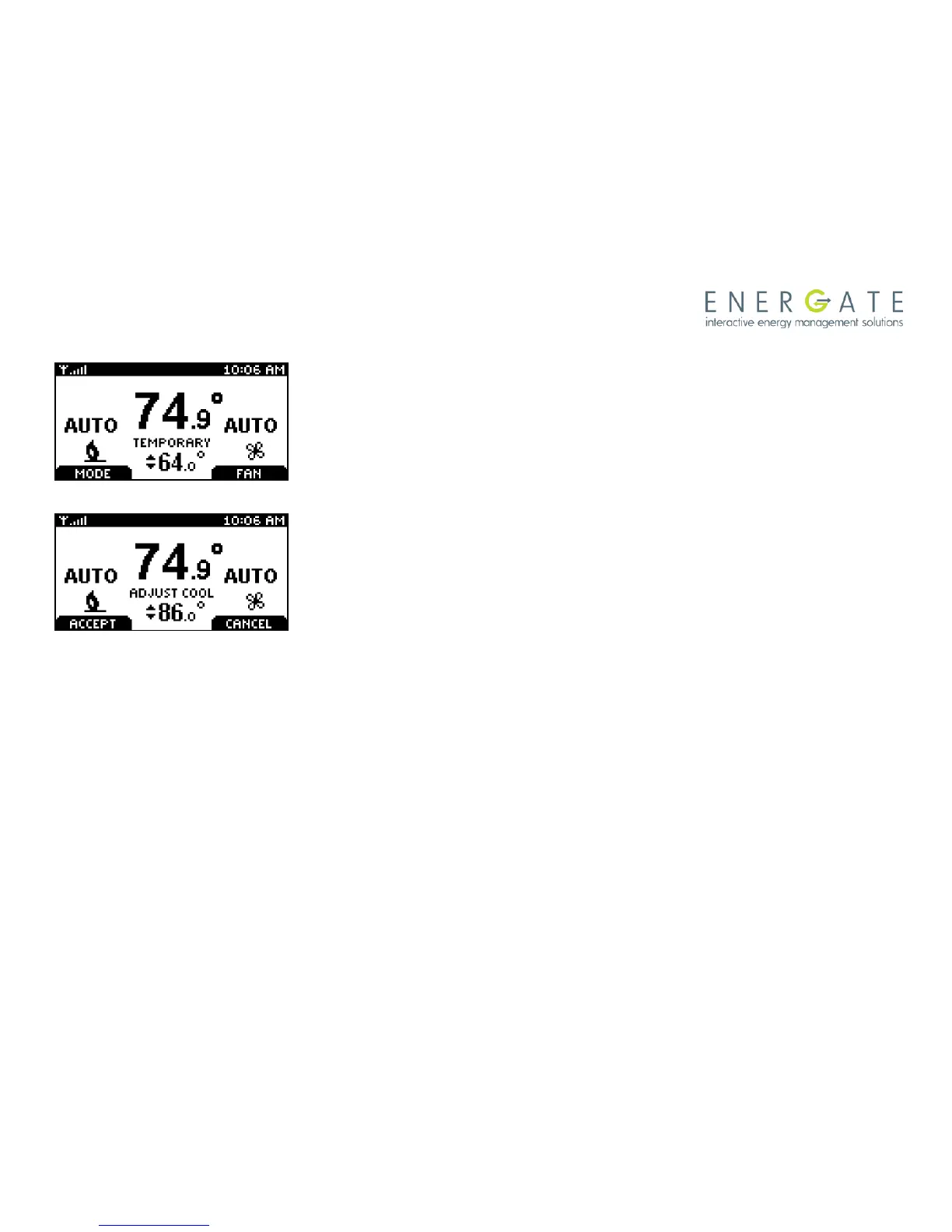
Once the Temporary Hold is in effect, the SETPOINT name will be
replaced by TEMPORARY. Note that a Temporary Hold can also be
set by scrolling to the HOLD menu item at the Main Menu and
selecting TEMPORARY as the Type of Hold, as it is explained
further in the section describing the HOLD screen.
To CANCEL a Temporary Hold, press any of the SCROLL buttons
to return to this screen.
Press the RIGHT TAB to cancel the HOLD, or LEFT TAB to accept it
(continue the hold) and return to the normal Home screen.



 To Next Page