Page 33
Conservation Screen
The Conservation feature allows you to choose your desired comfort level (i.e. from maximum
comfort and no savings to maximum savings and minimum comfort) when energy prices increase.
Please note that not all utilities provide price information over the communications link so this
screen may not be activated for your program.
To use the Conservation Screen, you need to access the Main Menu and then press the MENU /
SELECT button when the cursor is on the COMFORT menu item.
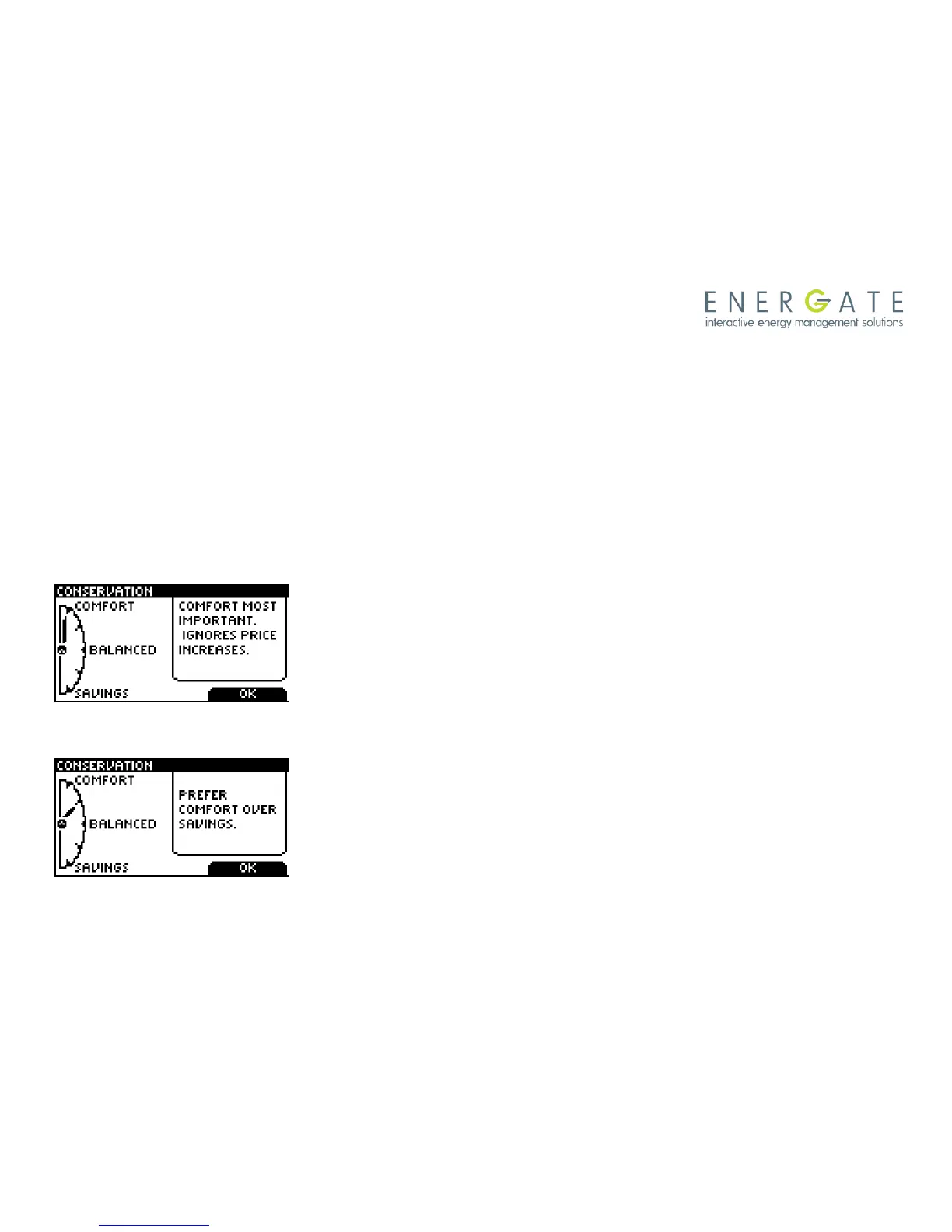
This takes you to the Conservation Screen, where you can see the following screens, and choose
the level of Comfort you want by pressing the arrow (SCROLL) buttons.:
If you choose the Maximum Comfort, as shown at the left, your
program settings will not be affected by an increase in price (i.e.,
you are prepared to pay the increased rates to maintain your
desired comfort level by having the thermostat take no action
when price is high).
By continuing to press the arrow buttons, you can also choose
Comfort, as shown here. The thermostat now makes little or no
target temperature adjustments when the price goes up by a
small amount, but when rates go higher so do the temperature
setbacks. This setting favors comfort over savings.



 To Next Page