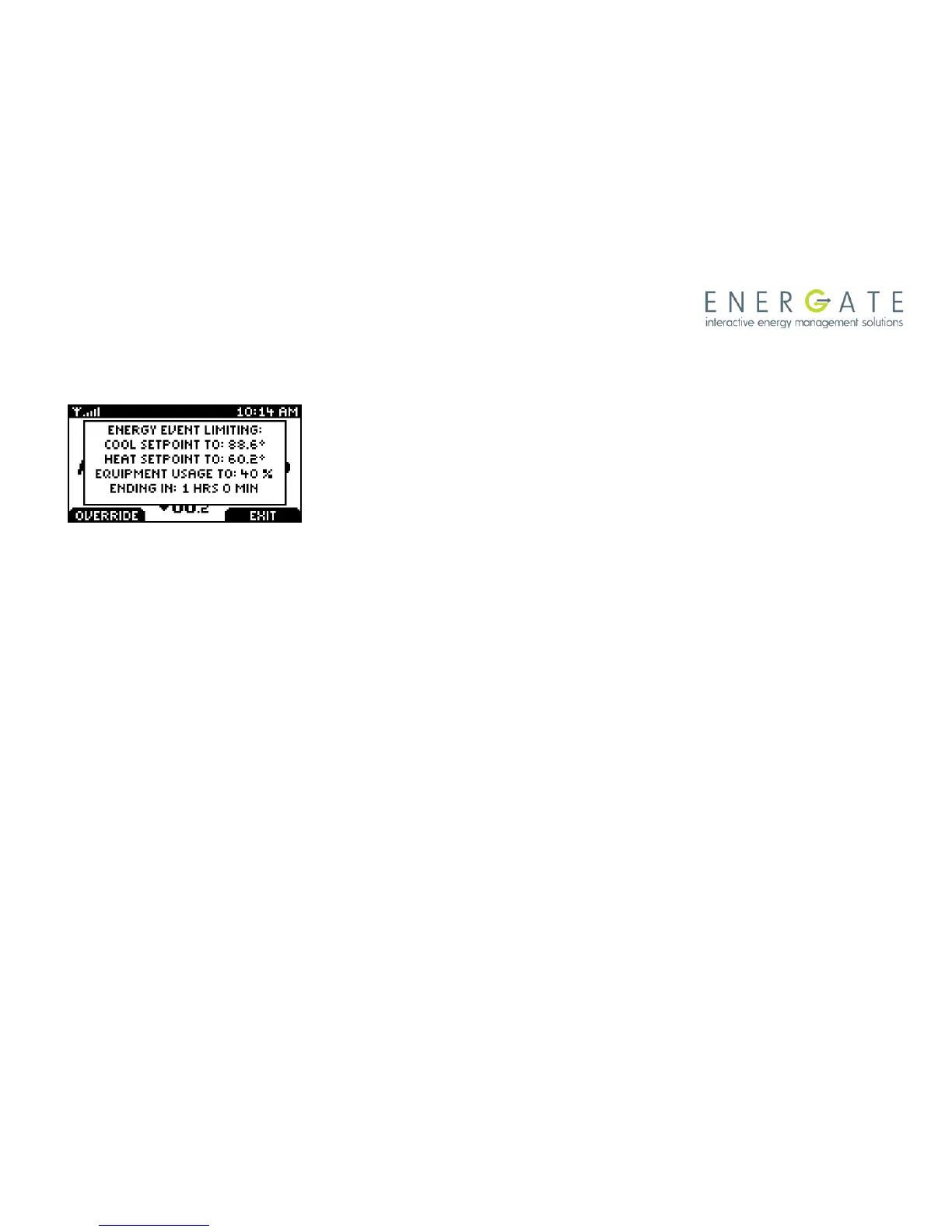
During an Energy Event you can always start a Temporary Hold
through the Home Screen, following the procedure explained in
the Temporary Hold section. In this case, when you press
ACCEPT, a warning message will be displayed advising you that
there is an Energy Event in progress, which are the limits
specified by the event and when it will end.
If the Energy Event is Voluntary, the LEFT TAB will show
OVERRIDE, giving you the option of Overriding the event.
If the Energy Event is Mandatory, no LEFT TAB will be shown so
you don’t have the option of overriding the event.
In all the cases, the desired Temporary Hold will be started, but if
the event has not been overridden, the limits set by the Energy
Event will be applied during the Temporary Hold, meaning that
whenever the Temporary Hold specifies a temperature which will
result in a higher energy consumption than any of the limits set by
the event, the Temporary Hold setpoint will be replaced by that
limit.



 To Next Page