Page 26
Setting the Date & Time
When the thermostat’s communication link to the utility’s network is active, the network periodically
updates the date and time, so you will be prevented from modifying this setting. If the
communications link is inactive (an “X” displayed in the top left corner), you can set the current date
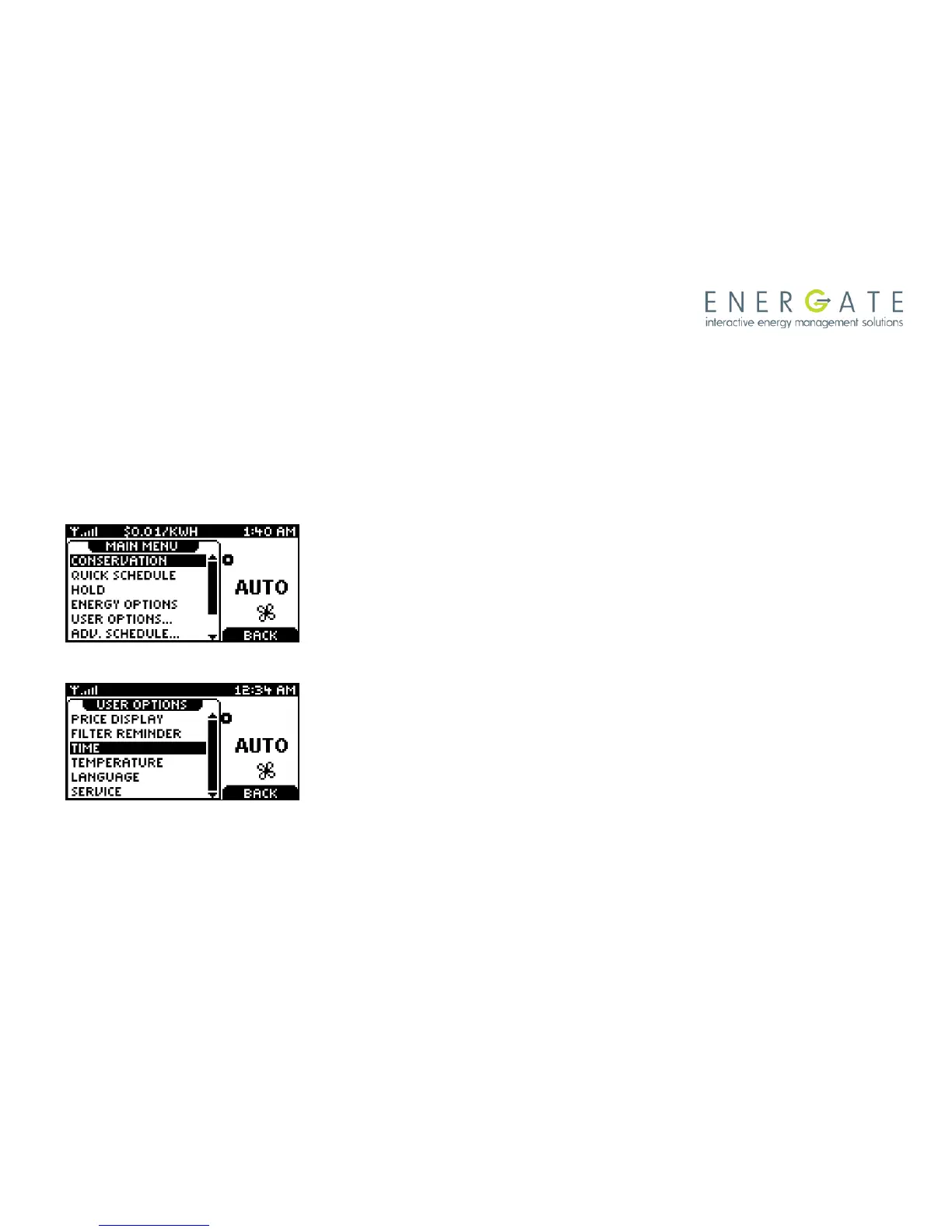
and time by selecting the TIME menu item from the USER OPTIONS menu.
Using the same menu item, you can also change between a 12H or 24H clock format.
Use the SCROLL buttons to scroll to the USER OPTIONS menu
item. Press again the MENU / SELECT button.
Use the SCROLL down button to scroll to the TIME menu item.
Press the MENU / SELECT button to enter the TIME screen.



 To Next Page