Page 27
Setting the Date & Time (continued)
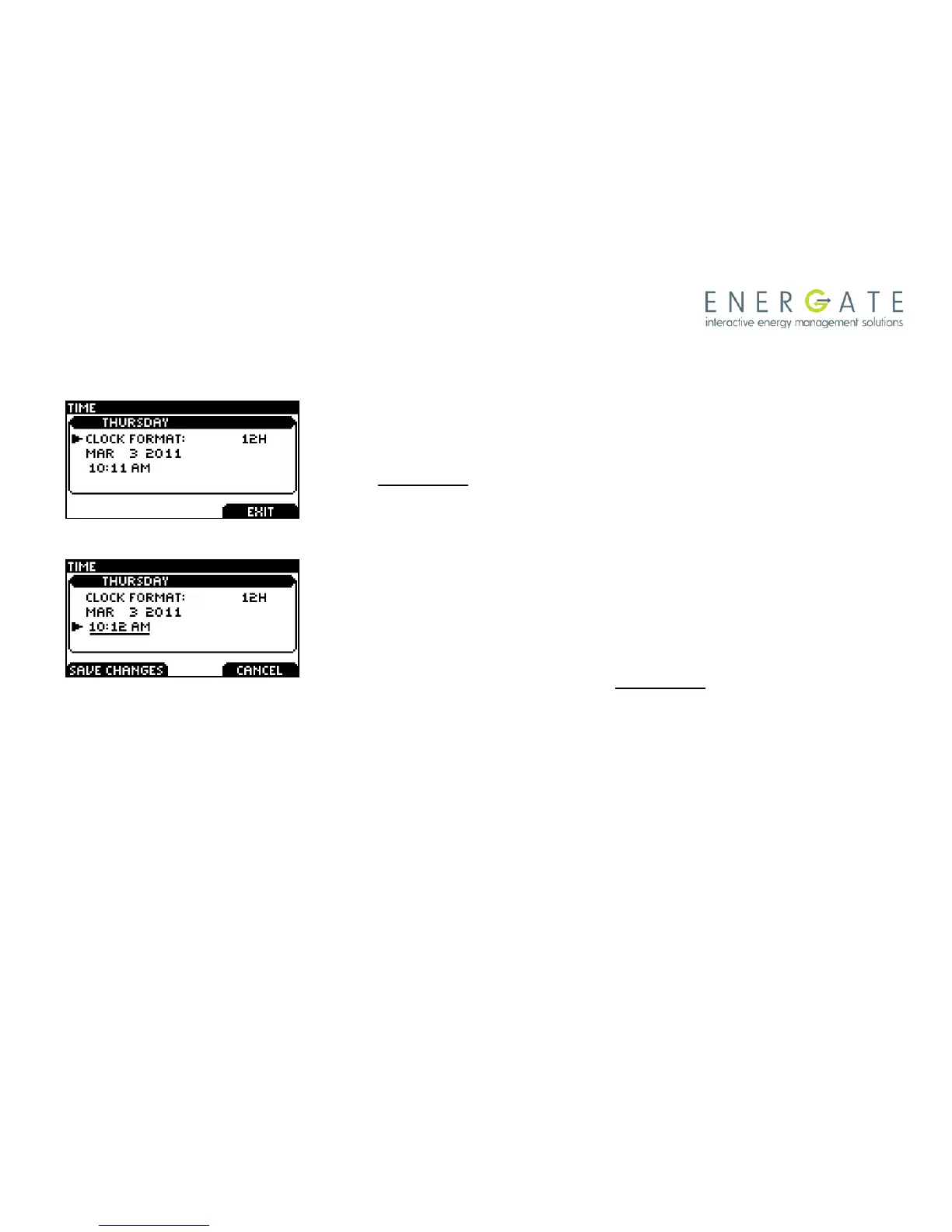
The TIME screen will appear as shown at the left.
To change between 12 and 24 hour clock formats, scroll to the
CLOCK FORMAT menu item. Press MENU / SELECT. The setting
will be underlined. You can change the format using the SCROLL
buttons and then pressing SAVE CHANGES to accept the change.
To adjust the date and time, use the SCROLL buttons to point to
the month, which is underlined, to change it, use the SCROLL
buttons, then press the LEFT TAB (SAVE CHANGES).
Press MENU / SELECT to move between fields. Use the SCROLL
buttons to change the value of the underlined field. Press MENU /
SELECT to move between hour and minute adjustment. Press
SAVE CHANGES to accept the new settings. To return to the
USER OPTIONS menu, press the RIGHT TAB (EXIT).



 To Next Page