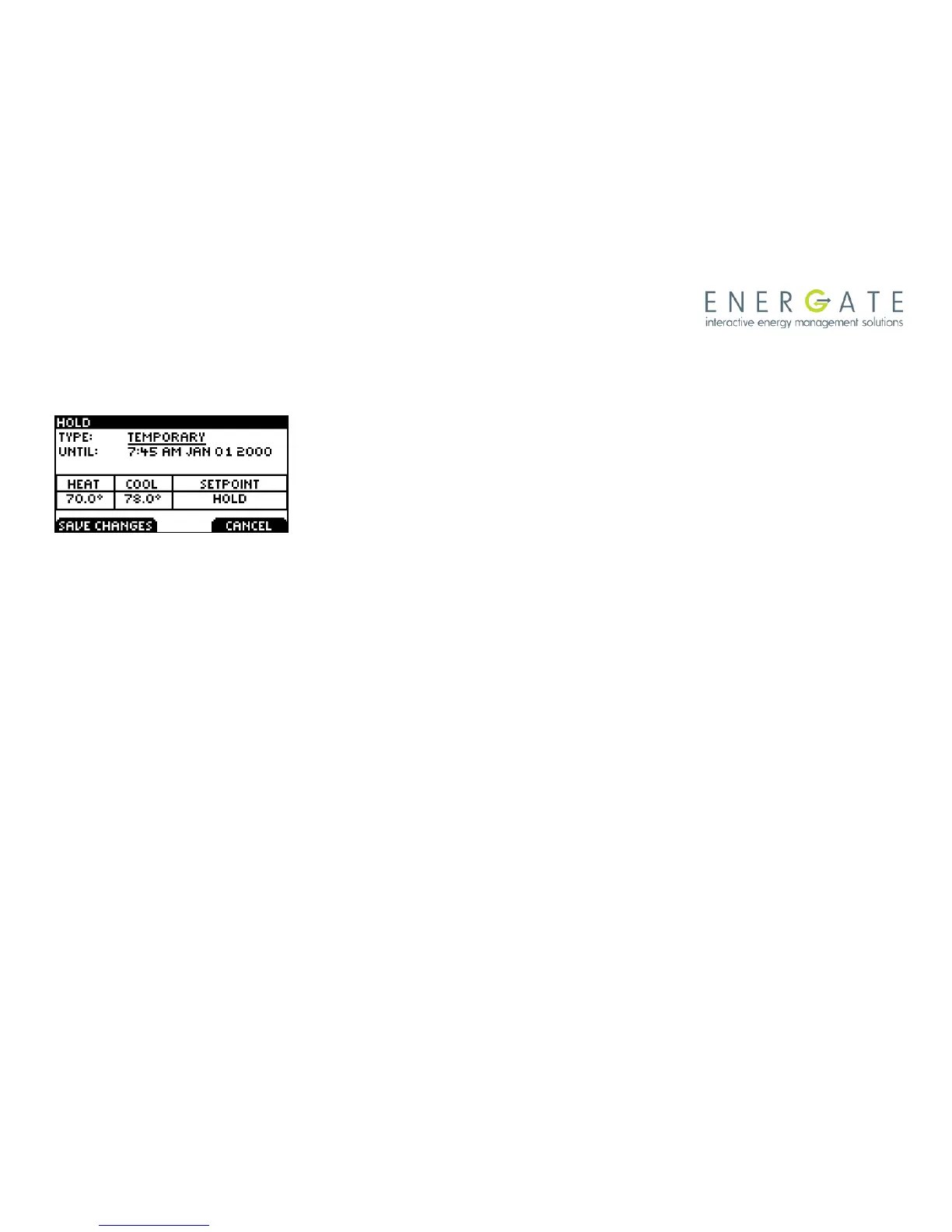
The Temporary Hold is set to override the thermostat schedule
temporarily, but it will be cancelled by the next scheduled
SETPOINT, as explained before in the section called Temporary
Hold.
Note that the line UNTIL: shows the date and time the Temporary
Hold will end, which is the date and time of the next scheduled
SETPOINT. You will not be able to change the date and time shown
on this screen.
Once you choose a Temporary Hold, you can change the HEAT
and/or COOL temperatures by pressing the MENU / SELECT key
and then the SCROLL buttons to increase or decrease the
temperatures.
Press SAVE CHANGES to accept the new settings and initiate the
Hold.
To cancel the Hold, return to the HOLD screen and press CANCEL
HOLD.



 To Next Page