Page 9
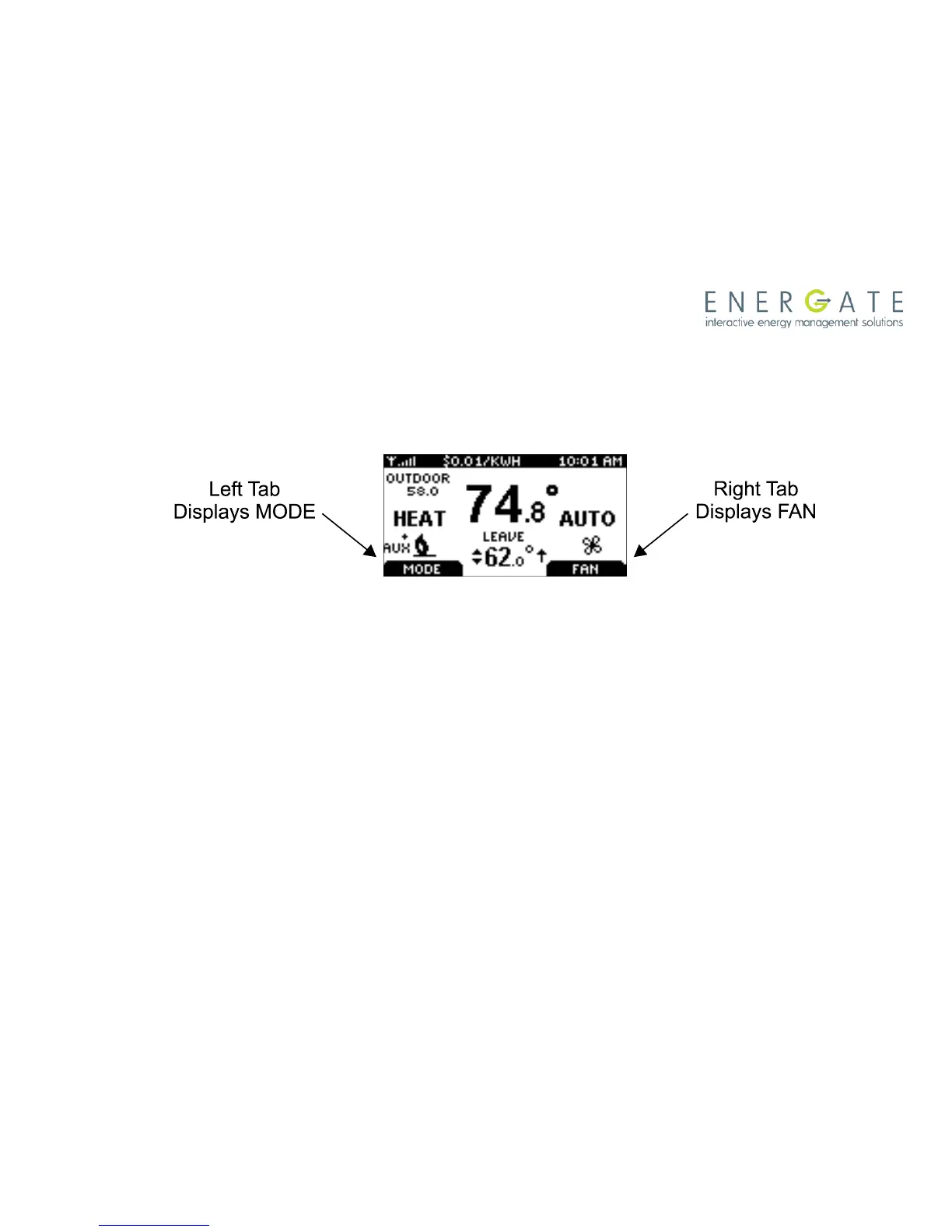
By just pressing any of the buttons, the Home screen becomes Active, the backlight brightens and
the MODE and FAN tabs are shown.
Pressing the LEFT TAB button changes the thermostat mode (COOL/HEAT/AUTO/EMERG/OFF).
The available options for the thermostat mode will depend on the type of heating or cooling
equipment at your home. Pressing the RIGHT TAB button changes the fan mode (ON/AUTO)
Pressing the SCROLL (▲ ▼) buttons makes the temperatures of the SETPOINTs higher (warmer)
or lower (cooler). You can accept the changes by pressing the LEFT TAB, which will be displaying
ACCEPT, or you can walk away after making the changes. They will be automatically accepted
when the screen goes to the Idle mode (i.e. the backlight diminishes to low).
To see the different menu items displayed, the MENU / SELECT (√) button needs to be pressed
once when the screen is active or twice when it is in the Idle mode.



 To Next Page