DocNo.FM0805issueAPage14
18.SETTINGTHEOFFSITEDIALSEQUENCE
Upto6localoffsiteand3remoteoffsitetelephonenumberscanbeprogrammedintotheAdventxtsystem,theorderinwhichthey
aredialledcanbechangedbyenteringaspecialcodeviatheCORDLESShandset.
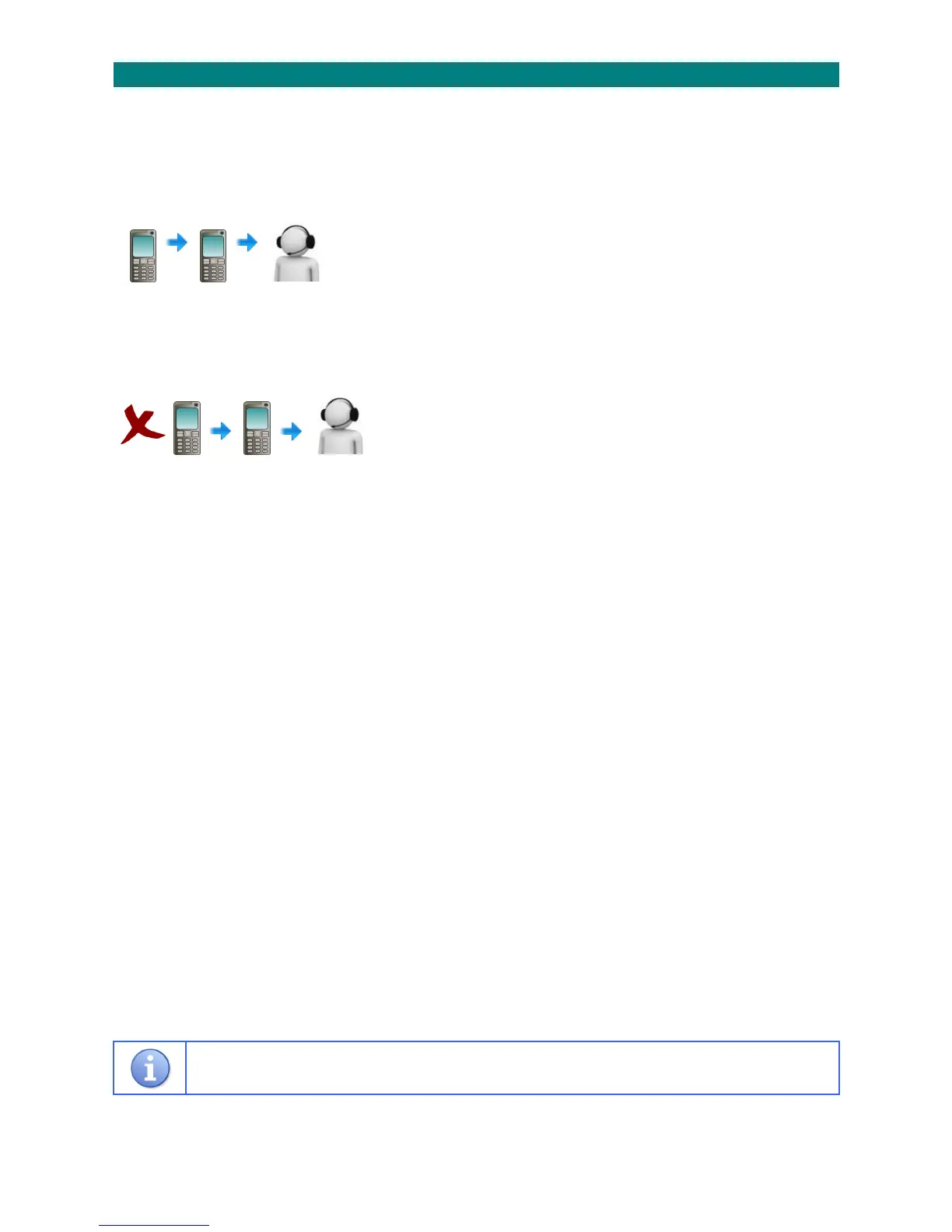
SETTINGTHEOFFSITEDIALSEQUENCE:
1.PresstheTALKkeyandenter81
2.Waitforthe“Ready”promptintheearpiece
3.Enterthecode4007followedbythekey
4.Thecurrentdialsequencewillbeannounced
5.PresstheENDkeytoretainthecurrentsequence
or,enteranewsequencefollowedbythekey
or,pressthe#keytodisable/re‐enablethesequence
6.Thenewdialsequencewillbeannounced
7.PresstheENDkeytoclearthe connection
______________________________________________________________________________________________________________
CLEARINGTHEOFFSITEDIALSEQUENCE:
1.PresstheTALKkeyandenter81
2.Waitforthe“Ready”promptintheearpiece
3.Enterthecode4008followedbythekey
4.Waitforthe“Ready”promptintheearpiece
5.PresstheENDkeytocleartheconnection
_______________________________________________________________________________________________________________
Ifnooffsitedialsequenceisspecifiedthetelephonenumberswillbedialledinorderfromnumber1to9.
Seethetableonthebackpageofthismanualforalistoftelephonenumbersavailable.
TelNo.3TelNo.1TelNo.7



 To Next Page