DocNo.FM0805issueAPage17
23.USINGTHEGLOBALACTIVITYMONITORINGFUNCTION
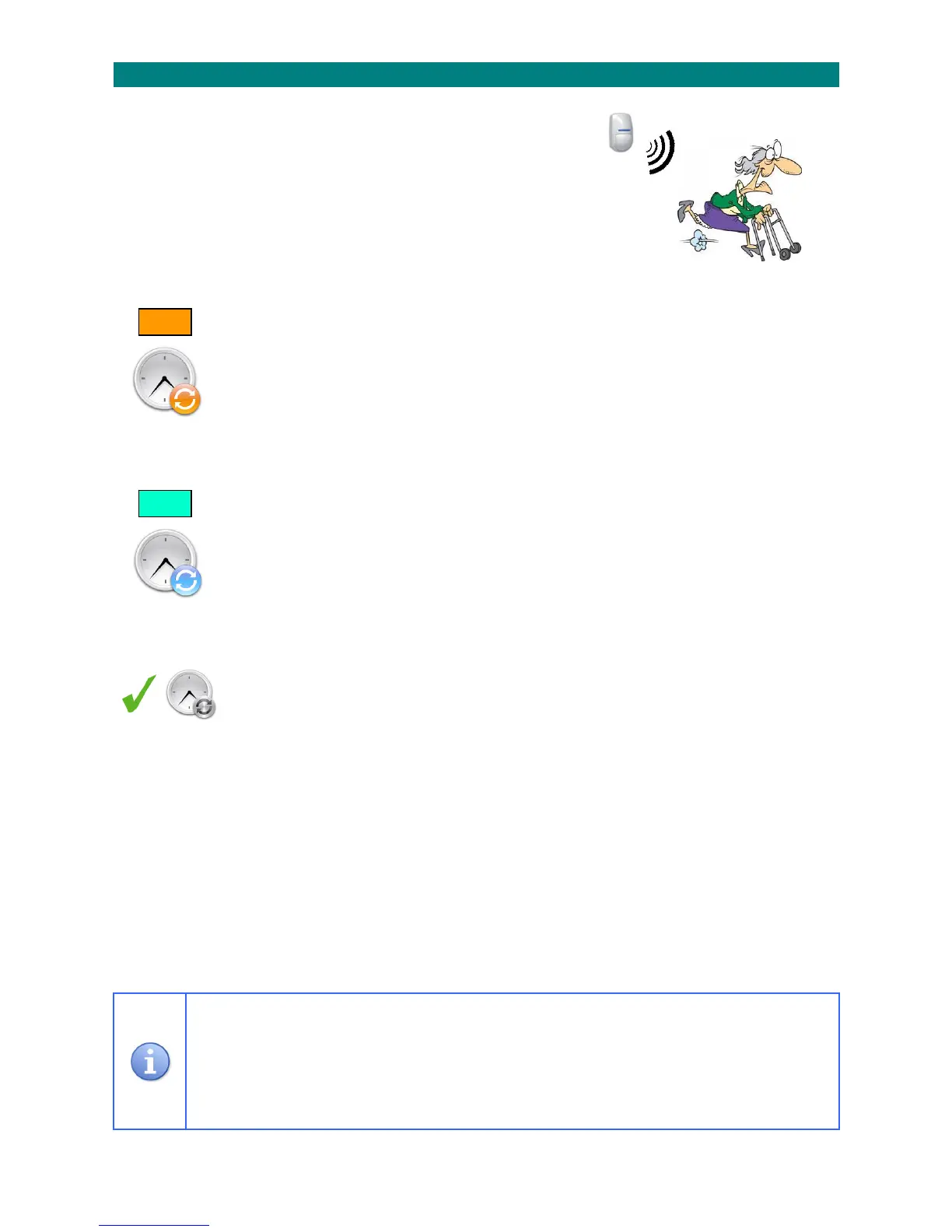
TheAdventxtsystemmaybefittedwithPIRmovementdetectorsineachflatto
monitortheresidentsactivity.
Threetimeperiodscanbeprogrammedtooperateonadailybasis.
TheflatnumberswithNOACTIVITYwillbereportedattheendofeachperiod.
GlobalActivitysettingsapplytoALLflatsonthescheme.
LocalActivitysettingsapplytospecificflats–seeSection26.
Theactivitymonitoringfeaturecanbetemporarilydisabledbyselecting
“AwayMode”–seeSection30.
SETTINGTHEGLOBALACTIVITYSTARTTIME:
1.PresstheTALKkeyandenter81
2.Waitforthe“Ready”promptintheearpiece
3.Enterthecode2002or2004or2006(period1/2/3)
4.Pressthekeytoconfirm
5.Amessagewillannouncethecurrentstarttime
6.IfthesettingisOKpresstheENDkey,orenteranewstarttimeor,pressthe#keytodisablethetimeperiod
7.Pressthekeytoconfirm
8.PresstheENDkeytocleartheconnection
______________________________________________________________________________________________________________
SETTINGTHEGLOBALACTIVITYSTOPTIME:
1.PresstheTALKkeyandenter81
2.Waitforthe“Ready”promptintheearpiece
3.Enterthecode2003or2005or2007(period1/2/3)
4.Pressthekeytoconfirm
5.Amessagewillannouncethecurrentstoptime
6.IfthesettingisOKpresstheENDkey,orenteranewstoptime
7.Pressthekeytoconfirm
8.PresstheENDkeytocleartheconnection
______________________________________________________________________________________________________________
ENABLETIMEDACTIVITYMODE:
1.PresstheTALKkeyandenter81
2.Waitforthe“Ready”promptintheearpiece
3.Enterthecode3005followedbythekey
4.PresstheENDkeytocleartheconnection
IMPORTANT:youmust“EnableTimedActivityMode”fortheglobalactivitymonitoringtimestotakeeffect.
______________________________________________________________________________________________________________
Whensettingtimes4digitsmustbeenteredusingthe24hourformatwithleadingzerosfornumbers
lessthan10(eg.0730=7:30AM,1600=4:00PM).
Activitymonitoringtimeperiodscanbesettoanydurationbutthestoptimemustbeinthesameday
asthestarttime(0000‐2359).
Ifthe#keyisusedtodisableatimeperiodthiswillnotcleartheoriginalsetting.Tore‐enabletheoriginal
settingsimplyentertherelevantcode,listentothemessageandpresstheENDkey.
START
STOP



 To Next Page