DocNo.FM0805issueAPage23
29.USINGTHEI’MOKFUNCTION
TheAdventxtsystemcanbesettoflashthegreenlightandsoundadouble‐beepevery20seconds
onthe
residentsintercomunitduringapresettimeperiodeachmorning(
audiblealertcanbedisabled).
Iftheresidentis“upandabout”andfeeling“OK” theycanpressthebuttonontheirintercom
tostopthealertandcleartheirflatnumberfromalistintheAdventxtmemory.
TheflatnumbersoftheresidentsthatHAVENOTregisteredthemselves“OK”canbechecked
atanytimebyenteringaspecialcodeonthetelephonehandsetandlisteningtothelist
intheearpiece.
Anothercodecanbeenteredtoautomaticallycallthosewhohavenotrespondedeachday.
TheI’mOKfeaturecanbetemporarilydisabledbyselecting“AwayMode”–seeSection30.
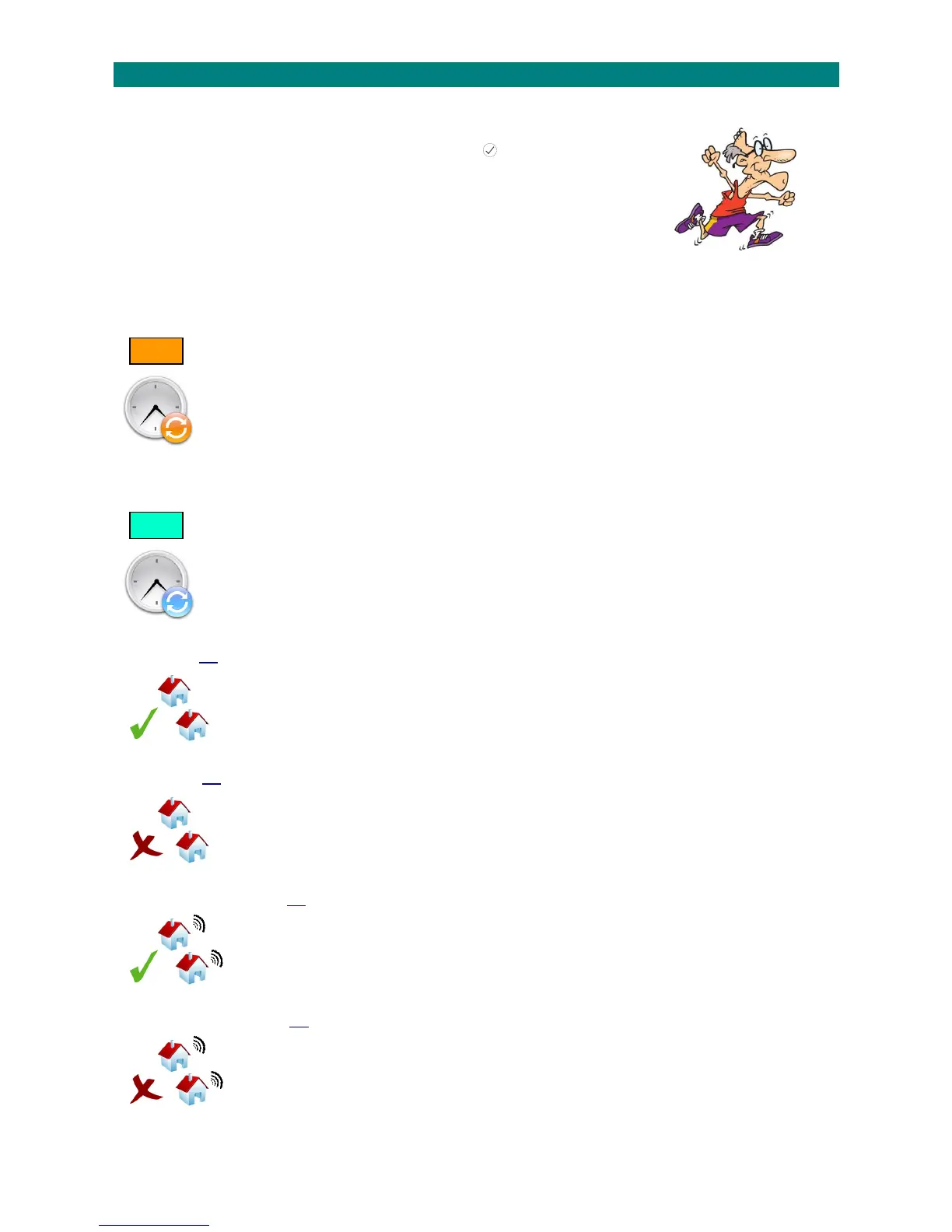
SETTINGTHEI’MOKSTARTTIME:
1.PresstheTALKkeyandenter81
2.Waitforthe“Ready”promptintheearpiece
3.Enterthecode2010followedbythekey
4.Amessagewillannouncethecurrentstarttime
5.IfthesettingisOK,presstheENDkey
orenteranewstarttime(HHMM‐24hourformat)or,pressthe#keytodisablethetimeperiod
6.Pressthekeytoconfirmanda messagewillannouncethenewstarttime
7.PresstheENDkeytocleartheconnection
______________________________________________________________________________________________________________
SETTINGTHEI’MOKSTOPTIME:
1.PresstheTALKkeyandenter81
2.Waitforthe“Ready”promptintheearpiece
3.Enterthecode2011followedbythekey
4.Amessagewillannouncethecurrentstoptime
5.IfthesettingisOK,presstheENDkeyorenteranewstoptime(HHMM‐24hourformat)
6.Pressthekeytoconfirmanda messagewillannouncethenewstoptime
7.PresstheENDkeytocleartheconnection
______________________________________________________________________________________________________________
ENABLEI’MOKALLFLATS:
1.PresstheTALKkeyandenter81
2.Waitforthe“Ready”promptintheearpiece
3.Enterthecode2012followedbythekey
4.PresstheENDkeytocleartheconnection
______________________________________________________________________________________________________________
DISABLEI’MOKALLFLATS:
1.PresstheTALKkeyandenter81
2.Waitforthe“Ready”promptintheearpiece
3.Enterthecode2013followedbythekey
4.PresstheENDkeytocleartheconnection
______________________________________________________________________________________________________________
ENABLEI’MOKAUDIBLEALERTALLFLATS:
1.PresstheTALKkeyandenter81
2.Waitforthe“Ready”promptintheearpiece
3.Enterthecode2014followedbythekey
4.PresstheENDkeytocleartheconnection
______________________________________________________________________________________________________________
DISABLEI’MOKAUDIBLEALERTALLFLATS:
1.PresstheTALKkeyandenter81
2.Waitforthe“Ready”promptintheearpiece
3.Enterthecode2015followedbythekey
4.PresstheENDkeytocleartheconnection
______________________________________________________________________________________________________________
START
STOP



 To Next Page