DocNo.FM0805issueAPage28
33.SETTINGDOORENTRYCALLTRANSFERS
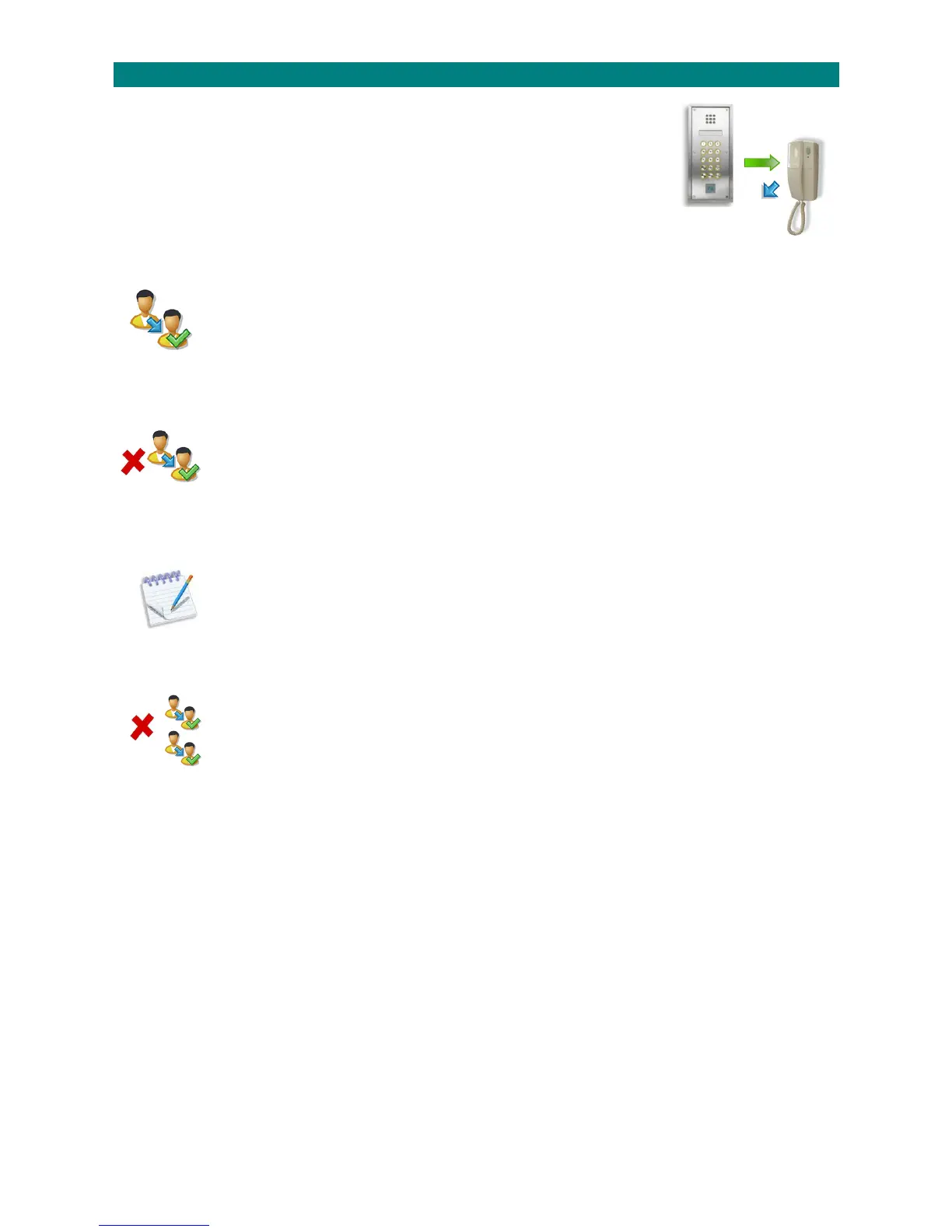
TheAdventxtsystemmaybefitteddigitaldoorentrypanelstoallowvisitorstocallresidents
directfromoutsidethebuilding.
Oncecalledtheresidentcanallowaccessbypressingthebuttonontheirdoorentrytelephone.
Withnocallandthetelephoneon‐hookthesamebuttonisusedtoselectprivacymode.
Auserguideisprovidedwitheachtelephone.
Ifaresidentisaway,oryoudonotwantthemtoreceivecallsfromthedoorentrysystem,theircalls
canbetransferredtoaneighbourortheManagerstelephone.
ENABLEDOORENTRYTRANSFERS:
1.PresstheTALKkeyandenter81
2.Waitforthe“Ready”promptintheearpiece
3.Enterthecode8000followedbythekey
4.Entertheflatnumbertobetransferredfollowedbythekey
5.Entertheflatnumberthecallisbeingtransferredtofollowedbythekey
6.PresstheENDkeytocleartheconnection
______________________________________________________________________________________________________________
DISABLEDOORENTRYTRANSFERS:
1.PresstheTALKkeyandenter81
2.Waitforthe“Ready”promptintheearpiece
3.Enterthecode8001followedbythekey
4.Entertheflatnumbertobereturnedtonormaloperationfollowedbythekey
5.PresstheENDkeytocleartheconnection
______________________________________________________________________________________________________________
LISTDOORENTRYTRANSFERS:
1.PresstheTALKkeyandenter81
2.Waitforthe“Ready”promptintheearpiece
3.Enterthecode8002followedbythekey
4.Allflatsnumberswithcallstransferredwillbeheardintheearpiece
5.PresstheENDkeytocleartheconnection
______________________________________________________________________________________________________________
CLEARALLDOORENTRYTRANSFERS:
1.PresstheTALKkeyandenter81
2.Waitforthe“Ready”promptintheearpiece
3.Enterthecode8003followedbythekey
4.Alltransferredcallswillbecleared
5.PresstheENDkeytocleartheconnection
______________________________________________________________________________________________________________



 To Next Page