DocNo.FM0805issueAPage20
25.USINGTHELOCALACTIVITYMONITORINGFUNCTION(CONTINUED)
LISTLOCALINACTIVITY:
1.PresstheTALKkeyandenter81
2.Waitforthe“Ready”promptintheearpiece
3.Enterthecode9007followedbythekey
4.Localunitswithinactivitywillbeheardintheearpiece
5.PresstheENDkeytocleartheconnection
_____________________________________________________________________________________________________________________________
LOCALACTIVITYENABLEDREPORT:
1.PresstheTALKkeyandenter81
2.Waitforthe“Ready”promptintheearpiece
3.Enterthecode9008followedbythekey
4.AllflatswithLocalActivityenabledwillbeheardintheearpiece
5.PresstheENDkeytocleartheconnection
_____________________________________________________________________________________________________________________________
WEEKENDACTIVITYMONITORING:
1.PresstheTALKkeyandenter81
2.Waitforthe“Ready”promptintheearpiece
3.Enterthecode9009followedbythekey
4.Weekendactivitymodeenabled/disabledwillbeheardintheearpiece
5.Pressthe#keytotogglebetweenenabled/disabled–thenewmodewillbeheardintheearpiece
6.PresstheENDkeytocleartheconnection
_____________________________________________________________________________________________________________________________
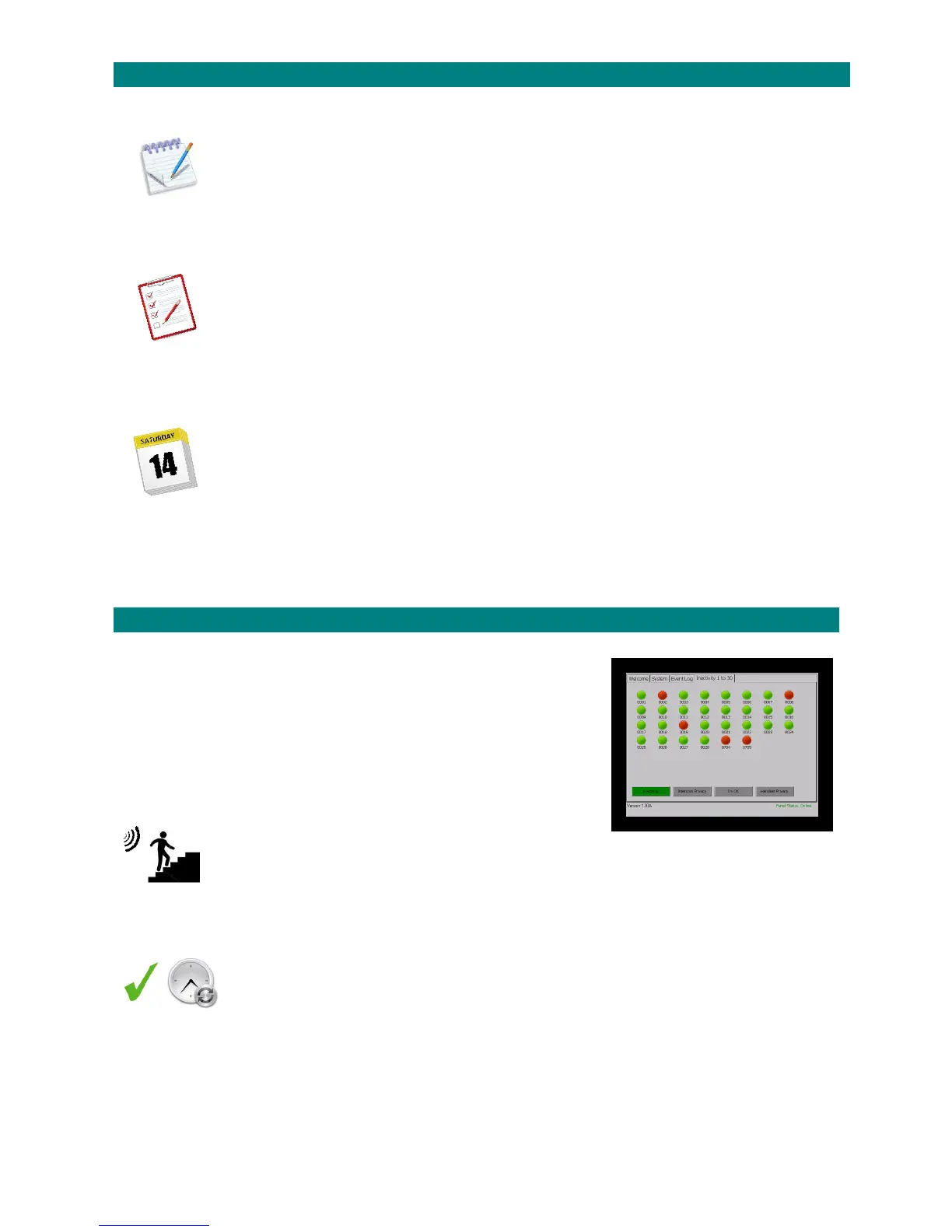
26.ACTIVITYMONITORDISPLAY(MANAGER’SPANEL)
Timedactivitymonitoringperiodscanbeoverriddentoprovidepermanentmonitoring
ontheManager’sPanel;i.e.inactivitywillnolongerbereportedontheCORDLESShandset.
Enterthecode3004viatheCORDLESShandsettoresettheactivitymonitordisplay
ontheManager’sPanel,allflatnumberindicatorswillgoRED.
OveraperiodoftimetheflatnumberindicatorswillgoGREENasactivityisdetected,
theindicatorsthatremainREDidentifyflatswithnoactivity.
Re‐enterthe3004codeatanytimetoresetthedisplaytoallRED.
DISABLETIMEDACTIVITYMODE/RESETACTIVITYMONITORDISPLAY:
1.PresstheTALKkeyandenter81
2.Waitforthe“Ready”promptintheearpiece
3.Enterthecode3004followedbythekey
4.PresstheENDkeytocleartheconnection
______________________________________________________________________________________________________________
ENABLETIMEDACTIVITYMODE:
1.PresstheTALKkeyandenter81
2.Waitforthe“Ready”promptintheearpiece
3.Enterthecode3005followedbythekey
4.PresstheENDkeytocleartheconnection
Whenyou“EnableTimedActivityMode”inactivitywillbereportedonthecordlesshandsetagain,notetheManager’sPaneldisplaywill
alsoresetatthebeginningofeachglobalactivitymonitoringperiod.
______________________________________________________________________________________________________________



 To Next Page