DocNo.FM0805issueAPage5
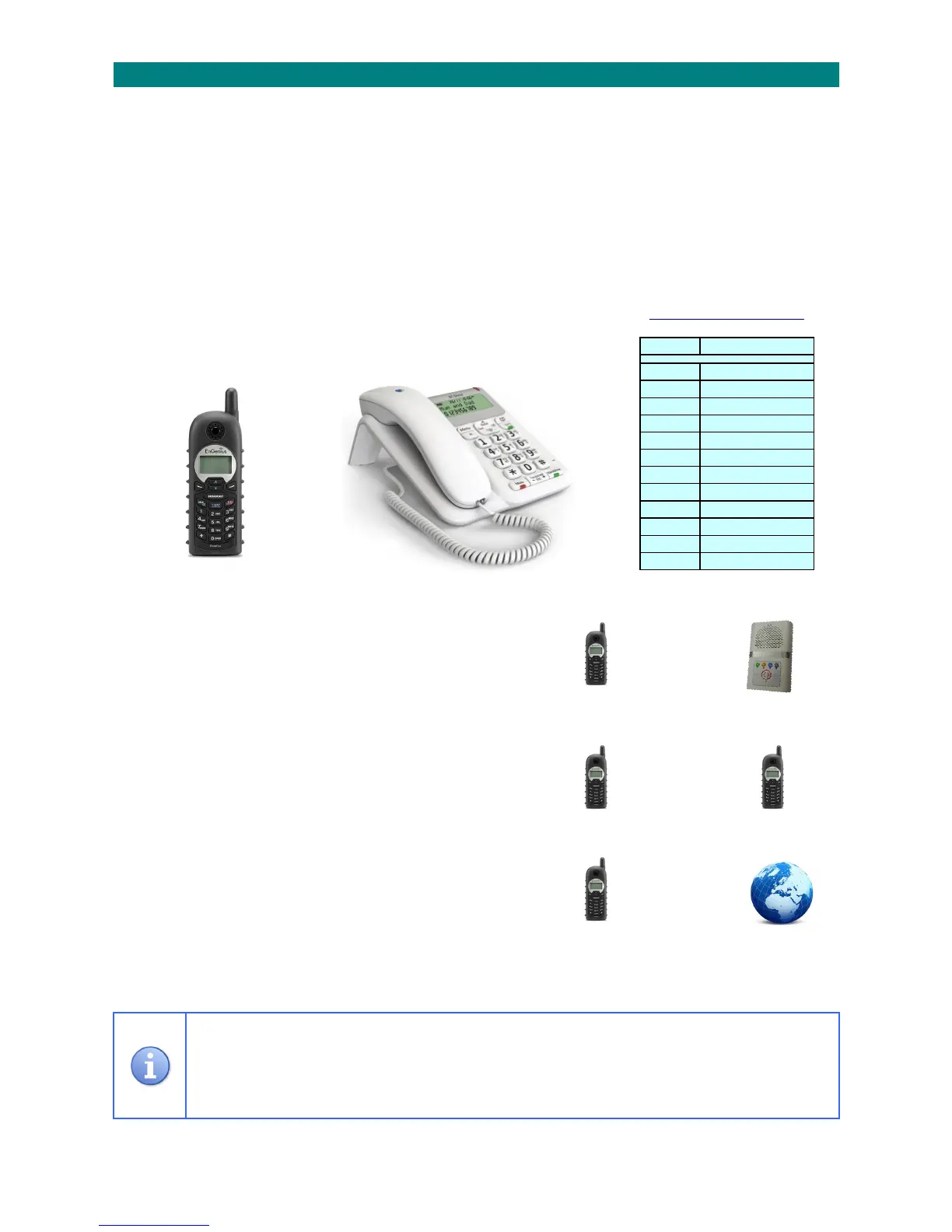
ENGENIUSEP800
CORDLESS
HANDSET
BTDÉCOR2200
DESKTOP
TELEPHONE
TELEPHONEKEYFUNCTIONS
3.CORDLESS&DESKTOPTELEPHONES
Allcordlesshandsetsand/orfixeddesktoptelephoneswillringwhenacallexistsinonsitemode.
ToansweracallusingacordlesshandsetpresstheTALKkey,ifusing adesktelephonesimplyliftthehandset.
Whenansweredaspeechmessagewillidentifythecalltypeandflatnumber,theresidentsnamemayalsobedisplayedifithasbeen
programmedintothetelephonename/numbermemory.
Whenthealarmmessageisunderstoodpressthekeytoopentwo‐wayspeechwiththecaller.
Duringspeechtheresident’sVOLUMEcanbeincreasedwiththe1keyordecreasedwith2key.
Seethetablebelowforotherfeaturesavailableonthetelephonekeysduringacall.
Toendthecallusingacordlesshandsetpressthe#keyfollowedbytheENDkeytohang‐up,ifusingadesktelephone
pressthe#keyandreplacethehandset.
______________________________________________________________________________________________________________
CALLINGARESIDENT:
PresstheTALKkey,enter81andwaitforthe“Ready”prompt
Entertheflatnumberfollowedbythekey
Pressthe#keytoendthecallandthenpress theENDkeytocleartheconnection
______________________________________________________________________________________________________________
MAKINGINTERNALCALLSBETWEENCORDLESSHANDSETS:
PresstheTALKkeyfollowedbytheExtensionNumber(201‐212)
PresstheENDkeytocleartheconnection
Note;itisnotpossibletomakeinternalcallsto/fromdesktoptelephones
______________________________________________________________________________________________________________
MAKINGEXTERNALCALLSWITHCORDLESS/DESKTELEPHONES:
PresstheTALKkey,enter82andwaitforthedialtone
Dialthetelephonenumberasnormal
PresstheENDkeytocleartheconnection
______________________________________________________________________________________________________________
AllinstructionsgiveninthismanualassumeanEngeniusEP800cordlesshandsetisbeingusedwitha
FortivoiceFV‐40/MatrixIPPBX.
IfusingadesktoptelephonesimplyLIFT/REPLACEthehandsetinsteadofpressingtheTALKandENDkeys.
Fordetailedinformationonhandsetfeaturesseethemanufacturer’sinstructionbooklet.
) ) ) ) ) ) )
) ) ) ) ) ) )
) ) ) ) ) ) )
Key Function
1 VolumeUp
2 VolumeDown
3 LockRelease
4
5 ParkACall
6 Index
7
8
9
0 Re‐sendCallTone
ConfirmEntry
# Clear



 To Next Page