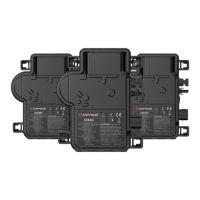
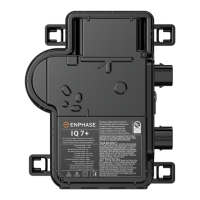
M-Series Microinverter Installation and Operation
2016 Enphase Energy. All rights reserved. 141-00024 Rev 02b
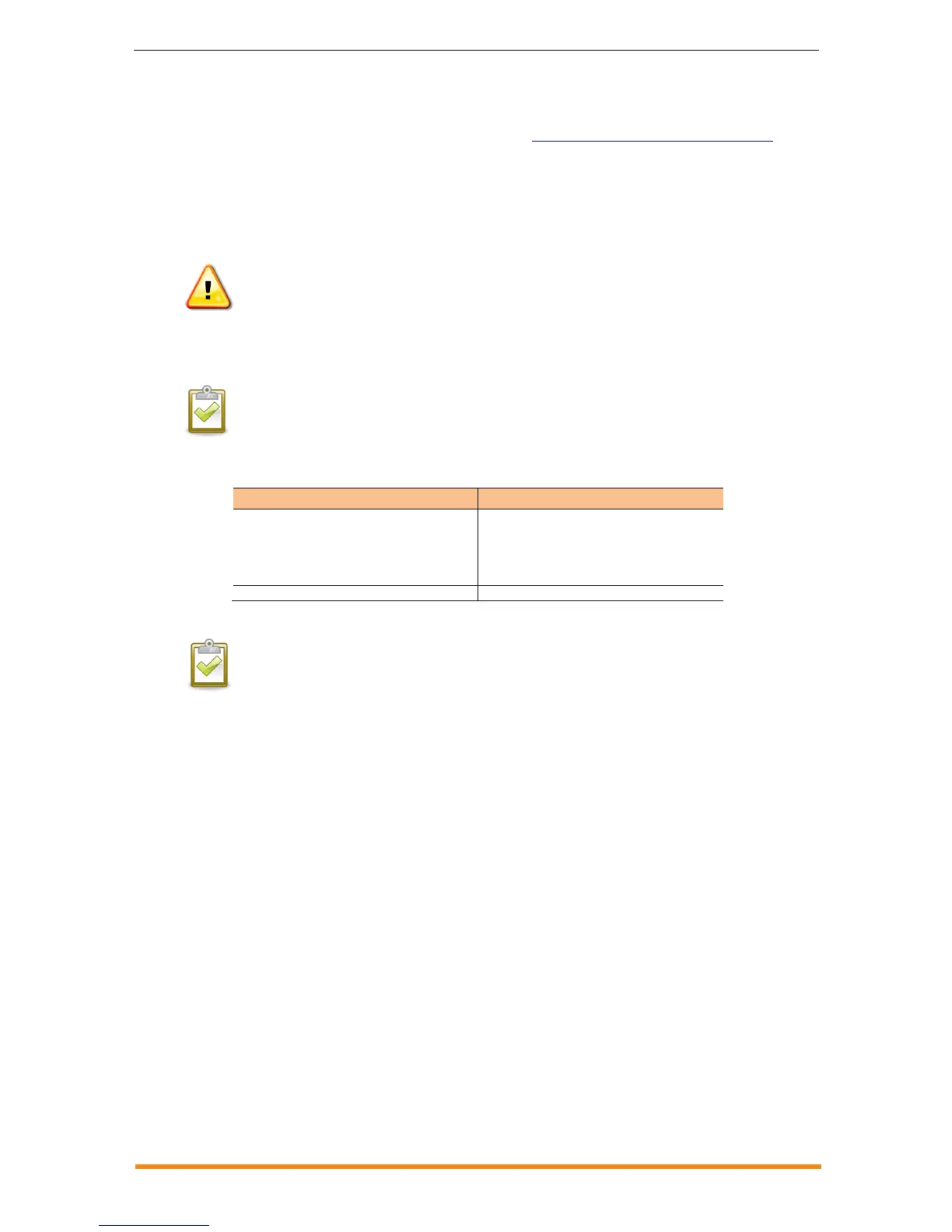
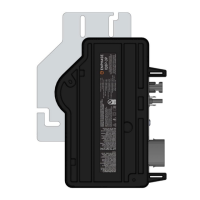
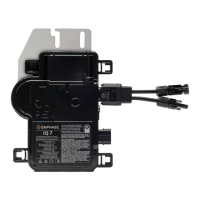
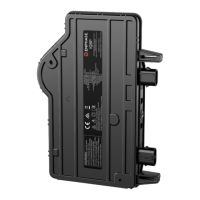
Install a Replacement Microinverter
If problems remain after troubleshooting, contact Enphase at enphase.com/global/support-request . If
Enphase authorises a replacement (RMA), replace the microinverter as follows:
1. When the replacement microinverter is available, verify that the AC branch circuit breaker is
de-energised.
2. Attach the replacement microinverter to the mounting rail using hardware recommended by
your mounting rail vendor.
WARNING: Risk of equipment damage. You must install the Enphase Microinverter under the module, out of
rain and sun. Do not mount the microinverter in a position that allows long-term exposure to direct sunlight or in
a vertical orientation that allows water to collect in the DC connector recess. Do not install the microinverter
black-side up or vertically, with the DC connectors facing up.
3. Torque the microinverter fasteners to the values below. Do not over torque.
6 mm (1/4”) mounting hardware – 5 Nm (45 in-lbs)
8 mm (5/16”) mounting hardware – 9 Nm (80 in-lbs)
NOTE: Using a power screwdriver to tighten the fasteners is not recommended due to
the risk of thread galling.
4. If you are using the bonding screw to bond the microinverter chassis, attach the bonding
conductor to the screw. Torque the bonding screw as follows:
M250-60-230-S25 and -S25E
M250-60-230-S22 and -S22E
M250-60-230-S22-UK
M250-72-2LN-S2 and -S2-UK
M250-72-2LN-S5 and -S5-UK
Do not over torque.
NOTE: Using a power screwdriver to tighten the bonding screw is not recommended due
to the risk of thread galling.
5. Attach the bonding conductor, if used, to the microinverter bonding screw.
6. Connect the microinverter to the Engage Cable drop connector. There are two latching
mechanisms within the connectors. Listen for two clicks as the connectors engage. Ensure
that both latching mechanisms have engaged.
7. Mount the PV module above the microinverter.
8. Mate the microinverter and PV module as required.
9. Energise the AC branch circuit breaker, and verify operation of the replacement
microinverter by checking the indicator light on the underside of the microinverter. You may
need a handheld mirror to see the indicator light.
10. Initiate a device scan at the Envoy. To do this, press and hold the Menu button on the Envoy
for two seconds to bring up the Envoy menu on the LCD window. When the LCD window
displays “Enable Device Scan”, release the Menu button. This starts a 30-minute scan at the
Envoy to discover the new microinverter.
11. Use Enlighten’s Array Builder to add the newly detected microinverter to the virtual array.
12. Ship the old microinverter to Enphase using the supplied return-shipping label.



 To Next Page