14
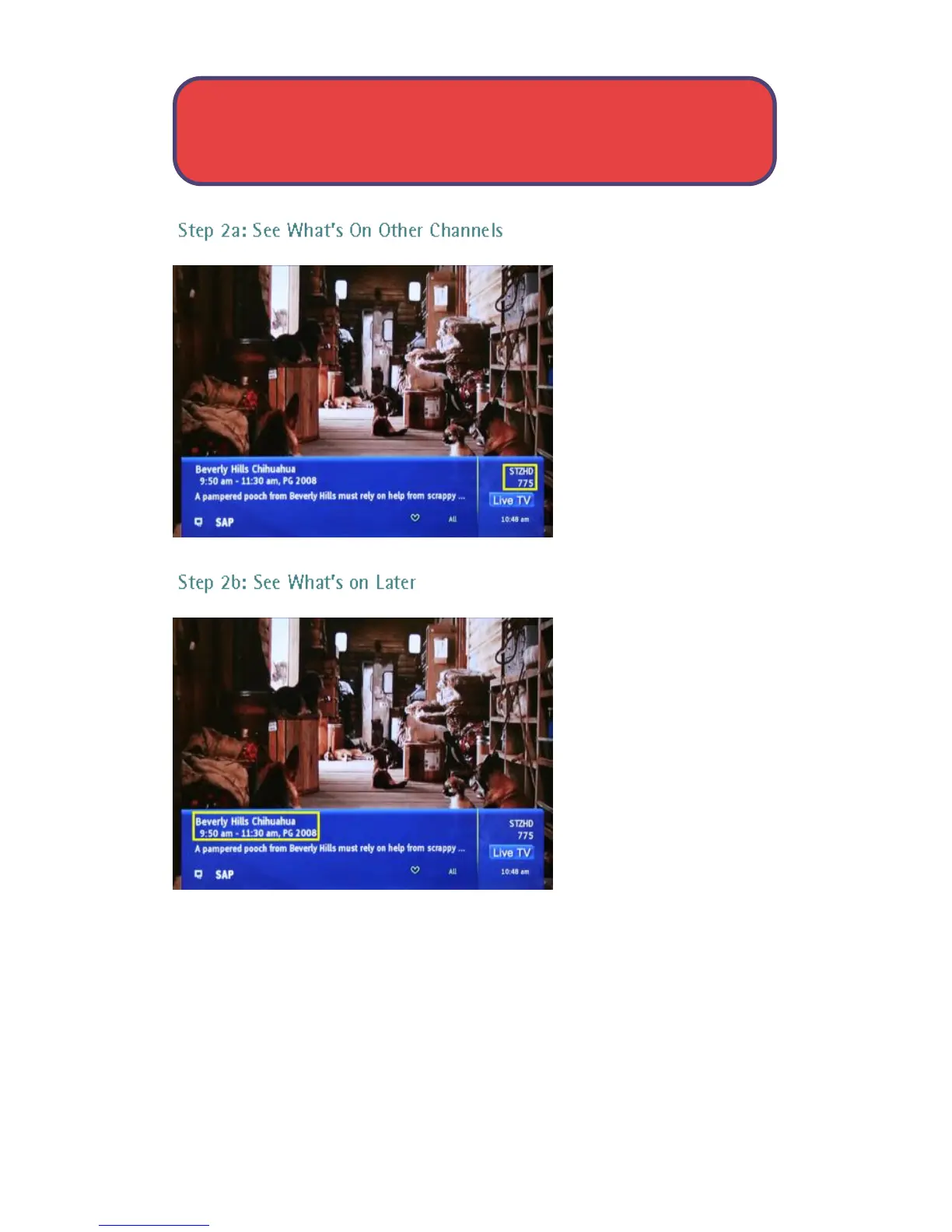
Press the up or down
direction buttons to scroll
the InfoBar through what
is showing on other
channels without actually
changing channels.
If you find something you
would rather watch on
another channel, press OK
to tune to that channel.
Press the right direction
button to scroll ahead to
upcoming programs for
the channel listed on the
InfoBar.
Press the left direction
button to scroll back
towards the current
program for the channel
listed on the InfoBar.
Note: You can combine steps 2a and 2b to see what comes on later on
another channel if you like. However, if you plan to do a lot of browsing for
programs on other channels or that are coming on later, it is easier to use
Guide. For more information on Guide, see page 18.
The InfoBar - Access & Use



 To Next Page