13
Access & Use - The InfoBar
Introducing The InfoBar
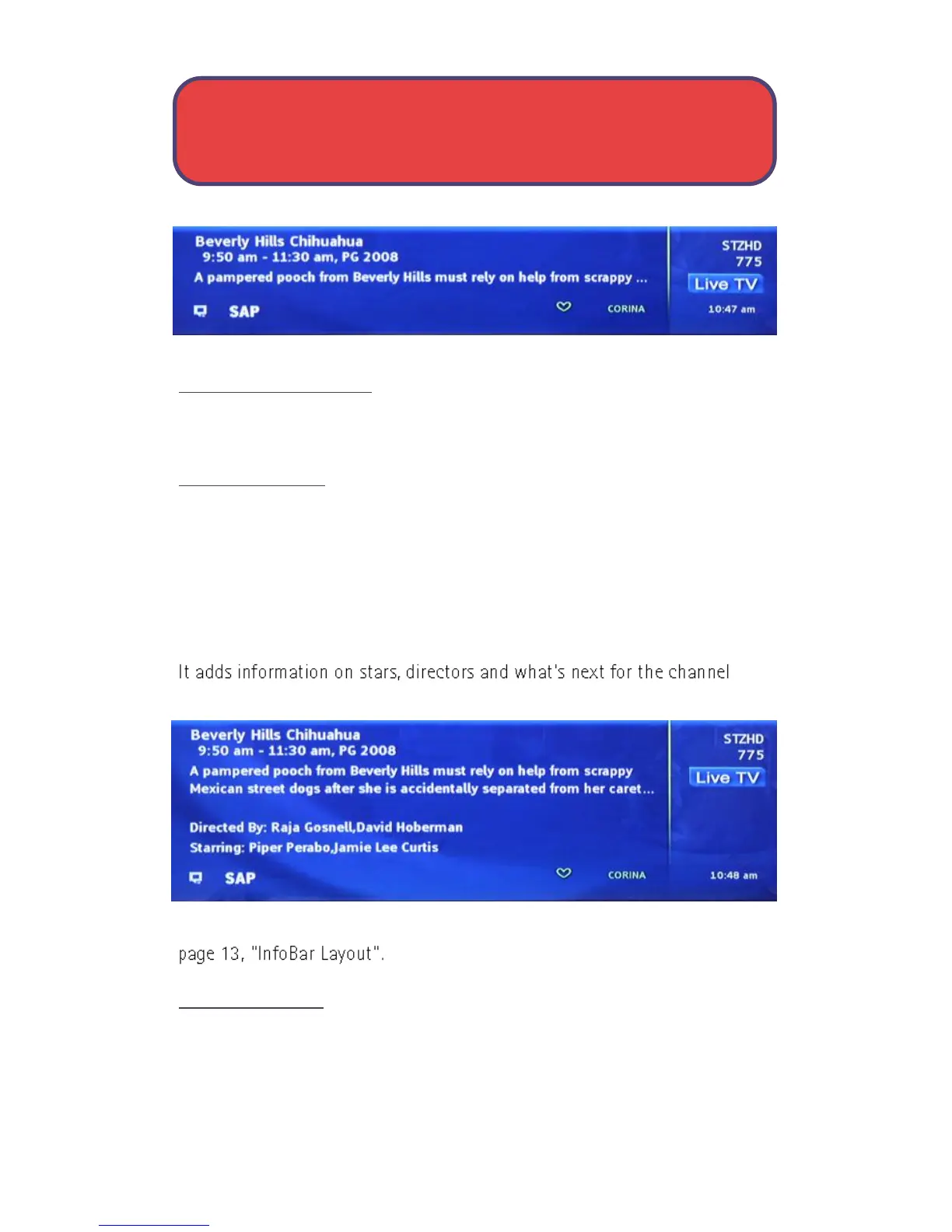
The InfoBar is a quick way of finding information about the show you are
watching, as well as what comes on later and what is on other channels.
Go To The InfoBar
There are 3 ways to make the basic InfoBar appear.
1. Press Info on your remote control.
2. Press the up or down direction buttons on your remote control.
3. The basic InfoBar will also appear anytime you change channels.
Once the InfoBar is active, press Info again to display the detailed InfoBar.
listed.
For more information on the layout of the basic and detailed InfoBar, see
Using The InfoBar
Step 1: Go To The InfoBar
Press Info, the up or down direction buttons, or change channels.



 To Next Page