24
Step 2: Cancel the Scheduled Event
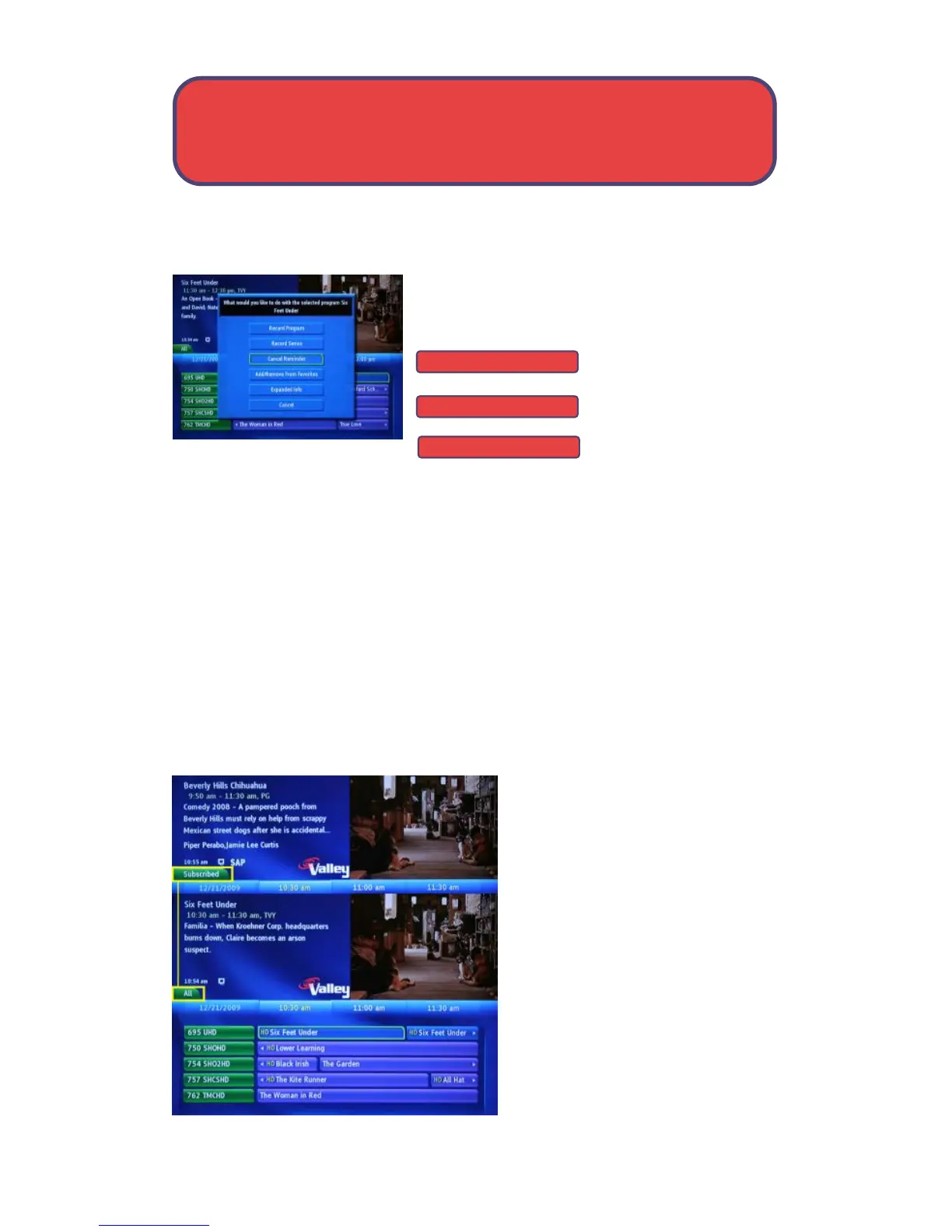
Depending on the type of even you are
cancelling, your option will be
or
or
Highlight that option
and press OK.
NOTE: Only the cancel option for the type of event you are cancelling
will appear.
Step 3: Return to Guide
After you press OK, you will be returned to Guide. The program listing will
no longer display the event icon. For more information on cancelling
events, see My Library page 33.
Guide and Favorite Lists
While in Guide, you can cycle
through your Favorites lists by
pressing Guide repeatedly. Each
press will activate the next
Favorites list.
The name of the active Favorites
list is shown above channel
number listing on the guide. This
causes the Guide to only display
the channels included on that
Cancel Auto Tune
Cancel Reminder
Cancel Recording
Guide - Event Settings



 To Next Page