15
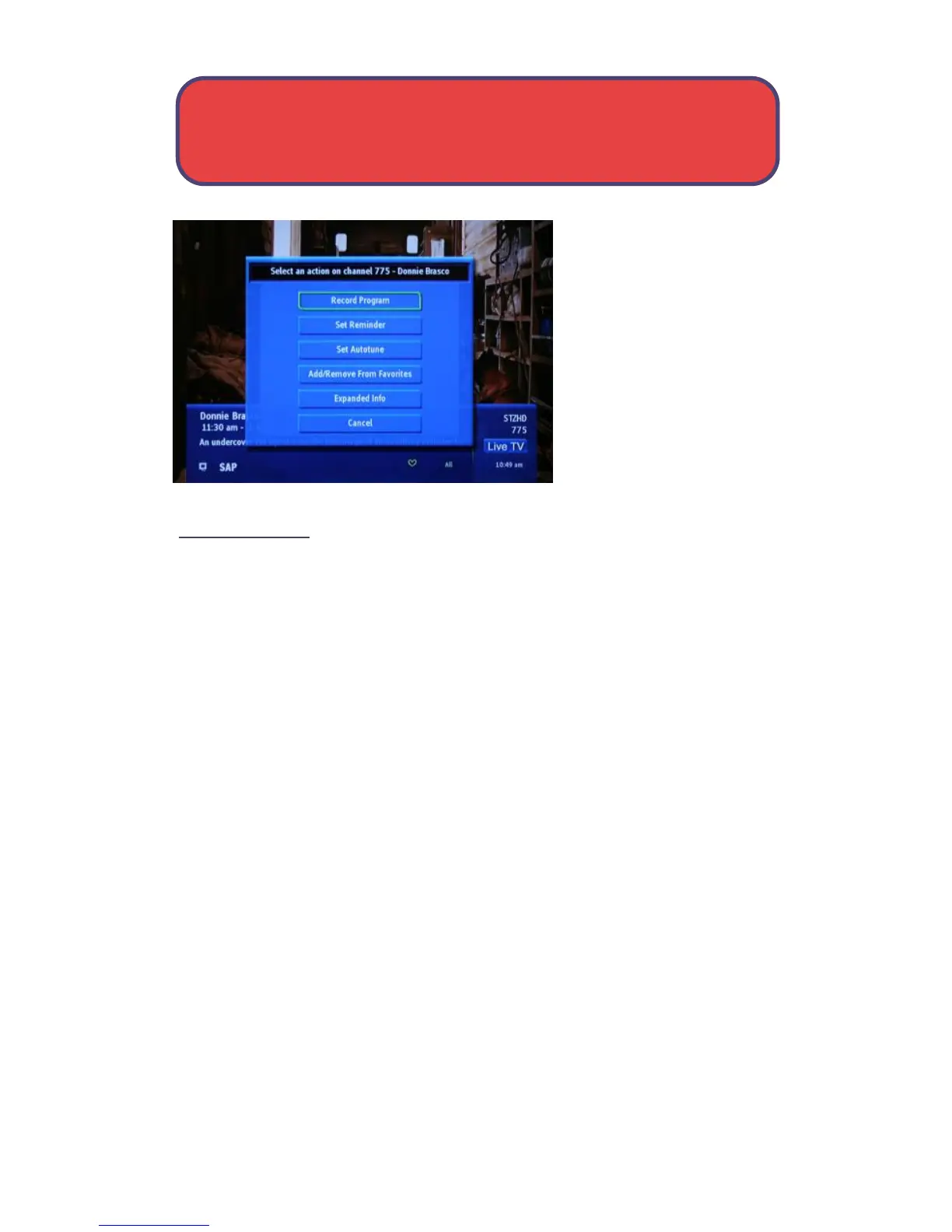
Press OK to display options
to set a reminder, auto
tune or recording (if your
set top box supports PVR/
DVR).
For more information on
setting reminders, auto
tunes and recordings, see
page 31.
Exit The InfoBar
The InfoBar will go away on its own after a few seconds of inactivity, or
Press EXIT on your remote control.
If you are in the detailed InfoBar, you can press INFO once more to exit the
InfoBar.
Actions - The InfoBar



 To Next Page