27
Live Use & DVR Menu - PVR/DVR
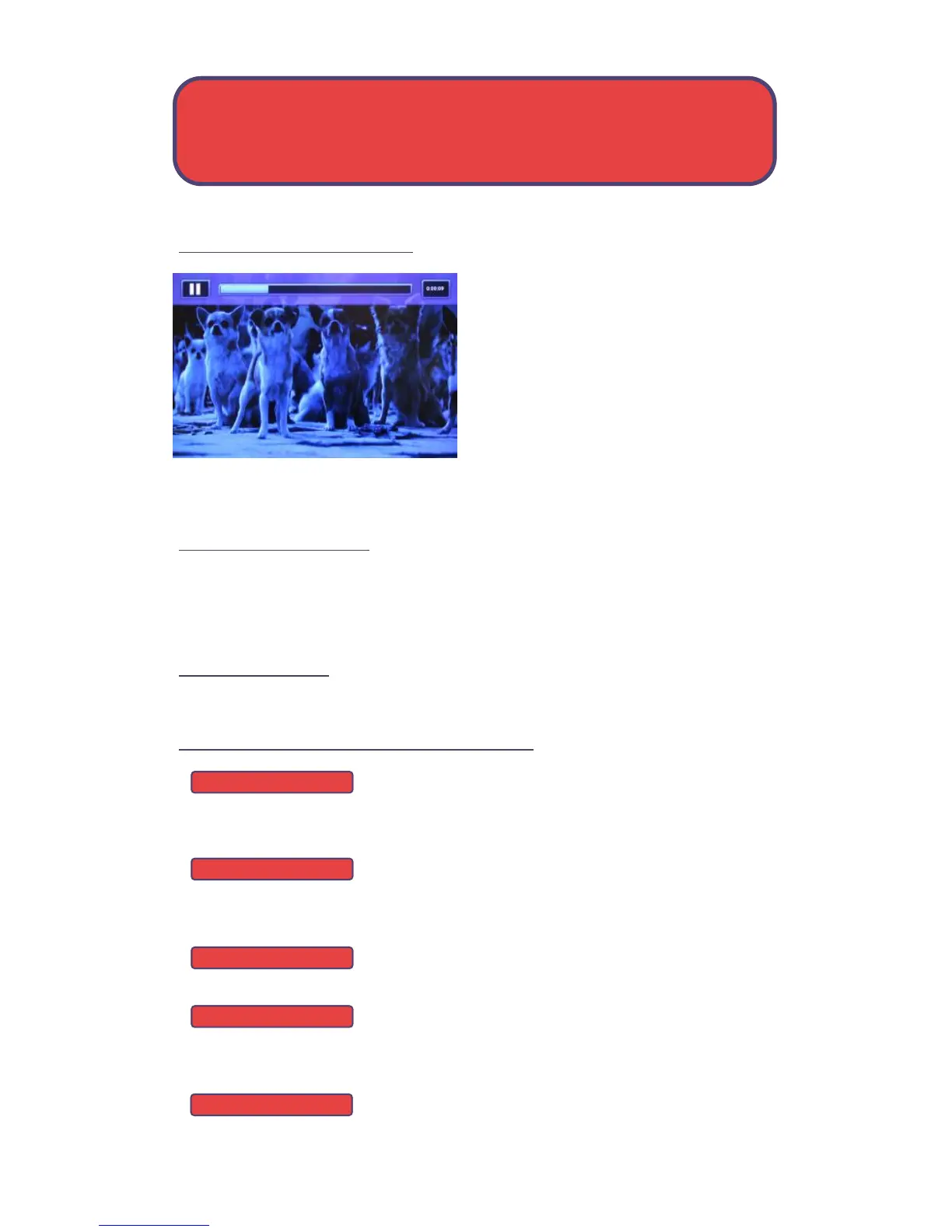
PVR Playback Controller
Any time you press one of the Playback
Control buttons while watching a
recorded program, the PVR playback
controller is displayed.
The box to the left indicates the
playback function in use.
The bar in the middle gives a visual
representation of where you are in the recording. The lighter section
indicates how much of the recording has been played.
The PVR/DVR Menu
The PVR item on the MenuBar provides access to previously recorded
programs, recording events you have set, schedule an event, view your
recording history and delete your recording history.
Go To PVR/DVR
Press Menu, highlight PVR and press OK.
The PVR/DVR Menu Quick Reference
Recorded Programs lists programs you have
already recorded. Go here to watch, lock or delete
these recorded programs.
To Record lists all Recording events you have
scheduled, and allows you to cancel any future
recordings events.
Schedule Priority allows you to edit settings for
series recordings.
Schedule Event allows you to create a recording
reminder or auto tune an event for individual or
recurring programs.
Record History is a log of when recordings start,
complete or are cancelled.
Recorded Programs
To Record
Schedule Priority
Schedule Event
Record History



 To Next Page