22
Guide - Multi-Reminder, Mulit-Auto Tune
Set a Multi-Reminder, Multi-Auto Tune or Multi-Recording
-
and want to be reminded each time it comes on, create a multi-reminder.
Step 1: Pick a Program
miss. Highlight the program listing
and press OK.
Step 2: Set the Recording
Highlight and
press OK.
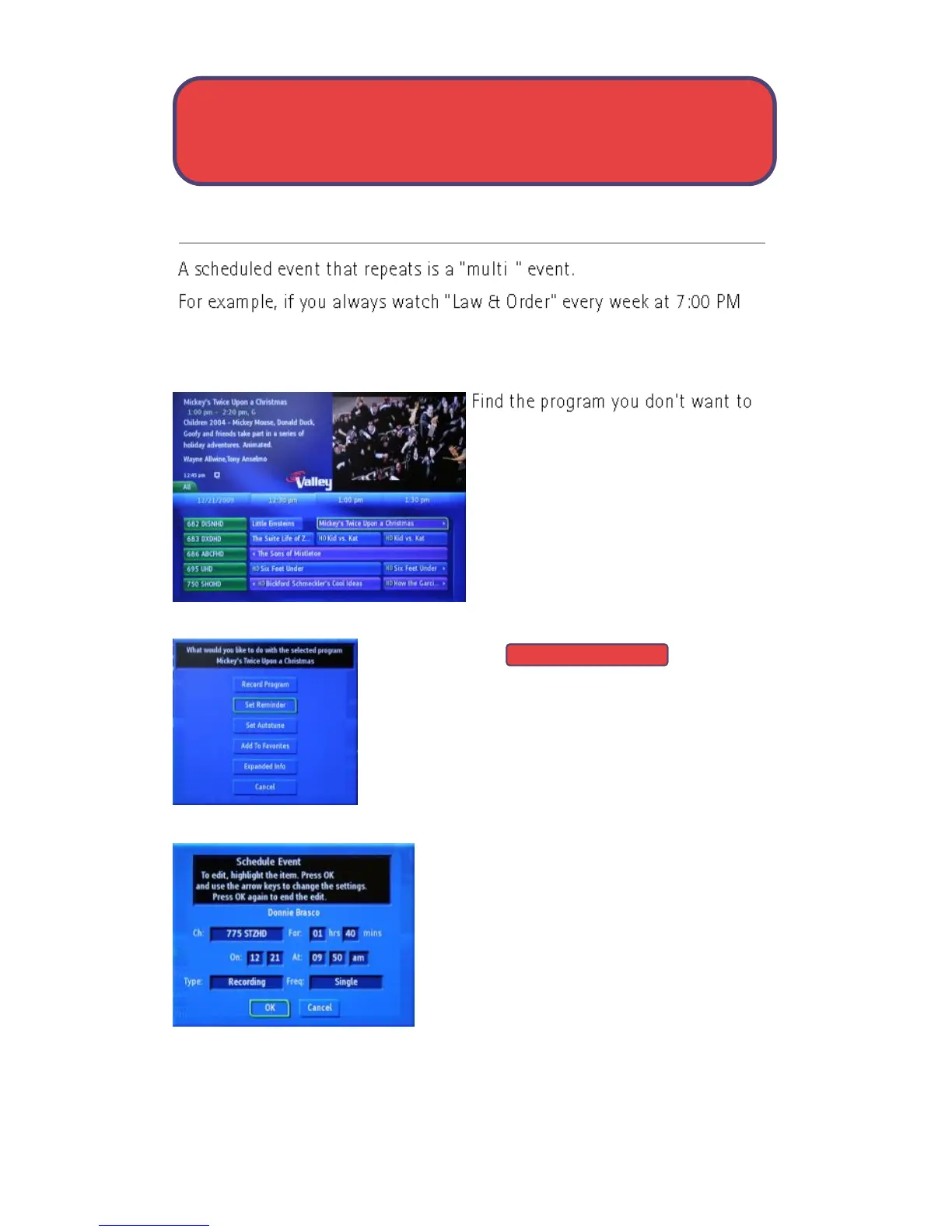
The Scheduled Events screen lists all the
information about the start and end time,
date and the correct channel for your
program. If anything is not correct, highlight
the incorrect item and press OK. Then use
the up and down direction buttons to enter
the correct information and press OK.
Information about Type: and Freq: is on the following page.
Set Reminder



 To Next Page