38
Introducing Settings
Settings gives you control over your video service. You can choose to share
rentals, change how alerts appear on your screen, create parental controls,
and block channels, and change the appearance of your screens using
Themes. You can also create user accounts for members of your family.
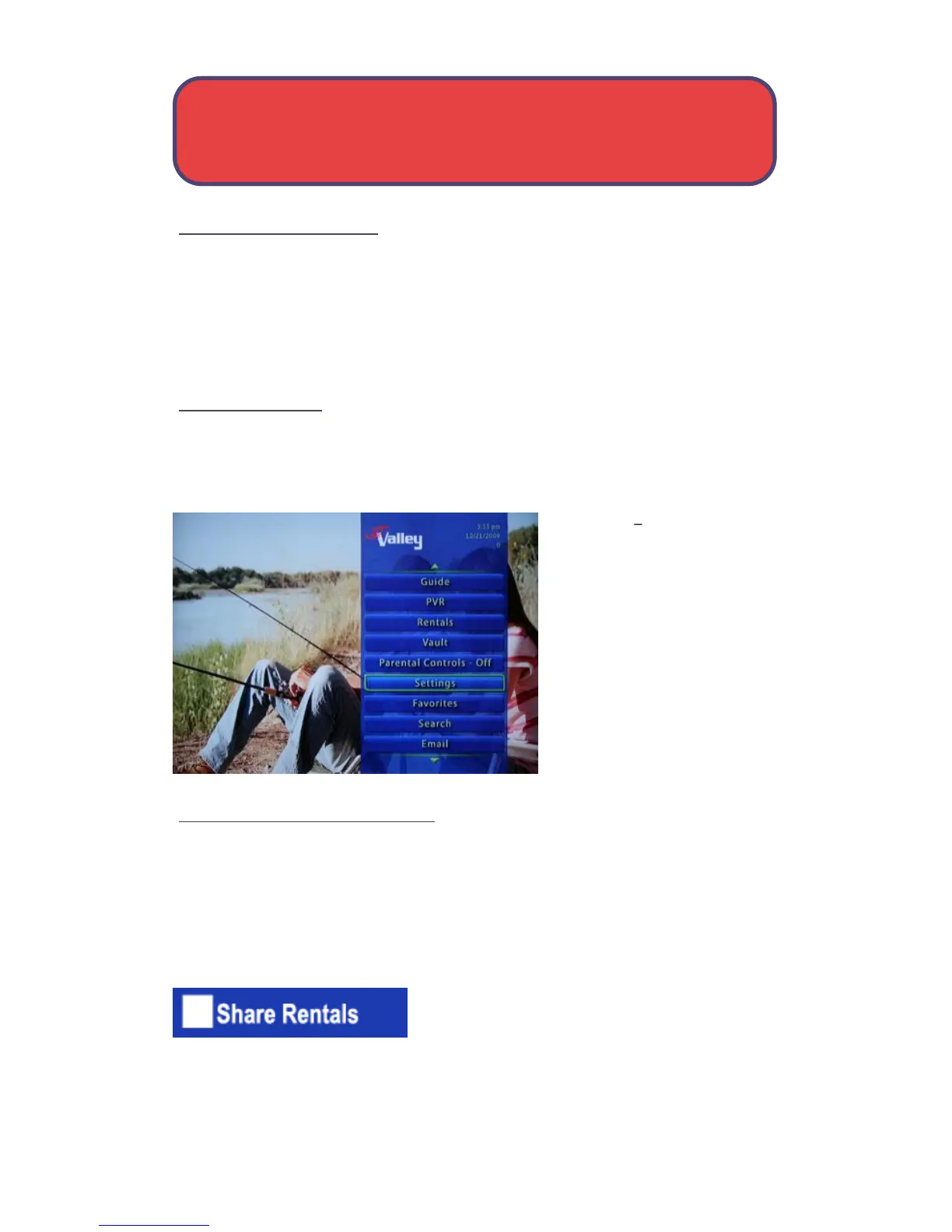
Go To Settings
Press Menu and highlight Settings. Then you will be prompted to enter
your password, and press OK.
Preferences settings that
affect your overall service.
This includes if rentals are
shared between users, if
users must log in, how
on-screen alerts are
handled, parental controls
and blocked channels that
apply to everyone, and what
Theme is used.
Working With Preferences
Note: Shared Rentals and Require Login is only needed if you intend to use
User Accounts (i.e. an account for children). Once set up, you must select
the appropriate account and enter its password before you can watch TV.
Share Rentals
Share Rentals creates a default setting for
any pay per view or video on demand rental.
They will automatically be available for any user account to watch
(enable), or only for the user who makes the purchase (disabled).
To turn Share Rentals on or off, highlight the check box and press OK.
Settings - Preferences



 To Next Page