49
Introducing Favorites
Favorites allows you to create, edit, choose or delete a list of your favorite
channels. You can have multiple favorites lists depending on how you want
to use them.
Go To Favorites
Press Menu and highlight Favorites, then press OK.
You will be presented with a screen with options to choose, edit, create or
delete a favorites list, or cancel.
Choose A Favorite List
There are two ways to choose a favorites list:
Favorites From The MenuBar
Choose and press OK.
Then highlight the favorites list you want and press OK.
Favorites From Guide
While in Guide, you can cycle through your favorites lists by pressing
Guide. Pressing Guide once you have cycled through all favorites lists will
exit Guide.
Create or Edit A Favorites List
Step 1: Create or Edit
Create or Edit, and
press OK.
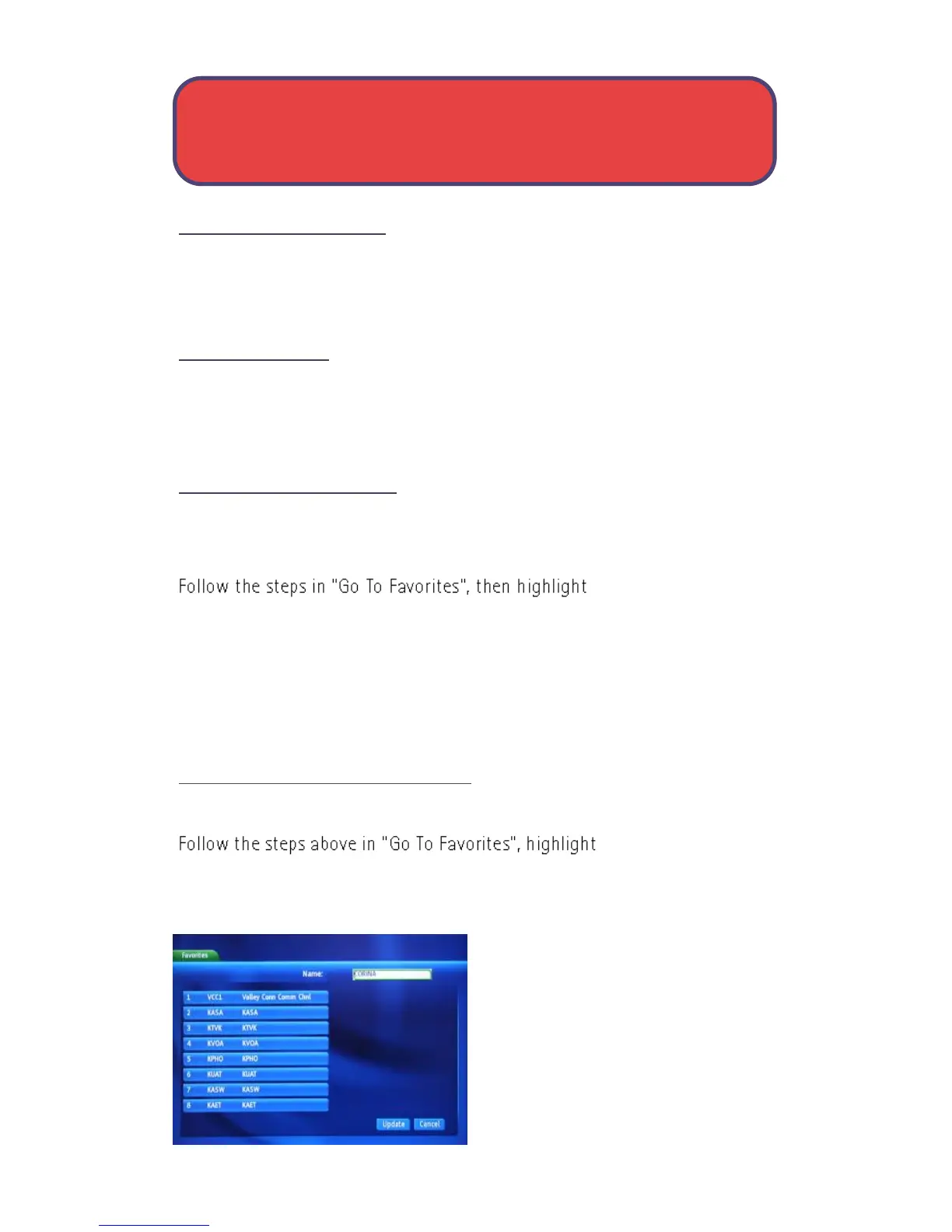
Step 2: Name your Favorites List
You will see the Favorites create/edit
screen. This screen displays every
channel offered.
The Name: box is already highlighted.
Press OK to use the on-screen
keyboard to change the name for
your favorites list.
First, highlight Clear All and press
Choose, Create & Edit - Favorites



 To Next Page