20
A reminder tells the system you want it to let you know a program is about
to come on. An Auto Tune will automatically change to the correct channel
when the program is about to start. A recording will automatically record
the program using PVR/DVR. Note: Your set top box must support PVR/
DVR.
Set a Reminder, Auto Tune or Recording
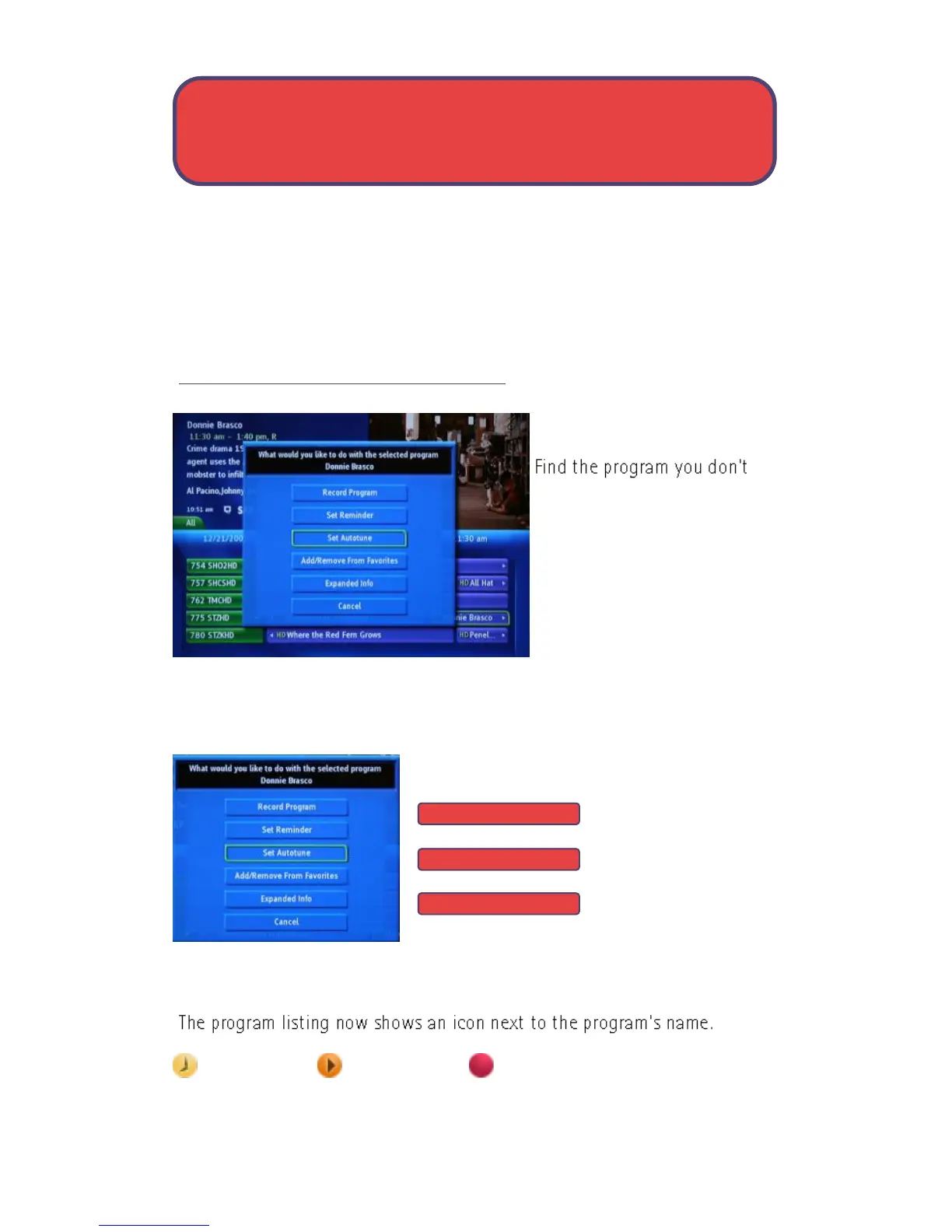
Step 1: Pick a Program
want to miss. Highlight the
program listing and press OK.
Note: If you are setting a
recording, you can highlight
the program listing and press
Record instead of OK, then
skip steps 2 & 3.
Step 2: Set a Reminder, Auto Tune or Record
Highlight:
Record Program or
Set Reminder or
Set Auto Tune and
press OK. You will then be returned to Guide.
Step 3: Return to Guide
Reminder set Auto Tune set Recording set
Guide - Reminders, Auto-Tune, Record
Record Program
Set Reminder
Set Auto Tune



 To Next Page