36
Introducing Parental Controls
Parental Controls lets you turn on and off all parental controls for your
service. This allows you to let the kids watch TV without you constantly
worrying that they may see something you feel is inappropriate, but still
allow the adults to watch their programs without repeatedly entering a
password.
Note: Parental Controls will not appear until you have created parental
control in settings. See the Settings Section to learn how to edit
parental controls
Go To Parental Controls
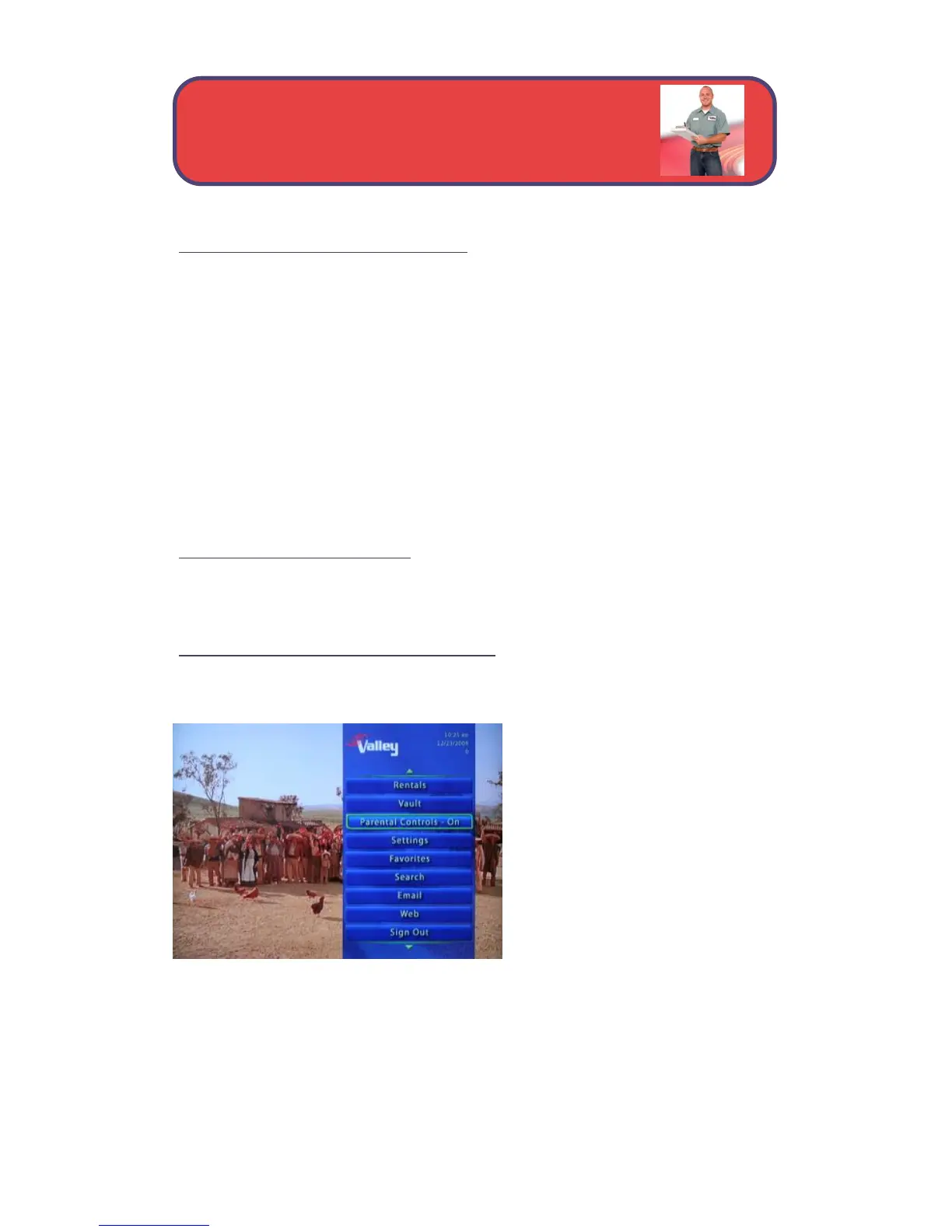
Press Menu and highlight Parental Controls.
Enable/Disable Parental Controls
The Menu lets you know if parental controls are on or off.
If parental controls are in effect,
the Parental Controls button will
say On.
If parental controls have been
turned off, the Parental Controls
button will say Off.
Parental Controls - Enable or Disable



 To Next Page