47
Edit Master User Account
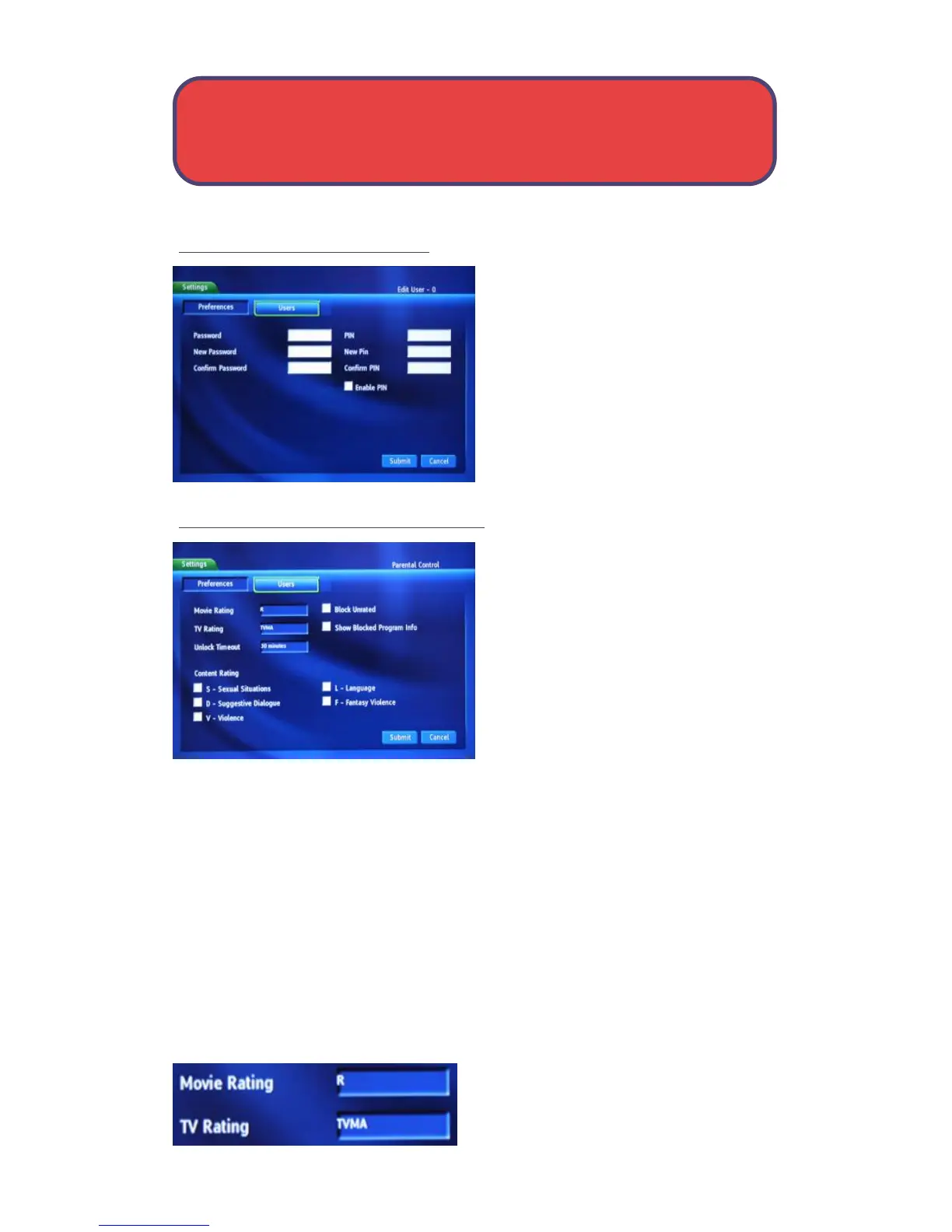
The Edit User screen for the Master
Account is somewhat different. You
can only change the password and
PIN. You must also enter the old
password and PIN in the Password
and PIN boxes.
Note: The master account is the first
account listed on the Users screen
and is shown in yellow not white.
User Account Parental Controls
To edit parental controls for a user
account, highlight the user account
and press OK, then highlight the
Parental Control button and press
OK.
Movie Rating
Movie Rating determines the highest rating for movies that will not be
blocked. To set Movie Rating, highlight the option box next to Movie
Rating and press OK.
Use the arrow button to display G, PG, PG-13, R, NC-17, or AO, then
press OK.
TV Rating
TV Rating determines the highest rating for television that will not be
blocked. To set TV Rating, highlight the option box next to TV Rating and
press OK.
User Settings - Settings



 To Next Page