30
Deleting A Recording
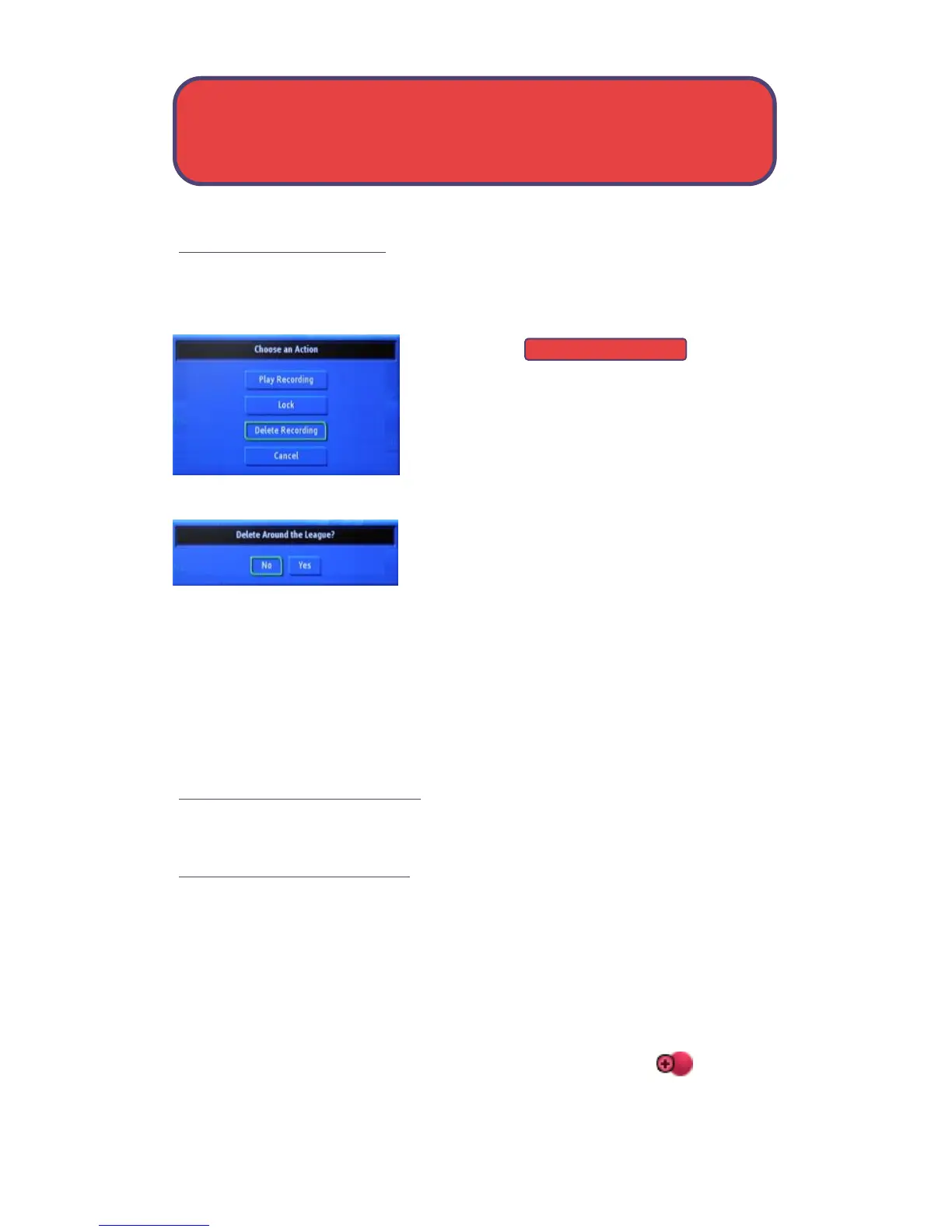
Highlight the recording you want to delete and press OK.
Step 1: Pick A Recording
Highlight and
press OK.
Step 3: Confirm Delete
Highlight Yes and press OK to confirm, or No
if you changed your mind.
Step 4: Recording Deleted
Once you confirm the deletion, the entry for that recording is removed
from the list.
Note: Once a recording has been deleted there is no way to get it back.
Please be careful when deleting recordings.
Review Recording Events
You can easily review and cancel future recording events from To Record.
Go To Recording Events
Highlight To Record and press OK.
A list of your scheduled future recording events will appear to the right.
When Highlighted, each recording event history lists the channel on which
the program is shown, the name of the program, and the date and time it
airs.
If the recording event is a multi-recording, look for this icon shown
to the right of the program date and time.
Delete Recording
PVR/DVR - Deleting



 To Next Page