48
Use the arrow buttons to display TV-Y, TV-Y7, TV-G, TV-PG, TV-14, or
TV-MA, then press OK.
Content Rating
Content Rating
determines the
type of content
that will be
blocked.
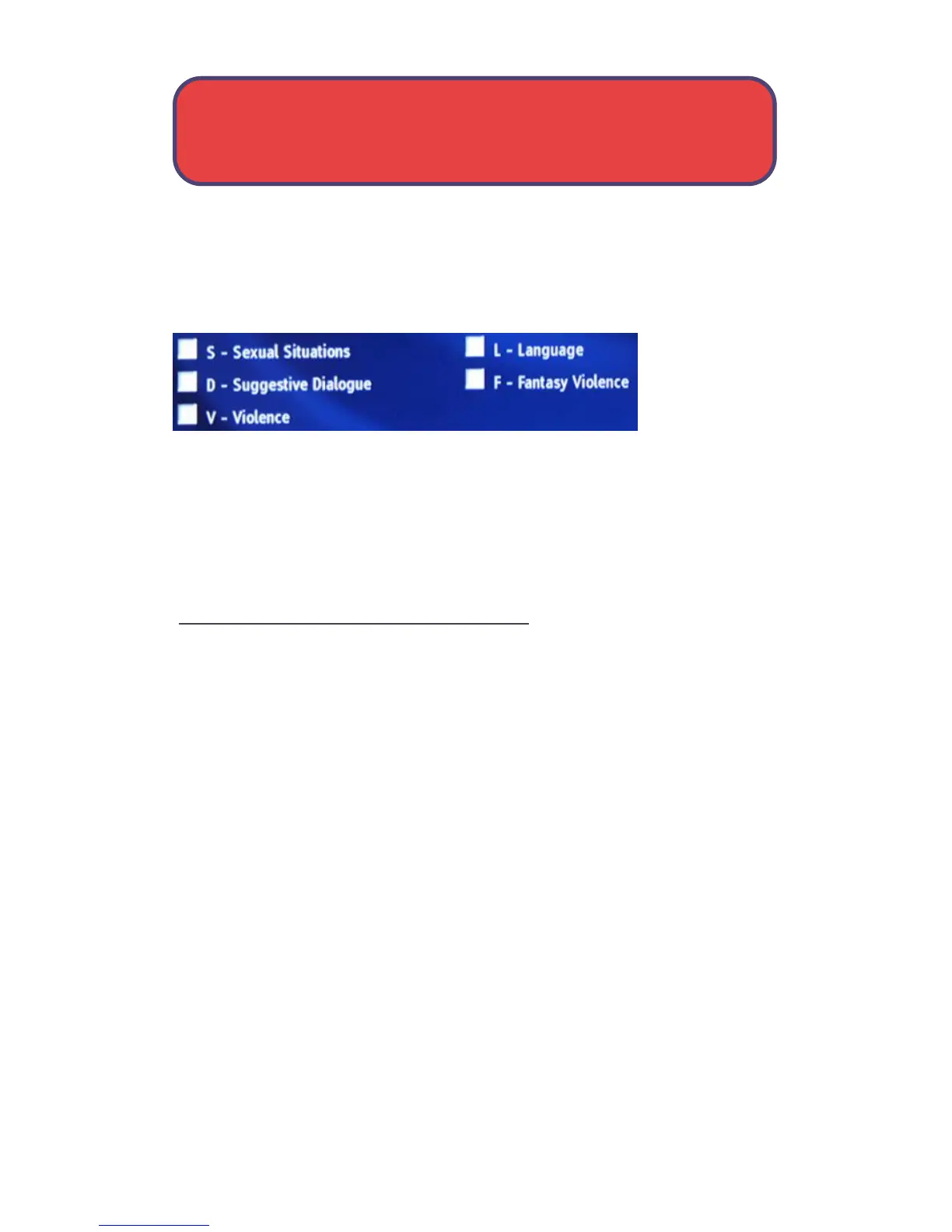
S-Sexual, L-Language, FV-Fantasy Violence, V-Violence, and D-Dialogue.
To block a particular type of content, highlight the check box to the right
of that content item and press OK.
Save Your Parental Control Settings
Once you have changed any Parental Control Settings, highlight the
Submit button and press OK.
If you want to discard your changes, highlight Cancel and press OK.
Settings - User Settings



 To Next Page