44
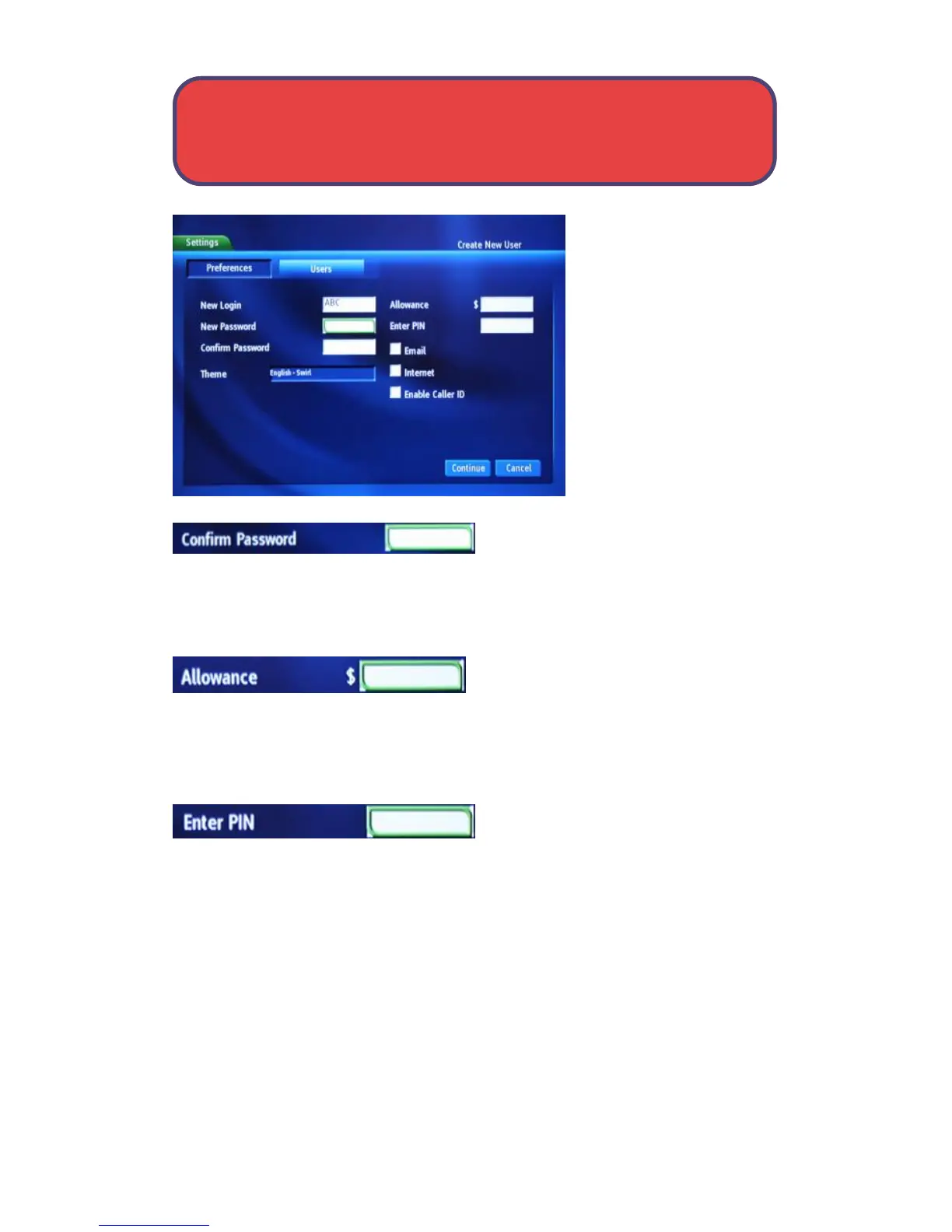
Highlight New Password
and use the keypad on
your remote to re-enter
the password.
Highlight Confirm Password and use
the keypad on your remote to re-enter
the password.
Highlight Allowance $ to enter a limit
to the amount of pay per view that can
be purchased per month for the new account and press OK. An on-screen
keyboard appears. Follow the same on-screen keyboard steps to enter the
purchase limit.
Highlight Enter PIN to enter the PIN
used to purchase pay per view for the
new account and press OK. An on-screen keyboard appears. Follow the same
on-screen keyboard steps to enter the PIN.
Settings - User Settings



 To Next Page