5.1 Pieces
Prints out the job number and the pieces made for the preselections:
tree species, wood type, length, running meters, number of pieces,
volumes (if volume calculation is in use) and trunk numbers (if trunk
counter is in use).
5.2 Millimeter Printout (Stem profile)
− The printer prints out all the length/diameter data pairs. Printout can
be used for the calibration of the measuring accuracy.
− The information of the sawed piece can be printed after the piece is
sawed.
5.3 Printout of Calibration Data
Detailed calibration data of length and diameter.
5.4 Piece Printout
− Printout, when sawing, of the running number of the diameter class of
the piece, the top diameter, volume and length.
− Printing is started by pressing the "Piece-print" button. Text "Piece-
print" is shown in black background indicating that Piece-print is
activated.
− Printing is terminated by pressing the "Piece-print" button again.
Measuring equipment prints out the total amounts of pieces
automatically, when the piece printout is terminated.
NOTE!
Piece printout cannot be terminated by switching off the power from the
measuring equipment.
5.5 Number of Trunks (Printer not in use)
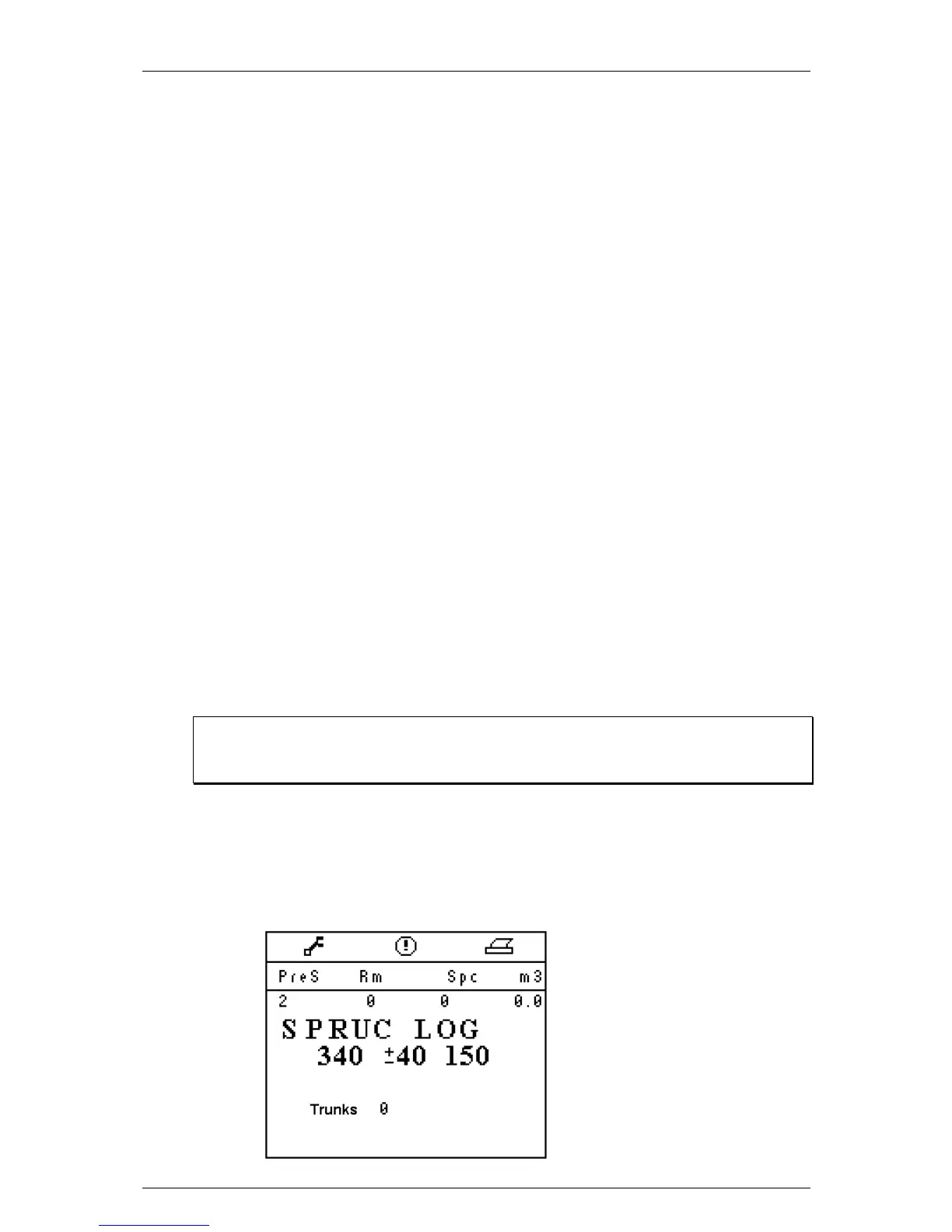
If printer is not in use, the trunks made for active preselection are
displayed in the printout window:


 To Next Page