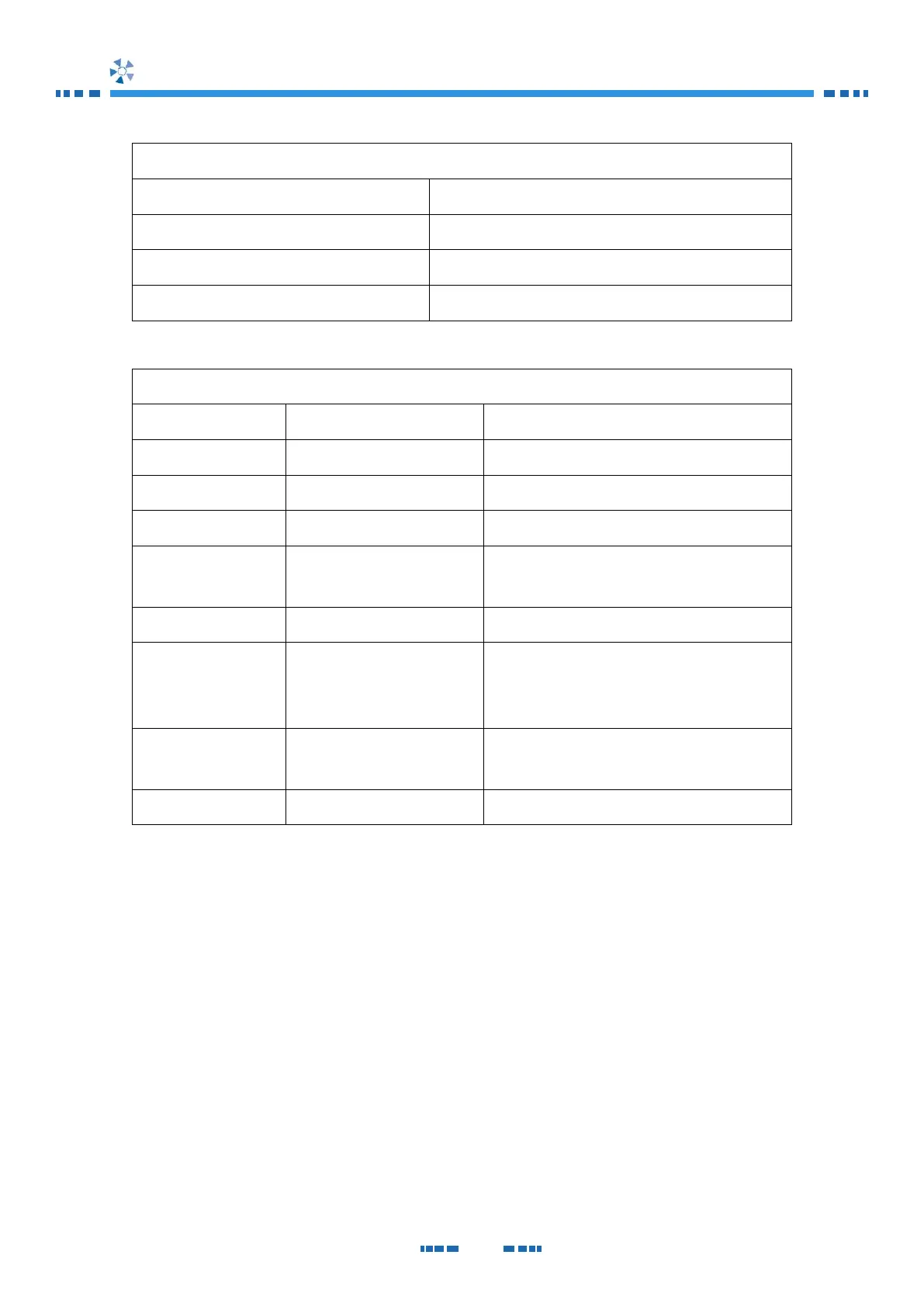
CANopen Network State Machine Status (green)
CANopen Bus Physical Layer and errors of CANopen protocol Status (red)
CANopen interface is in working condition
Auto-bitrate detection is in progress
General configuration error
Warning limit has been
reached
Error counter of CAN controller has reached or
exceeded the warning level
Heartbeat event has occurred
Synchronizing message has not been received
within the configured communication cycle period
time out
An expected PDO has not been received before
the event timer elapsed
4) Node ID Configuration Switch
This switch allows to configure the Node ID of CANopen where 1
st
position is the LSB
(Least Significant Bit) and 5
th
position is the MSB (Most Significant Bit).
Switch ON is a a .
If Node ID is configured as 0, ID number 104
d
will be used.


 To Next Page