36
5.7 Hydro Generation Function
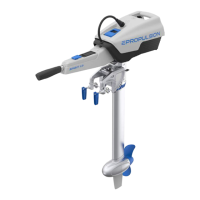
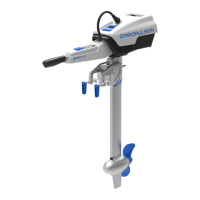
SPIRIT 1.0 Evo outboard can drive the propeller to charge the battery (only the
ePropulsion battery) through water ow.
The machine will enter the hydro generation state if the following conditions are
met:
1. The Evo control system is set to turn on the hydro generation function (enabled by
default).
2. The Evo control system is in the zero position.
3. The ePropulsion battery power is below 90%.
4. The machine will enter the hydro generation state after the boat speed is above
6km/h stable for 4 seconds.
5. The hydro generation function can be used only when connecting ePropulsion
batteries.
6. If using E-series battery, please connect with a communication cable.
When any of the following conditions occur, the hydro generation will be stopped:
1. The Evo control system is set to turn off the hydro generation function.
2. The Evo control system is in the forward / backward state (not in the zero
position).
3. The ship is not traveling or traveling too fast (NAVY 3.0 Evo is higher than 40km/
h or NAVY 6.0 Evo is high than 45km/h).
4. The battery level is higher than 90%.
Only when connecting with ePropulsion batteries, the hydrogeneration function
can be turned on.
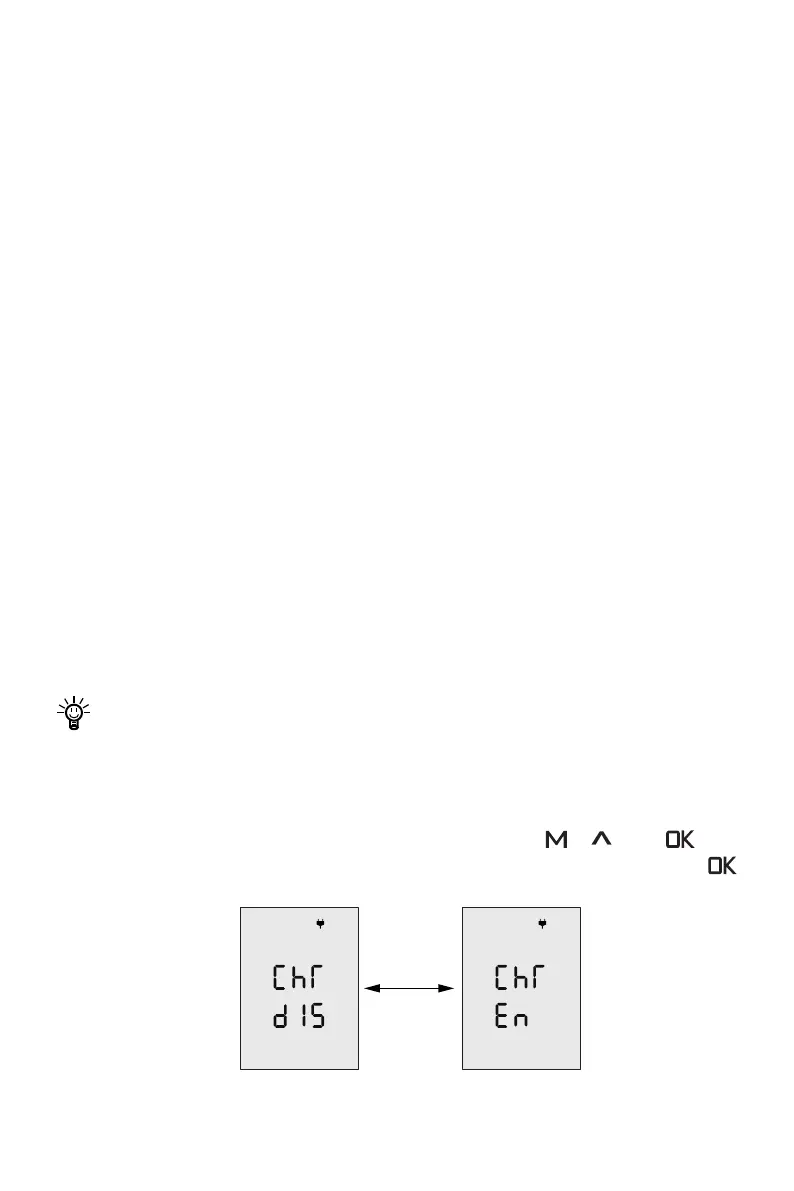
Set up the hydro generation function
When the Evo control system and the machine are successfully connected, and the
Evo control system and the outboard are both on. Press the “ ”, “
” and “ ” but-
tons at the same time to enter the hydro generation setting interface. Then press “
” to change the state of the hydro generation function (En means on, Dis means off).
Figure 5-13


 To Next Page