Related Information
& “Basic Scanning” on page 52
& “Advanced Scanning” on page 63
Placing Envelopes in the ADF
Specications of Envelopes
ese are the specications for envelopes that you can load into the scanner.
Measurement Thickness Loading Capacity
120×235 mm (4.72×9.25 in.) 0.38 mm (0.015 in.) or less 1 envelope
92×165 mm (3.62×6.50 in.)
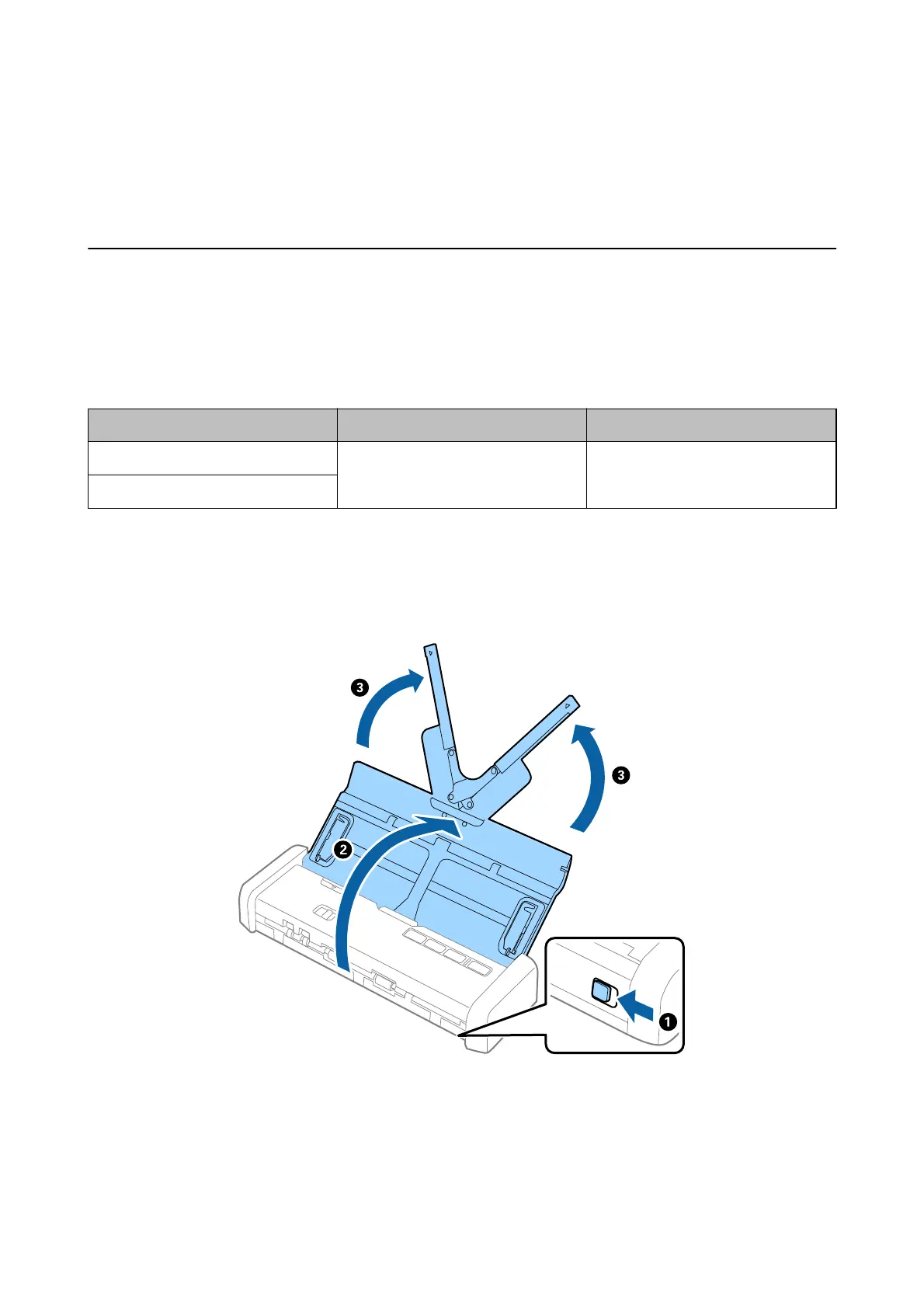
Placing Envelopes
1.
Slide the input tray open lever to the le, open the input tray, and then pull out the input tray extension.
User's Guide
Specications of Originals and Placing Originals
45













 To Next Page