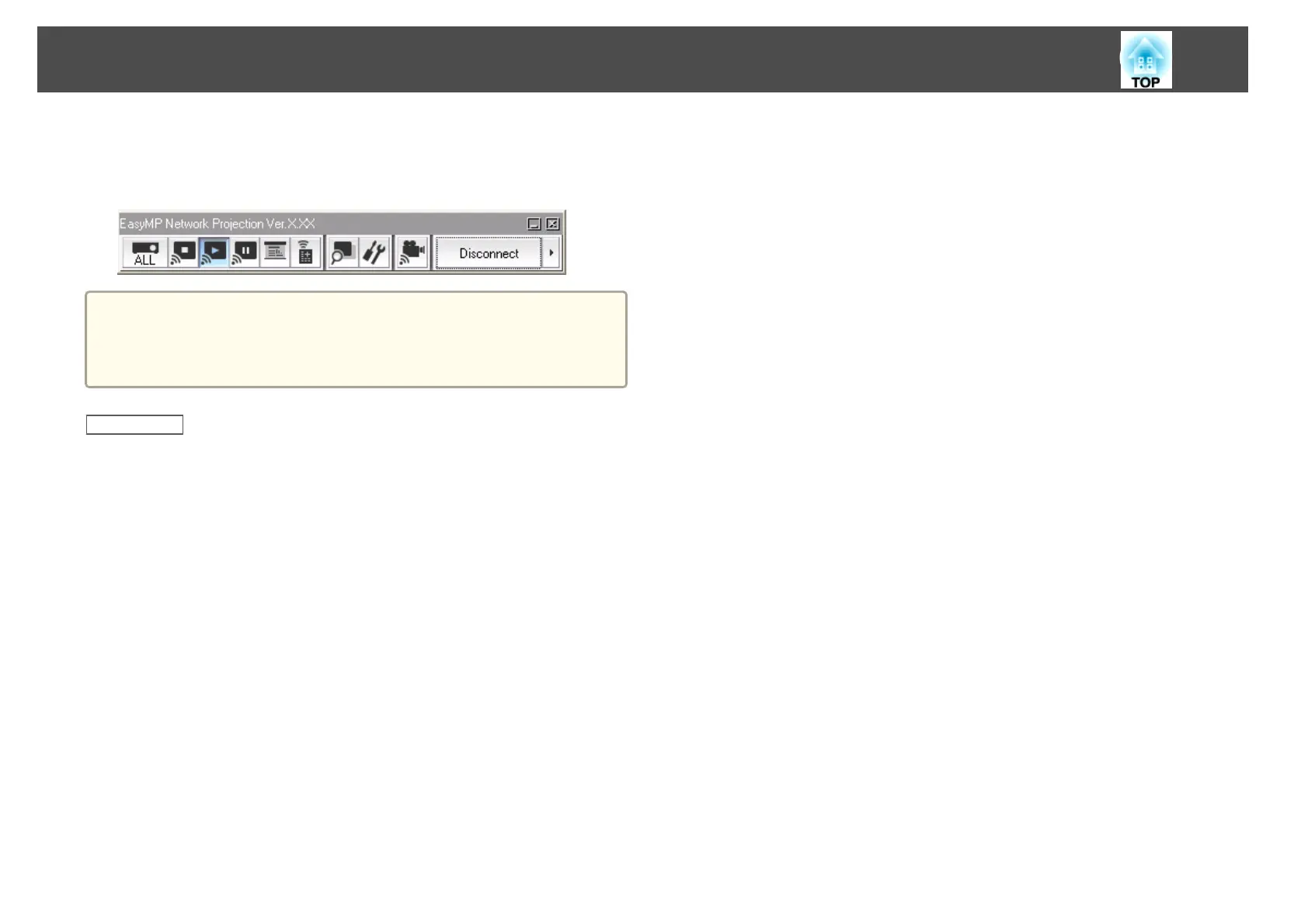
When the connection is complete, the computer screen is projected. The
following EasyMP Network Projection toolbar is displayed on the computer
screen.
a
When a connection is established, the input source for the projector
automatically switches to the LAN source if no other signal is being
input. If the input source does not automatically switch to the LAN
source, press the LAN button.
Related Links
• "Connection Methods" p.18
• "Setting Up a Projector to Connect in Advanced Connection Mode
(Wired)" p.15
• "Searching for Network Projectors Automatically" p.24
• "Searching for Network Projectors by Specifying an SSID, IP Address, or
Projector Name" p.25
• "Performing a Profile Search" p.26
Connection Methods
23










 To Next Page