94
User’s Guide
Using the Help
When you have any problems, such as no image appears, or make no sound,
press [Help] button on the remote control. The interactive help screen will be
displayed. Most of your problems can be solved by answering the displayed
questions.
PROCEDURE
Press the [Help] button.
The help screen will be displayed.
Select a menu item.
If using the remote control, tilt the [ ] button up or down to
select a menu item.
If using the projector's control panel, press the [ ] or [ ]
button to select a menu item.
Confirm the selection.
Press the [Enter] button on either the remote control or the
projector's control panel to confirm a selection.
1
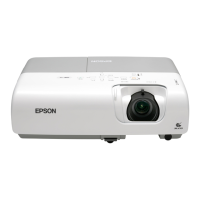
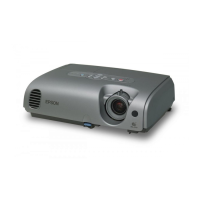
Remote control Projector
2
3
TIP
To return to a previous menu, press the [Esc] button on either the
remote control or the projector's control panel.



 To Next Page