3
Installing the Software
3-13
R4C6740
Setup Guide Rev. C
INSTALL.FM A5 size
10/26/00
R
Proof Sign-off:
K.Pipa
J.Miyakoshi
K.Norum
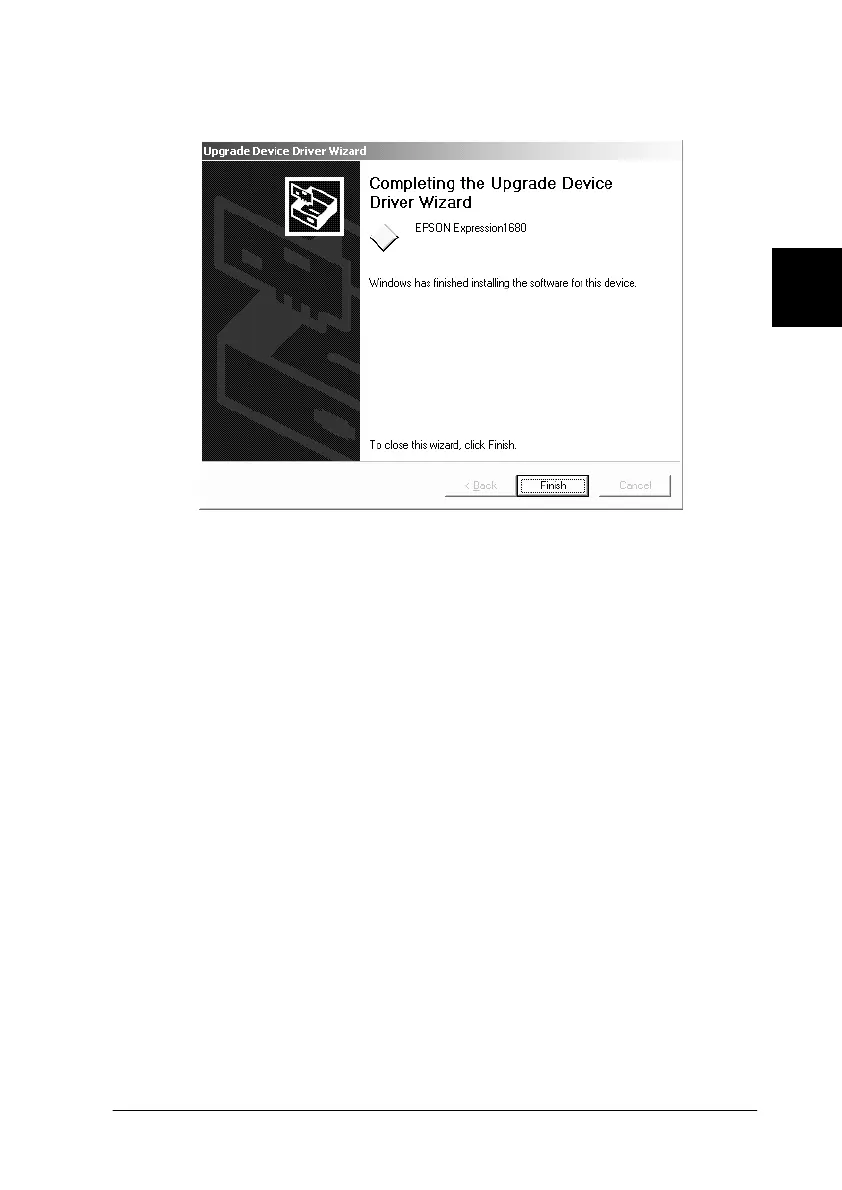
7. When the dialog box shown below appears, click Finish.
Note:
If a message appears instructing you to restart your computer, click
Yes to restart your computer.
You are now ready to install the other software from your scanner
software CD-ROM. See “Installing other scanner software for
Windows Millennium Edition, 98, and 2000” on page 3-17.







 To Next Page