115
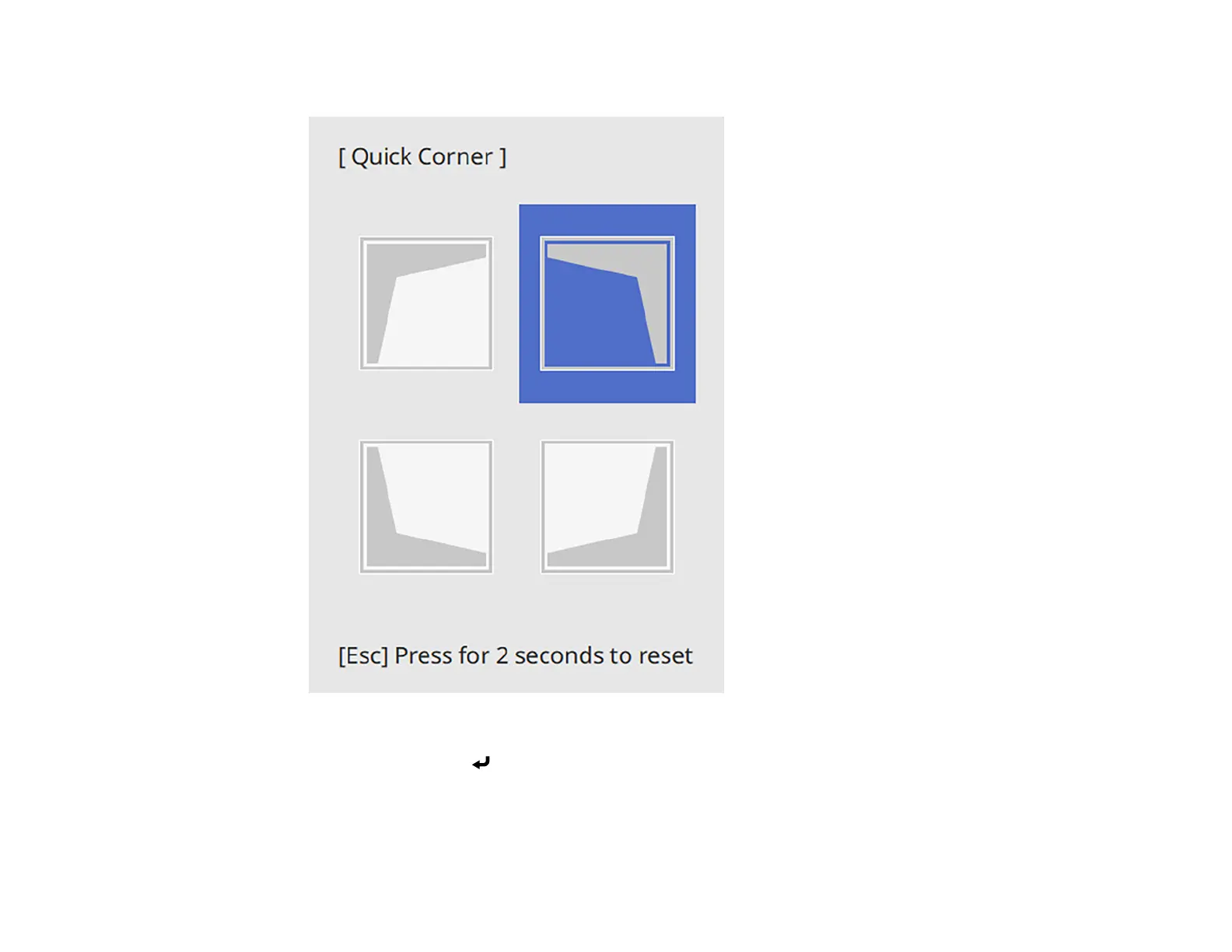
You see the Quick Corner adjustment screen:
6. Use the arrow buttons on the projector or remote control to select the corner of the image you want
to adjust. Then press Enter.
Note: To reset your adjustments, press and hold the Esc button for at least 2 seconds to display a
reset screen. Then select Yes.



 To Next Page