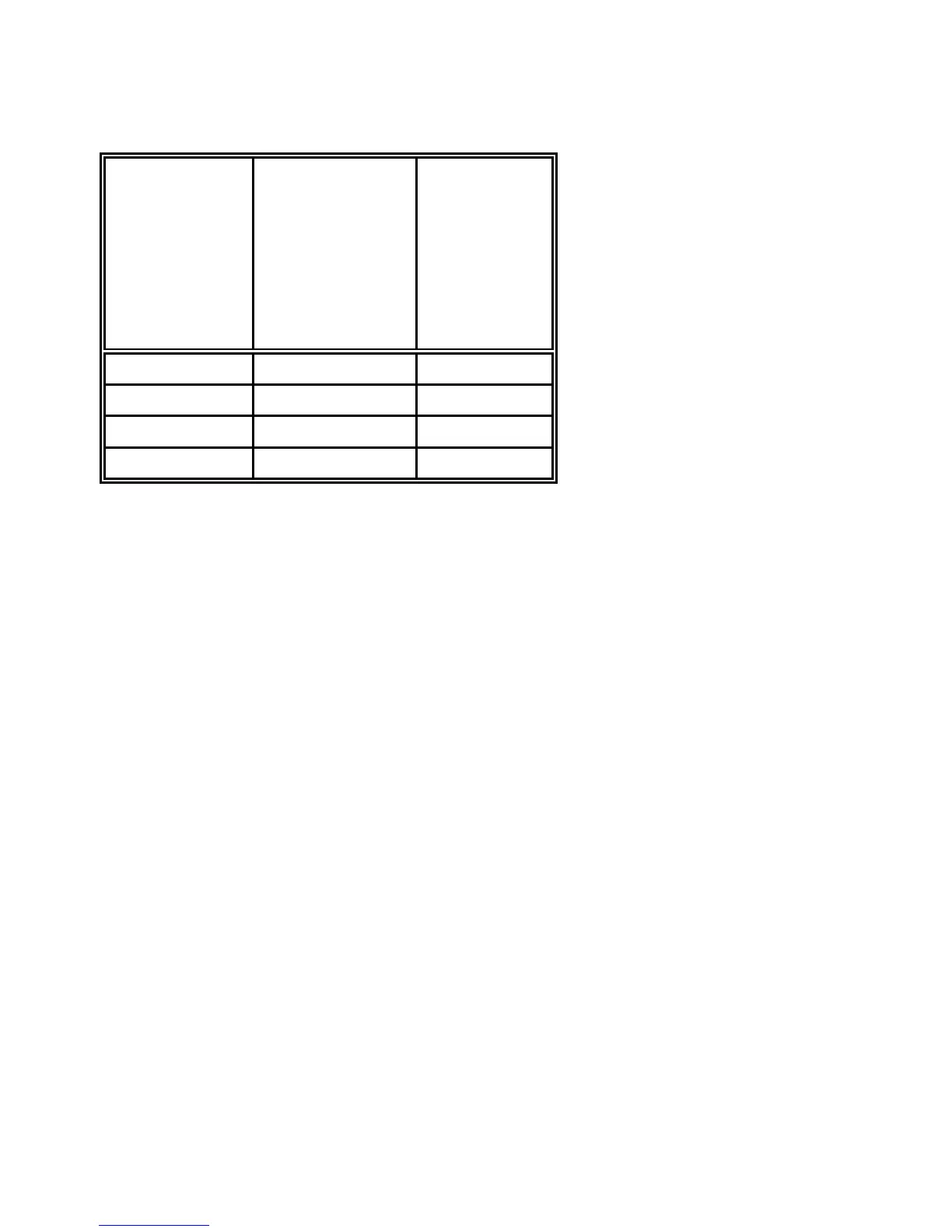
P Ratio Width to Thin
(default:
0
(2 to 1))
6
P
2 of 5 industrial EAN 13
6
value Codabar UPC-E
Code 39 EAN 8
2 of 5 interleaved UPC-A
Code 93
MSI mod 10/10
Code 128
0 2.0 to 1 SC3
1 2.5 to 1 SC6
2 3.0 to 1 SC9
3 3.5 to 1 SC3
Note:
Code 93, MSI 10/10, Code 128 are fixed 2.0 to 1
Best results for Code 39, 2 of 5 industrial, 2 of 5 interleaved, and Codabar
with 2.5 to 1
P Uni-directional or bi-directional printing
- standard 0 uni-directional
7
values are: 0 or not programmed means no changes
1 uni-directional printing in LQ
2 bi-directional printing in LQ
3 uni-directional printing in NLQ
4 bi-directional printing in NLQ
Start Position of Barcode Printing
The start position for barcode printing is the current print position.
For both horizontal and vertical printing, the print position after printing
barcodes is the same line as the start position next to the barcode printed.












 To Next Page