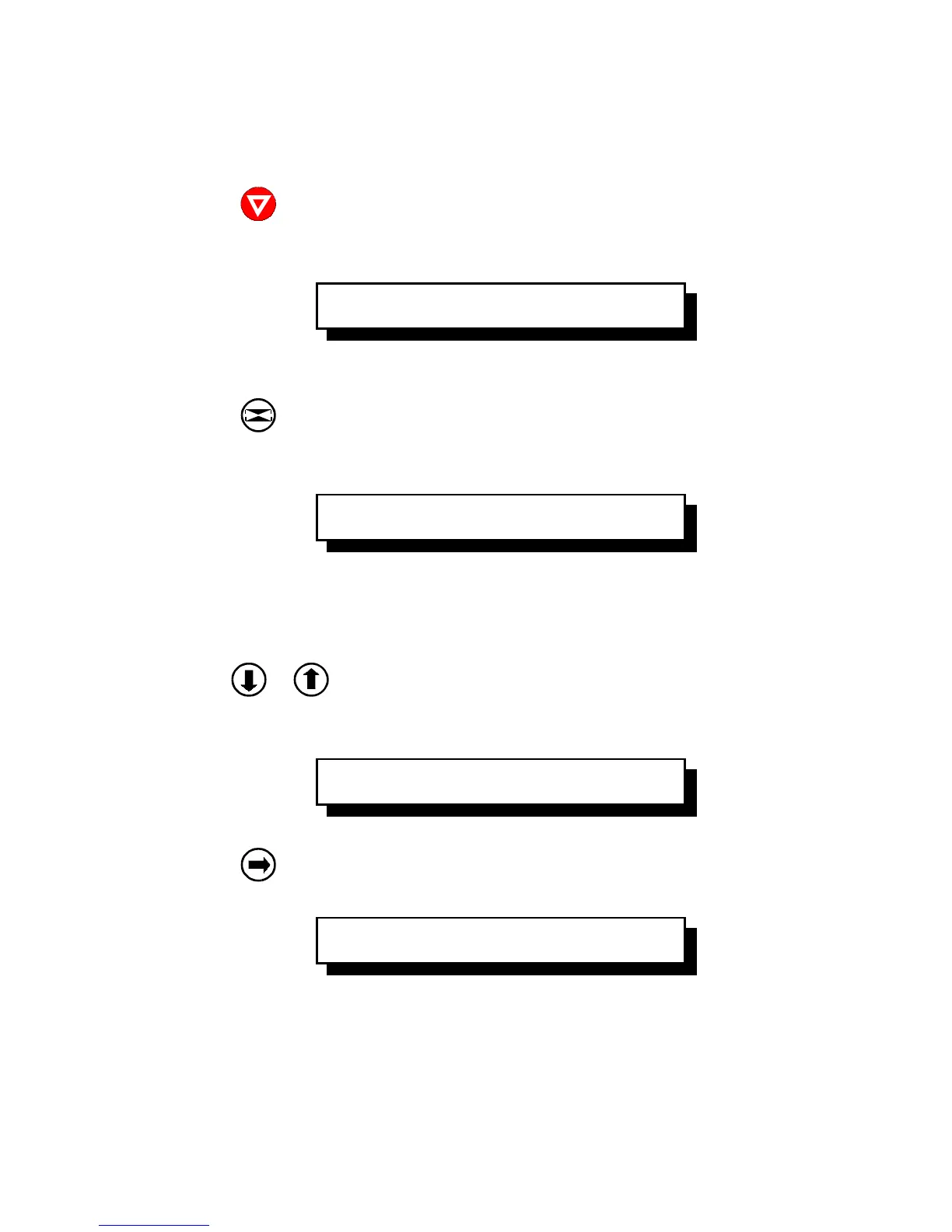
To activate the menu please follow the next steps:
The printer changes from the
The second term identifies the active macro and the emulation.
Now, the printer enters the menu mode at the first level of the menu tree.
As soon as the menu mode has been activated the arrow keys are
useable as cursor keys to navigate within the menu tree (up, down, right,
Arrow down or arrow up are used within one level to shift menu functions into
the display. The keys have a wrap around function.
Now, you are at the subfunction level.
Movement in both directions is possible. Arrow right is used to enter the
next lower level and arrow left is used to enter a higher level.












 To Next Page