18. Flow-chart
RX8130CE Jump to Top / Bottom
ETM50E-07 Seiko Epson Corporation 54
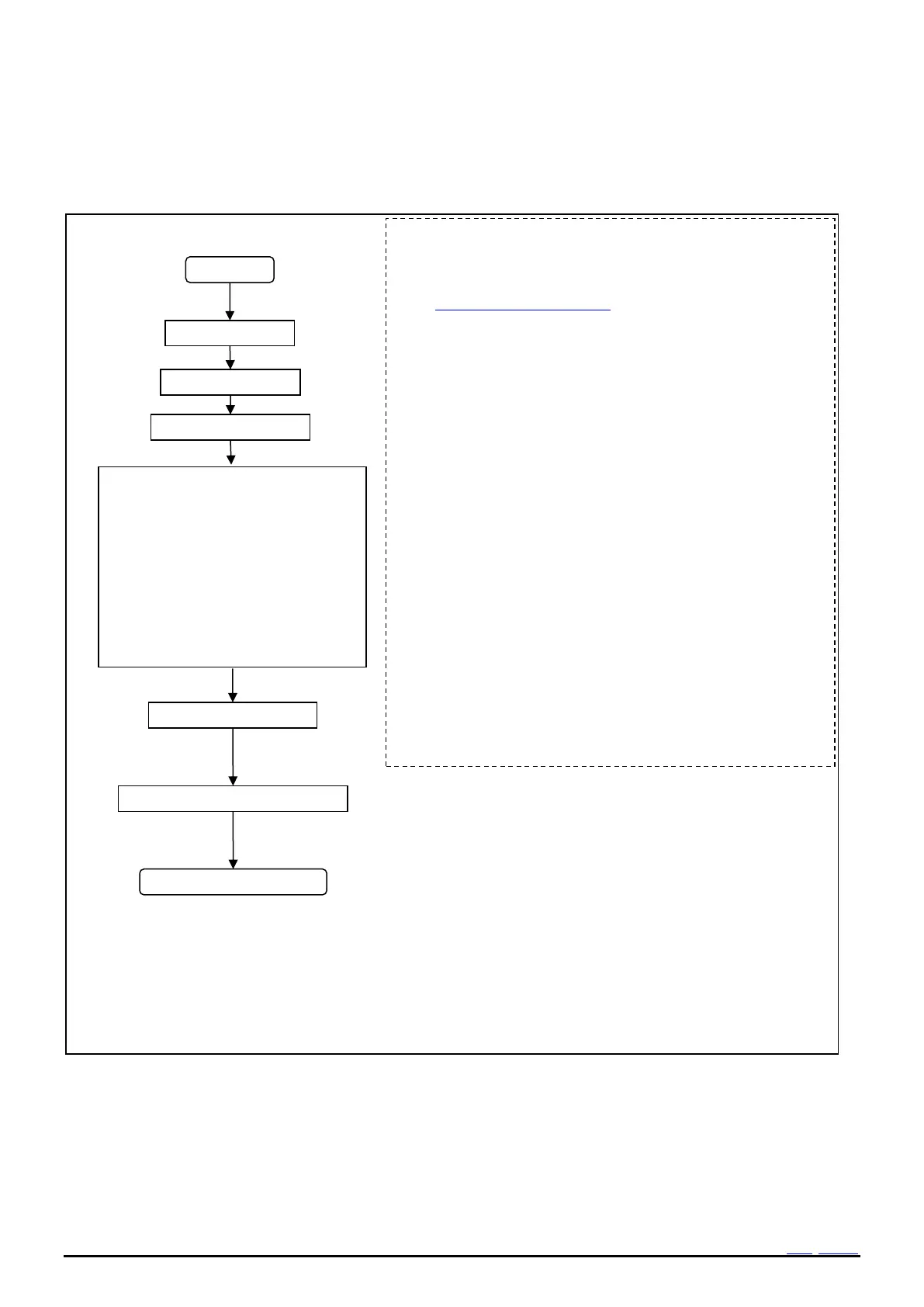
18.2 Software Reset
Figure 40 Example Flow(Software Reset)
Initialization same as Power-On Reset is performed by this
processing.
As for the register value after software reset,
See 13.2.2. Register initial value.
Notes.
It has possibility leak current occurs from step 6) to step 10).
because all power switch are turned to ON while this.
After step 5), please complete the process immediately.
3) In a dummy lead, ignore NACK/ACK from RTC.
10) TEST bit is cleared automatically in step10.
Both time and a calendar register are not initialized in any values
by this Software Reset.
Both a calendar and Time before reset are maintained.
/RST signal outputs Low 95ms Max from step10.
Please care /RST active signal.
And a VLF bit is set to 1.
Please clear VLF to 0.



 To Next Page