18. Flow-chart
RX8130CE Jump to Top / Bottom
ETM50E-07 Seiko Epson Corporation 57
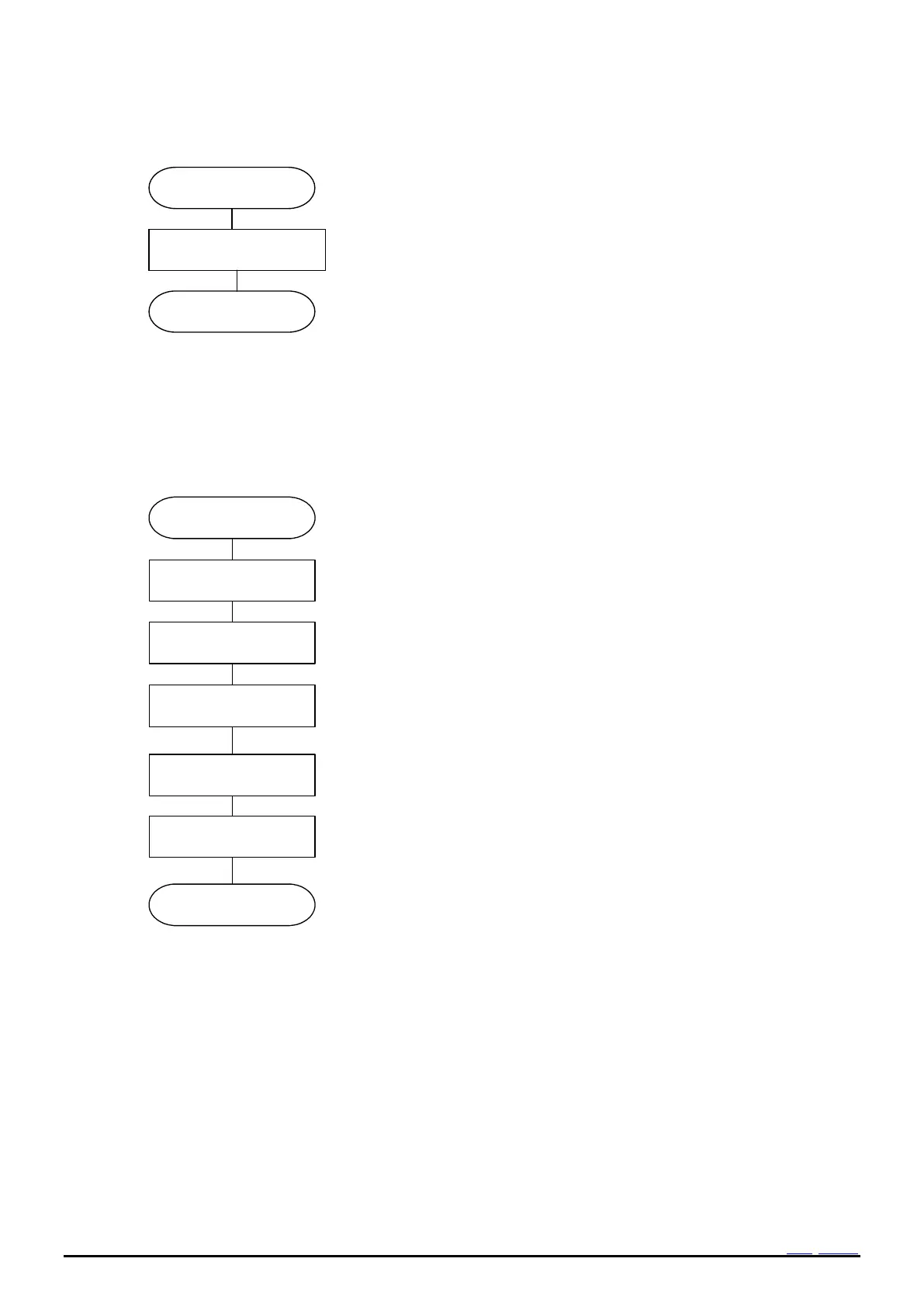
18.6 The reading of the clock and calendar
Please complete access within 0.95 seconds
The STOP bit holds "0".
(It causes the clock delay to set STOP bit to “1”)
At the time of a communication start, the Clock & Calendar data are fixed
(hold the carry operation), and it is automatically revised at the time of the
communication end.
The access to a clock calendar recommends to have access to continuation
by a auto increment function.
Figure 44 Example flow (Clock, calendar reading)
18.7 Setting example of the wakeup timer interrupt function
Set initial value of down counter.
Set TE bit to "1" to start timer interrupt function.
When start timers interrupt function, please surely set/reset
(*implement 2) initial value of down counter in advance.
Select and set /IRQ output
Select a power supply condition of a count
1 Countdown is suspended with TSTP,"0""1" and countdown is
performed again with TSTP,"1""0"
2 When you want to restart from a pre-set value, please set a TE bit to “1”
again after setting a TE bit to “0”.
Clear TE bit to “0” to stop timer-interrupt function.
The countdown period is fixed by the combination of the TSEL2, TSEL1,
TSEL0 bit.
Clear TF bit to “0” to cancel last timer interrupt output (/IRQ output).
Figure 45 Example flow (Wakeup timer interruption)



 To Next Page