1-16 General Information Rev. A
* CPL = characters per line
* Space between characters is not included
* Characters can be scaled up to 64 times the standard size.
* When using Font B in a font mode such as emphasized mode, some words may be hard to read. Check the font
mode in advance when using Font B.
1.5.4.1 Autocutter
Partial cut: Cutting with one point left uncut
NOTES:1.To prevent dot displacement, after cutting, feed paper approximately 1 mm (14/360 inches) or more
before printing.
2.If the printer is stopped, you must feed paper over 40 mm (1.58 in.) before cutting
Character structure: Font A: 12
×
24 (including 2-dot spacing in horizontal)
Font B: 9
×
17 (including 2-dot spacing in horizontal)
Kanji: 24
×
24
Font A is the default
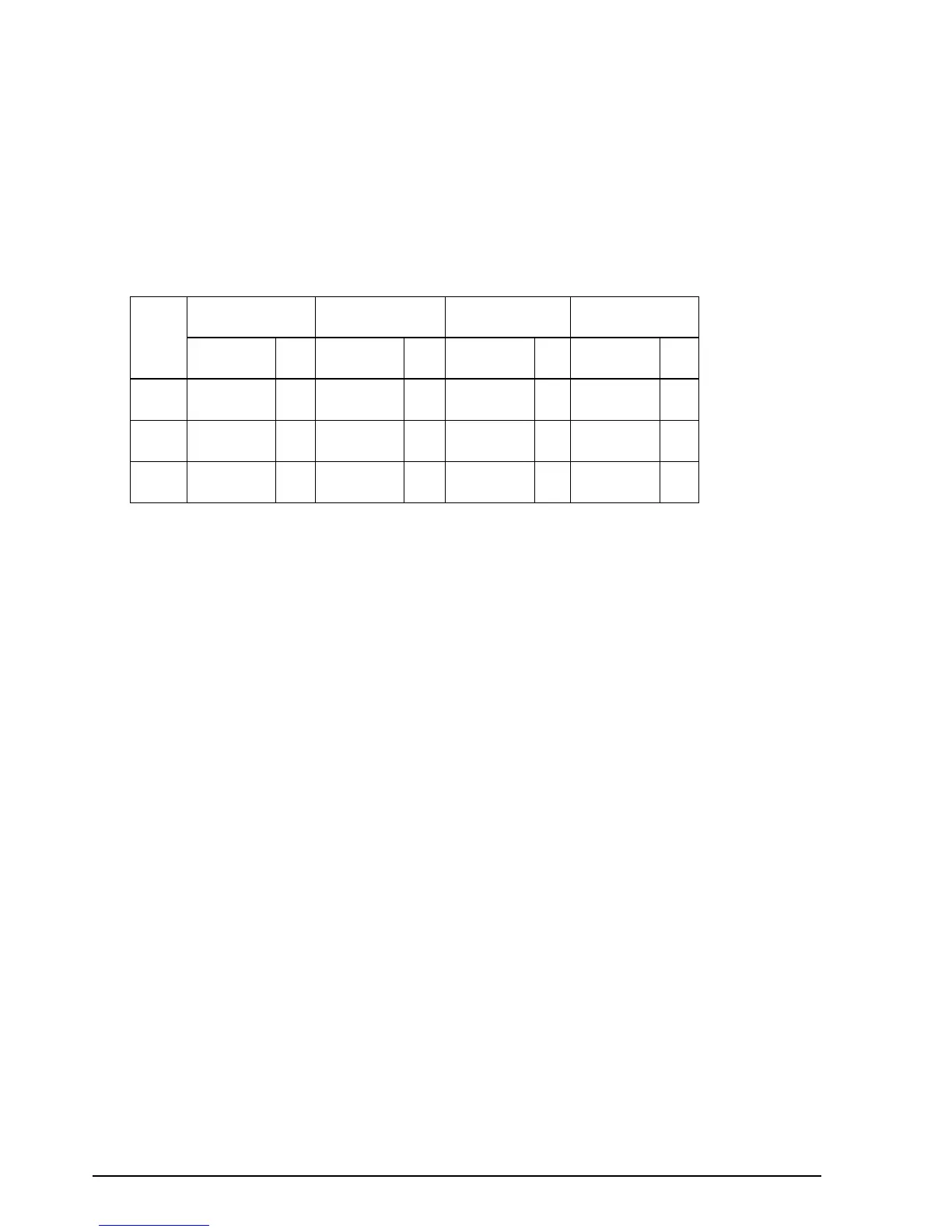
Character size, characters per line
Standard Double-height Double-width
Double-width/
Double-height
W x H in mm
{inches} CPL
W x H in mm
{inches} CPL
W x H in mm
{inches} CPL
W x H in mm
{inches} CPL
Font A
12 x 24
1.41 x 3.39
{.06 x .13"}
42 1.41 x 6.77
{.06 x .27"}
42 2.82 x 3.39
{.11 x .13"}
21 2.82 x 6.77
{.11 x .27"}
21
Font B
9 x 17
0.99 x 2.40
{.04 x .09"}
56 0.99 x 4.80
{.04 x .19"}
56 1.98 x 2.40
{.08 x .09"}
28 1.98 x 4.80
{.08 x .19"}
28
Kanji
12 x 24
3.39 x 3.39
{.13 x .13"}
21 3.39 x 6.77
{.13 x .27"}
42 6.77 x 3.39
{.27 x .13"}
10 6.77 x 6.77
{.11 x .27"}
21



 To Next Page
 Loading...