Rev. A Setup 3-21
TM-H6000II Technical Reference Guide
3.4.4.2 Serial interface model
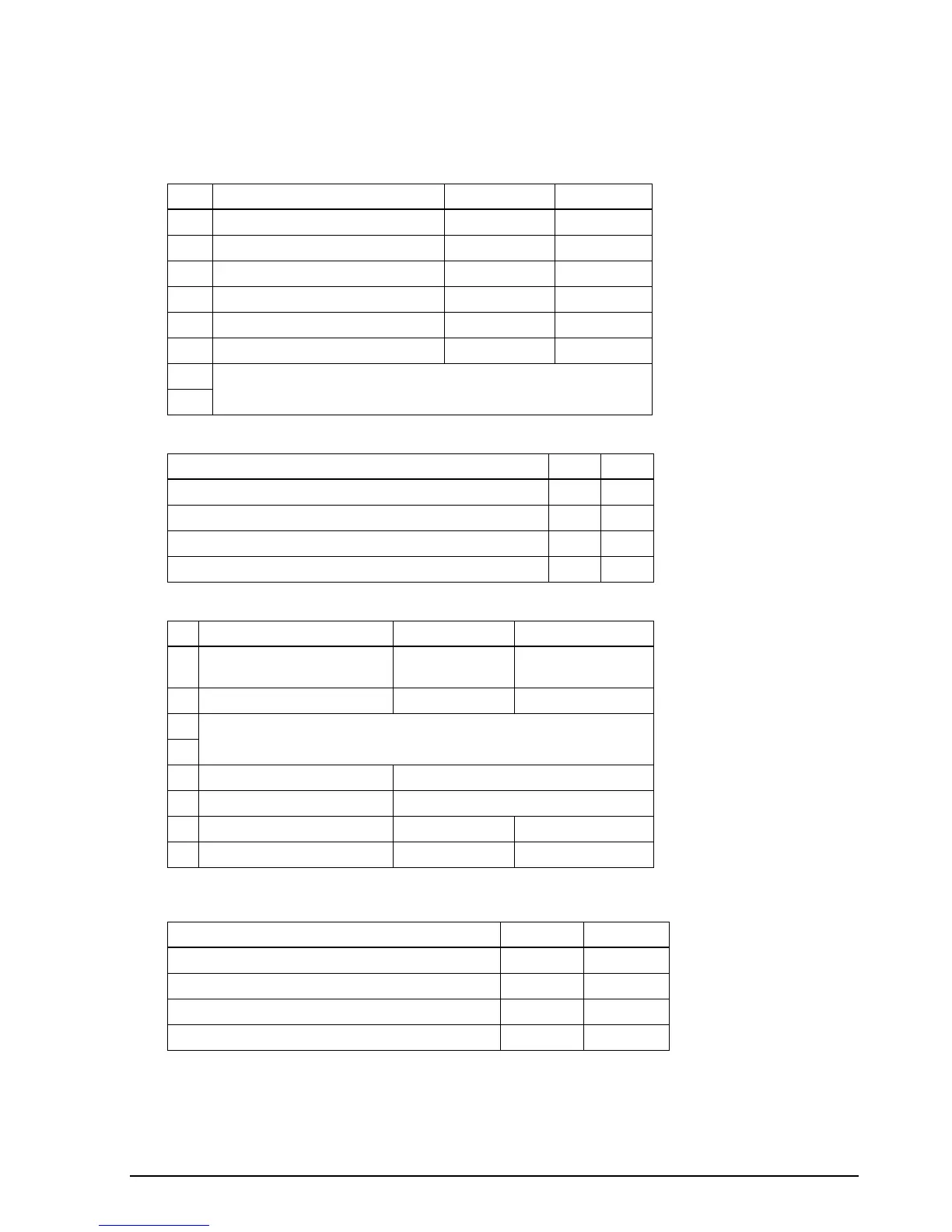
Print density
DIP Switch 1
SW Function ON OFF
1-1 Data receive error Ignored Prints “?”
1-2 Receive buffer capacity 45 bytes 4 KB
1-3 Handshaking XON/XOFF DTR/DSR
1-4 Data word length 7 bits 8 bits
1-5 Parity check Enabled Disabled
1-6 Parity selection Even Odd
1-7 Transmission speed (See the table below.)
1-8
Transmission speed
Transmission Speed in BPS (bits per second) 1-7 1-8
4800 ON ON
9600 OFF ON
19200 ON OFF
38400 OFF OFF
DIP Switch 2
SW Function ON OFF
2-1 Handshaking (BUSY condition) Receive buffer full Offline or receive
buffer full
2-2 Customer display connection Connected Not connected
2-3 Print density (See the table below.)
2-4
2-5 Internal use Fixed to OFF
2-6 Internal use Fixed to OFF
2-7 I/F pin 6 reset signal Enabled Disabled
2-8 I/F pin 25 reset signal Enabled Disabled
Print Density SW 2-3 SW 2-4
1 (Light) ON ON
2↑ OFF OFF
3↓ ON OFF
4 (Dark) OFF ON



 To Next Page
 Loading...