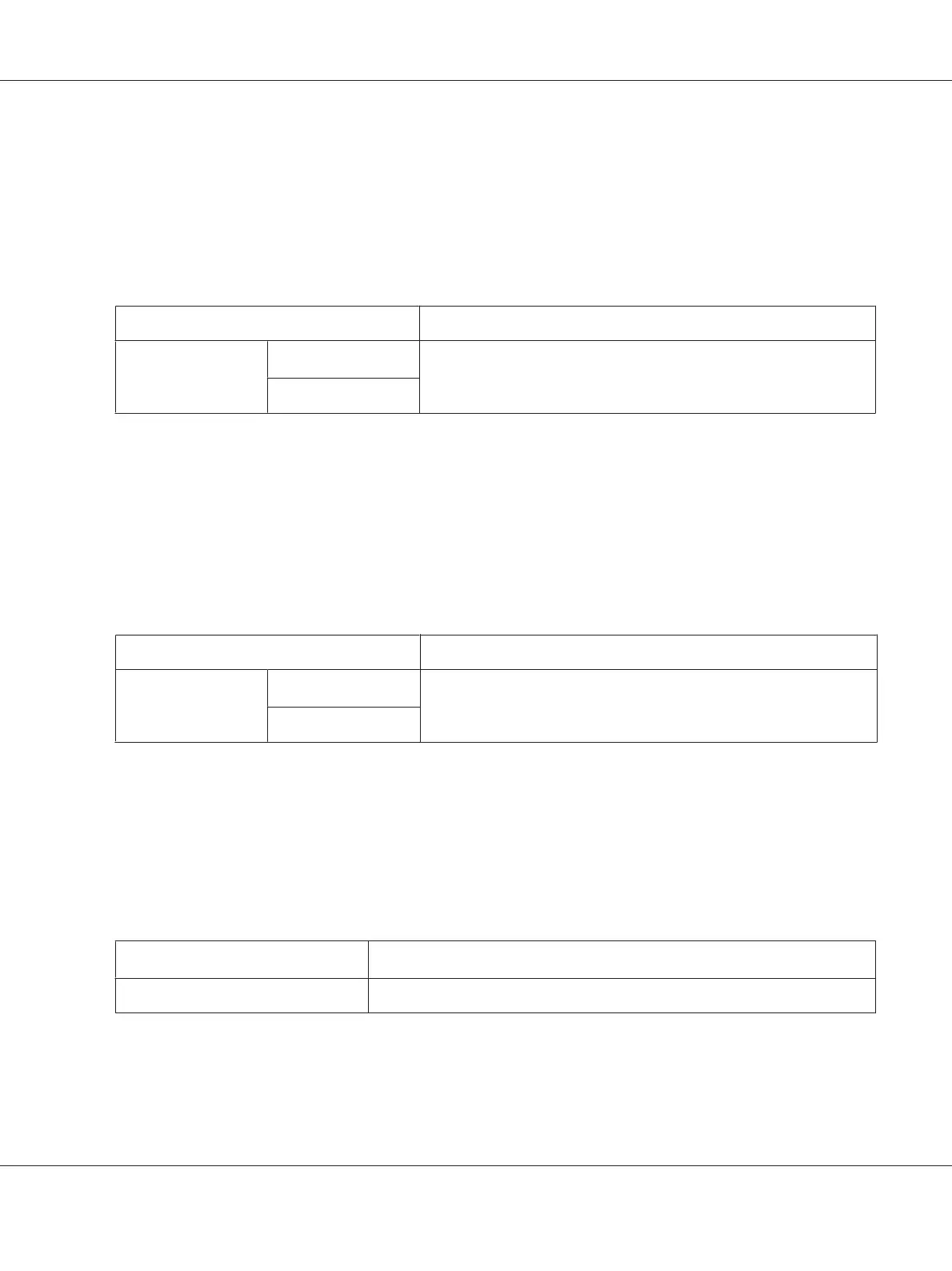
Fault Timeout
Purpose:
To specify a time period before the printer cancels a job that has halted abnormally. Any job will be
cancelled when it times out.
Values:
Off
Disables the fault time-out feature.
On
60sec
*
By default, the printer cancels a job in 60 seconds after the job halts
abnormally. You can change the setting within a range from 3 to 300
seconds.
3sec - 300sec
*
Factory default menu setting
Job Timeout
Purpose:
To specify a time period that the printer waits to receive data from a computer. Any print job will be
cancelled when it times out.
Values:
Off
Disables the job time-out feature.
On
30sec
*
By default, the printer waits to receive data from a computer for 30
seconds. You can change the setting within a range from 5 to 300
seconds.
5sec - 300sec
*
Factory default menu setting
mm / inch
Purpose:
To specify the measurement unit after the numeric value displayed on the operator panel.
Values:
Millimeters (mm)
*
Inches (")
*
Factory default menu setting
AL-M200 Series User’s Guide
Using the Operator Panel Menus 152











 To Next Page