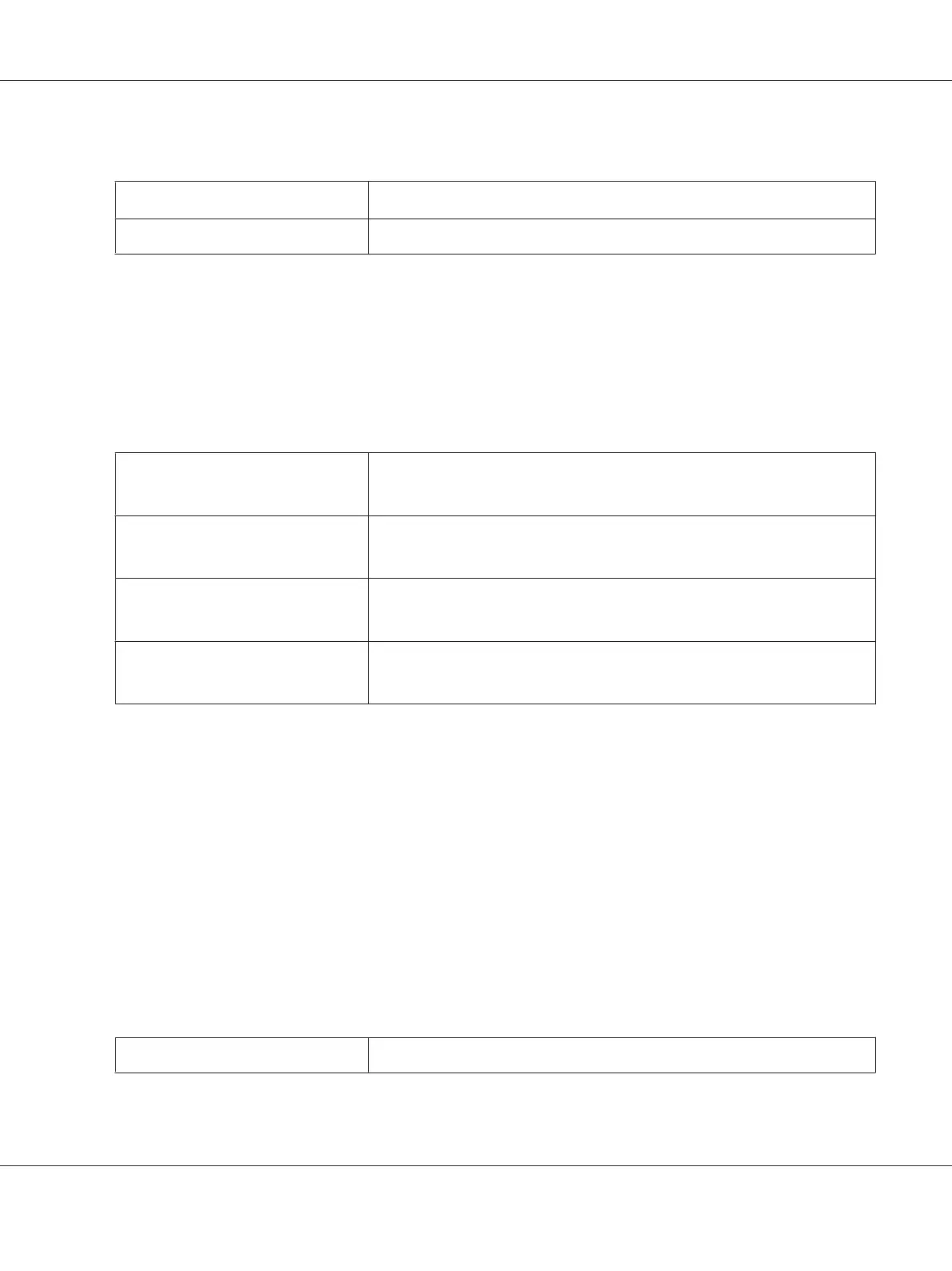
Values:
Disable
*
Does not print in the draft mode.
Enable
Prints in the draft mode.
*
Factory default menu setting
Line Termination
Purpose:
To add the line termination commands.
Values:
Off
*
The line termination command is not added.
CR=CR, LF=LF, FF=FF
Carriage Return
The CR command is added.
CR=CR, LF=CR-LF, FF=CR-FF
Line Feed
The LF command is added.
CR=CR-LF, LF=LF, FF=FF
CR + LF
The CR and LF commands are added.
CR=CR-LF, LF=CR-LF, FF=CR-FF
*
Factory default menu setting
PS Settings
Use the PS Settings menu to change printer settings that only affect jobs using the PostScript Level3
Compatible printer language.
PS Error Report
Purpose:
To specify whether to print the description of errors concerning the PostScript Level3 Compatible
printer language.
Values:
Off
Dose not print the PS error report.
AL-M200 Series User’s Guide
Using the Operator Panel Menus 165











 To Next Page