8 MEMORY MANAGMENT
0459 287 601
- 26 -
© ESAB AB 2020
8 MEMORY MANAGMENT
Various welding data created in the primary memory can be stored in the memory menu. Up
to 10 different welding data settings can be stored.
8.1 Store welding data
Set a welding data setting in the primary memory.
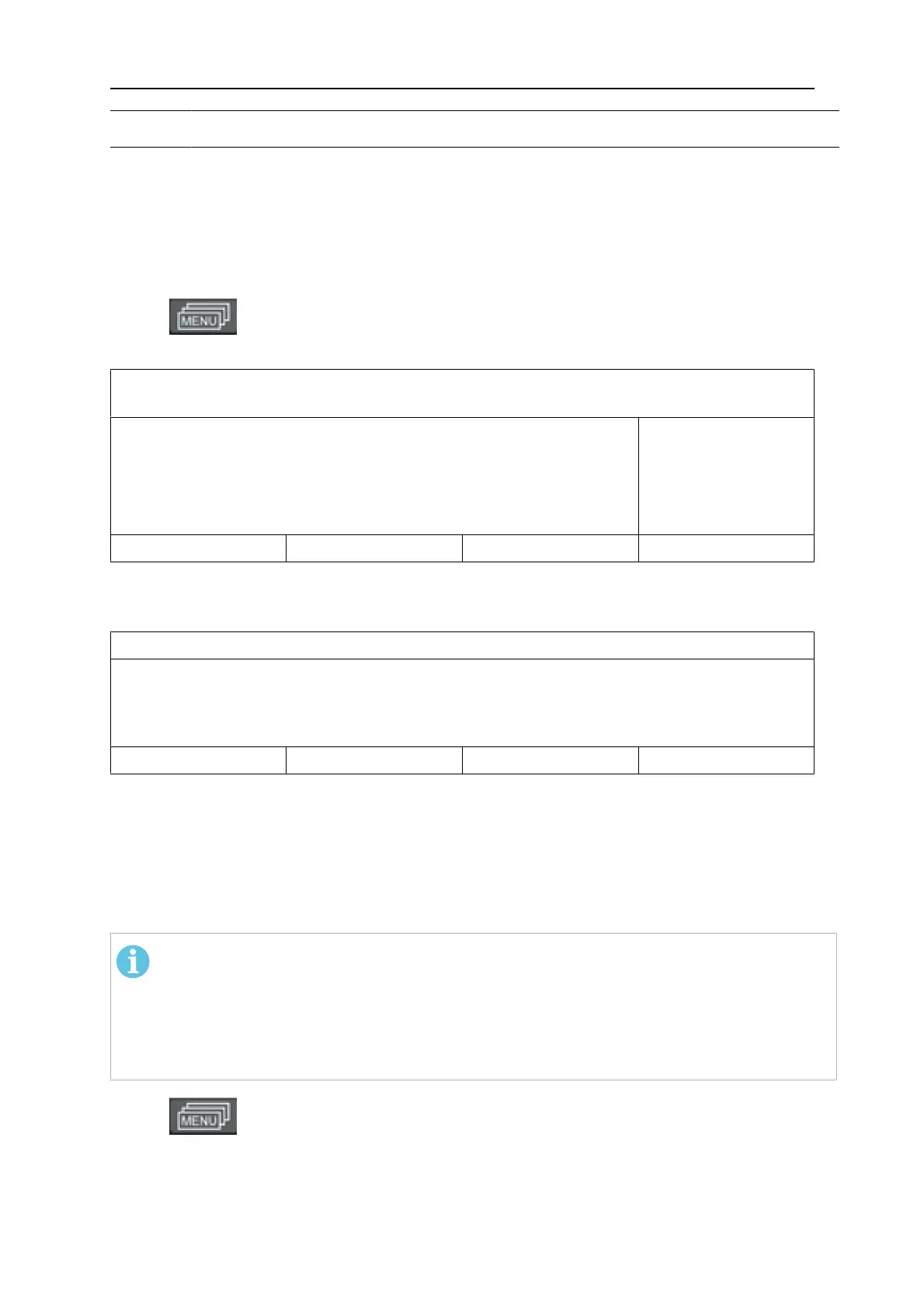
Press to access the SELECT MENU and then MEMORY MENU to access the
relevant settings.
- - MEMORY MENU - -
CURRENT SETTINGS
MIG / MAG
Fe ER70S
0,0 VOLT
0,8 MM
5,0 M/MIN
NEXT
Check that the welding data settings are correct.
Press NEXT to access the MEMORY MENU.
1
EMPTY
STORE RECALL DELETE NEXT
Press NEXT until you come to the memory position in which you want to store the welding
data setting, e.g. position 2.
Press STORE a welding data setting is now stored in memory position 2. The other memory
positions are empty.
8.2 Recall welding data
NOTE!
An error message (error 44) may appear when welding data is recalled if the U6 panel
has detected a mismatch between method data read from memory and current data.
This can occur if welding data is recalled when connected to a power source that has
a different software version than the power source that was used to save the weld
data.
Press to access the SELECT MENU and then on MEMORY to access the
relevant settings.



 To Next Page