1 INTRODUCTION
0459 287 601
- 6 -
© ESAB AB 2020
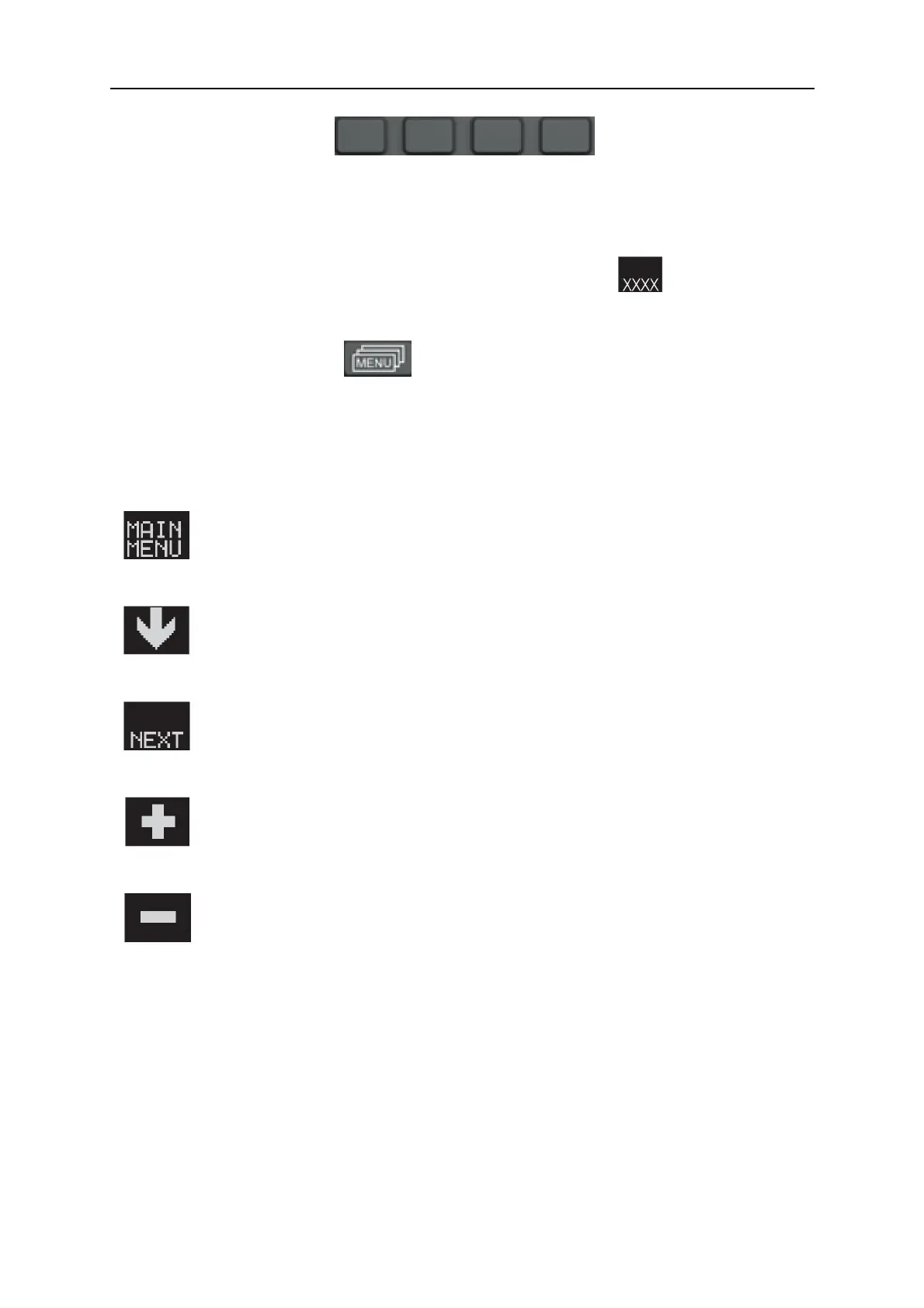
Soft keys
The functions of these keys (i.e. what each one does) change, depending on the sub-menu
shown in the display. The particular function for each button is shown by the text in the
bottom line of the display, corresponding to the buttons. (A white dot beside the text
indicates that the key is active.)
When the text in this manual advise you to press a key of this type , the intention is
that you should press the function key beneath the relevant display text.
MENU pushbutton
This key brings you to the SELECT MENU (see item <>) if you are in the main menu. If you
are in some other menu, it moves you back up one menu.
1.4 Symbols in the display
Back to the MAIN MENU
Move the cursor down to a new setting parameter.
Change the function in the selected line.
Increase the value.
Decrease the value.
1.5 Update of software
If this warning is shown in the display, it means that the power source doesn’t support this
function.
Contact an authorised ESAB service engineer to get an updated software.



 To Next Page