2 MENUS
0459 287 601
- 8 -
© ESAB AB 2020
2 MENUS
The control panel uses this menus: MAIN MENU, MEASURMENT MENU, SELECT MENU,
PROCESS MENU, SETTINGS MENU, CONFIGURATION MENU and MEMORY MENU. A
startup display is also shown when starting, with information on the type of panel and the
software version in use.
2.1 The main menu and the measurements menu
4 - STROK GRAT FILL HOT START NEXT
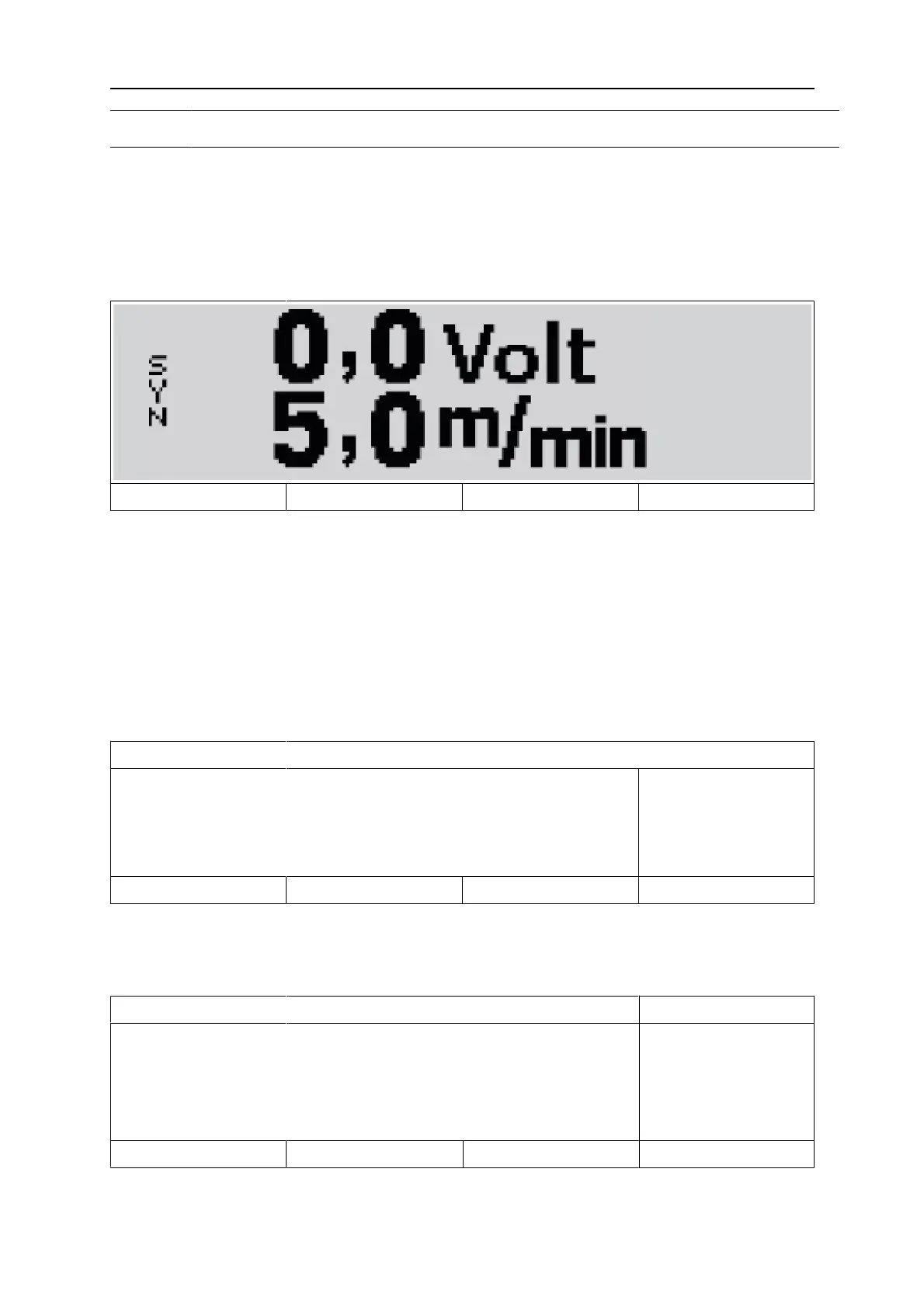
The MAIN MENU always appears immediately after starting, showing the values that are set.
If you are in the MAIN MENU when you start to weld, the menu changes automatically to
show the measured values (the measurements menu). The measured values remain on the
display even after welding stops.
Other menus can be accessed without losing the measured values.
It is only when a knob is turned or the welding method changed that the setting values are
displayed instead of the measured values.
2.2 Select menu
MIG / MAG
Fe ER70S
CO2
19,2 VOLT
SELECT MENU
0,8 MM
5.0 M/MIN
PROCESS SETTING CONFIG MEMORY
Use the SELECT MENU to select the next level of menu to which you want to go: PROCESS
MENU, SETTINGS MENU, CONFIGURE MENU or MEMORY MENU.
Process menu
- - PROCESS MENU 1 /2 - -
PROCESS
SYNERGIC
WIRE
GAS
MIG / MAG
ON
Fe ER70S
C0 2
↓ MAIN MENU NEXT
Use the PROCESS MENU to change the welding process, material type etc.



 To Next Page